
How to make a real estate video from photos: four ways compared
By Ferit Patefe Coremagna, Founder and CEO, Miravely. Last checked
You can turn listing photos into a video four ways: a slideshow app that pans and zooms across each photo, an AI tour tool that animates the photos into walkthrough clips, a general AI video model such as Kling that you prompt clip by clip, or a videographer who films the property instead. A slideshow costs little but reads as stills, an AI tool runs about $5 to $25 a listing and needs every clip checked for warped rooms, and a videographer charges $250 to $600 for a walkthrough on average.
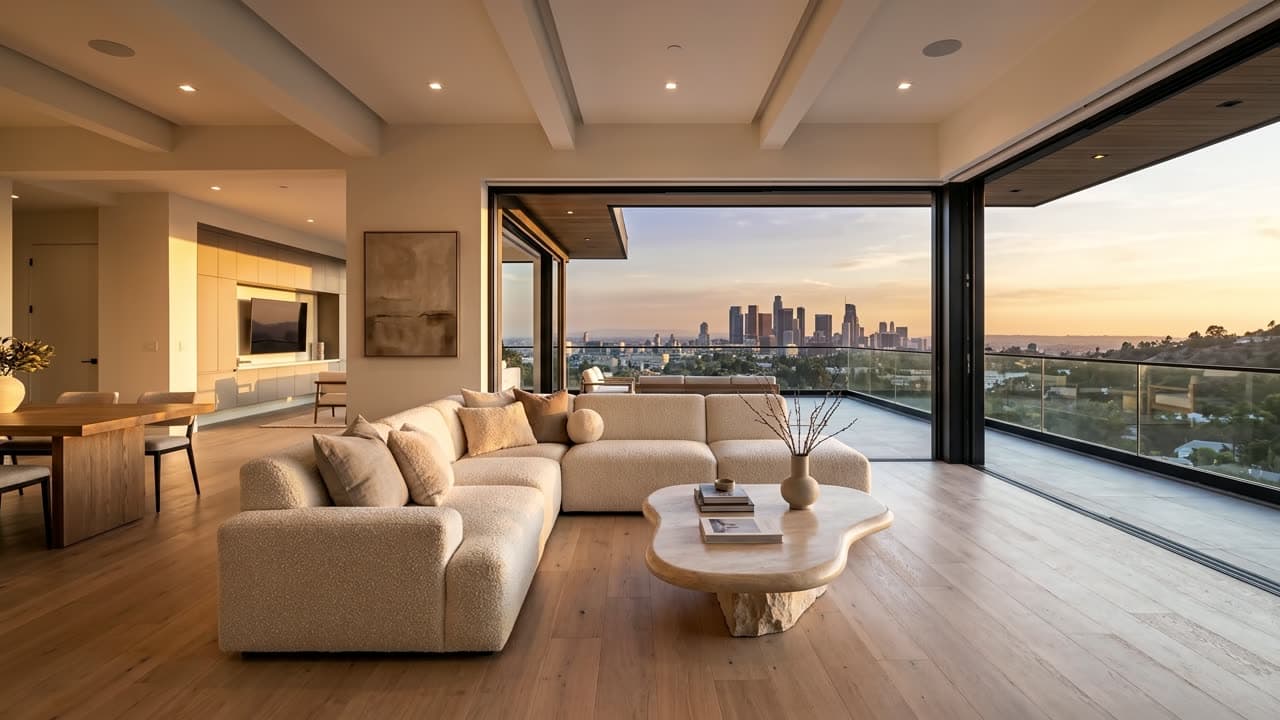 AI-generated
On this page
Four ways to turn listing photos into a video, compared
Prices are each seller’s published rate in September 2026. The last part of each row is what goes wrong most often with that way of doing it.
| The way | What it costs and what goes wrong |
|---|---|
| A slideshow app with pan and zoom | Free with a watermark, or $9 a month billed yearly on Animoto’s Basic plan. It never moves through the house, so it shows nothing the photos did not. Animoto pricing |
| An AI real estate video tool | $10 to $25 a video on AutoReel’s plans, with similar prices elsewhere. Any generated clip can bend a wall or invent part of a room, so every one has to be watched. AutoReel pricing |
| Prompting Kling or Higgsfield yourself | About 8 credits a clip for Kling 3.0 at 1080p, on a Higgsfield plan of $39 a month with 1,000 credits. Every clip needs its own prompt, retries and a hand edit, and nothing checks the clips but you. Higgsfield pricing |
| A videographer | $250 to $600 for a walkthrough on average, and $150 to $400 for a 30 to 60 second highlight reel. A shoot to book, but the least risk of misrepresenting the property, because a camera was in every room. Fash, “Real estate videography pricing” |
The free way: a photo slideshow with pan and zoom
The oldest way to make a listing video from photos is a slideshow. Each photo holds the screen for a few seconds while the frame pushes slowly in or drifts across it, with music underneath. Animoto, Canva, iMovie and most phone video editors do it from a template in a few minutes.
It costs little or nothing. Animoto’s free plan exports at 720p with its watermark on the video, and its Basic plan removes the watermark and exports at 1080p for $9 a month billed yearly, or $19 month to month. Animoto pricing
What a slideshow cannot do is move through the house. The camera never passes a doorway, so a buyer learns nothing about how the rooms connect that the photos had not already shown. That makes it a sound choice for a quick social post and a weak one for a listing whose layout is the selling point.
AI real estate video from photos: the tools built for it
A newer group of tools runs each listing photo through an image-to-video model, so the camera seems to move: pushing into a room, sliding past a window, walking from one space into the next. You upload the photos, choose an order and a shape, landscape for a portal or vertical for social, and get a video back in minutes rather than days.
Most charge per video or per credit. AutoReel’s plans work out at $10 to $25 a video, depending on the plan and how it is billed, and it does not sell single videos without a subscription. AutoReel pricing
Reel Estate sells credits instead: $60 a month for 150, with each photo turned into a clip costing 3, so a 20-photo listing uses 60 of them. Reel Estate pricing
Reel-E prices by listing, from $44 a month billed yearly for three listings a month. Reel-E pricing
Miravely, which publishes this blog, is one of these tools. On its default settings a ten-photo tour is nine four-second clips at 1080p, 60 credits each, 540 credits in all, which is about $6 on the $29 Starter plan. The price is shown clip by clip before anything is generated.
The bigger difference between these tools is what each clip is given. A tool that animates each photo on its own asks the model to continue the room past the edge of the frame, and it will make up whatever it cannot see. A tool that runs each clip from one photo to the next pins both ends of the move to real frames, which leaves the model much less to invent.
Doing it yourself: prompting Kling or Higgsfield
The models these tools run on are sold directly too. Higgsfield offers Kling, Seedance and others on plans from $15 a month billed yearly, and lists a five-second Kling 3.0 clip at 1080p at about 8 credits, on a plan that includes 1,000 credits a month for $39. Higgsfield pricing
Clip for clip, that is cheaper than any listing tool. What it costs is time. Every clip needs its own prompt, a first and a last frame chosen by hand, usually more than one attempt, and an editor to cut the clips into a film at the end. A ten-photo tour made this way takes an afternoon.
Before Miravely’s tour studio existed, its founder made listing films for agents this way, by hand, with the same models. The next section comes from those jobs.
Why AI walkthrough videos warp rooms, and how to stop it
Give a video model one photo and ask the camera to move, and it has to invent everything the camera turns toward. Give it two photos, where the move starts and where it ends, and it only has to invent the path between them. On a listing that difference decides whether a clip can be published, because the invented part is where walls bend, windows multiply and a hallway grows a door that is not there.
The same failures come back on every job. Models add, drop and move columns and beams, so a prompt that counts them, two columns with the left one by the window, holds a room better than one that describes its style. Mirrors and glass confuse them, because a reflection looks like more room. Stairs are the worst: on a commercial listing made this way in August 2026, the generated clip of the staircase passed straight through the floor at 5.75 seconds, on the one shot meant to prove the two floors connected.
The fix was not a better prompt. The clip was cut at 4.8 seconds, before it broke, and the descent was replaced with the agent’s own phone footage. The rule that came out of it: a shot that is the evidence for a claim, that the floors connect or that the garden joins the house, has to be real footage, or the claim has to leave the video.
Two more rules came from the same jobs. Keep clips short, because a model does most of its inventing in the middle of a long clip, which is why four seconds is the tested default in Miravely’s tour studio. And never let a model put figures on screen. On one early cut where the numbers were left for the model to fill in, every one came out wrong: the floor area was less than half the real one and the rent was out by a factor of two and a half.
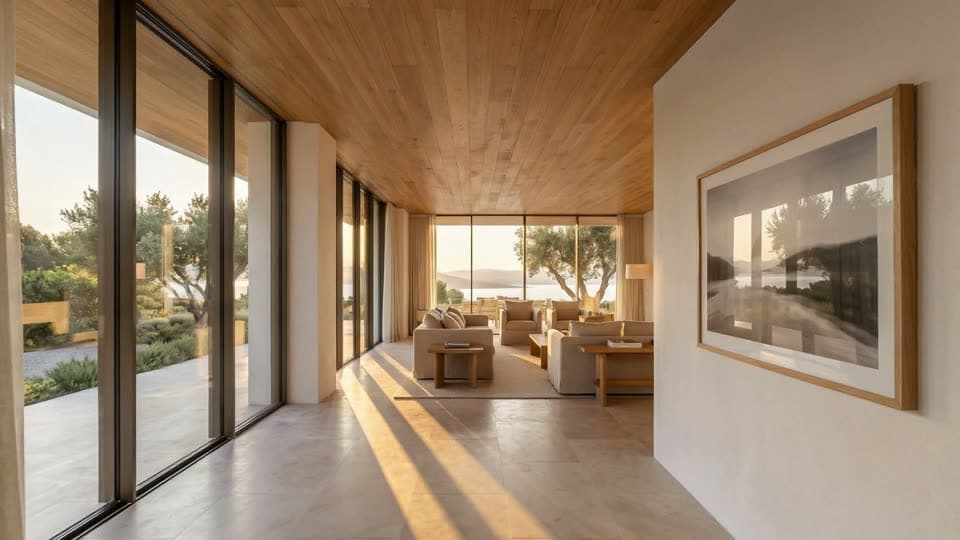 First frame
 Last frame
How many photos a video tour needs, and in what order
Order the photos the way a buyer would walk the house: the front first, then the entrance, the main living space, the kitchen, the bedrooms and the garden last. A tool that runs each clip from one photo to the next follows that order literally, so a cut from the bathroom back to the front door reads as a jump.
At four seconds a clip, six photos make a tour of about 20 seconds and twelve make one of about 45. A highlight reel usually runs 30 to 60 seconds, and a full walkthrough one to three minutes. Fash, “Real estate videography pricing”
Photos next to each other in the order should share something: a doorway, a wall, a window seen from both sides. Two photos with nothing in common force the model to invent the connection, which is where invented corridors come from. Leave out rooms too small to stand in, such as a cupboard or a narrow bathroom shot from the door. A camera move inside them has nowhere to go.
Do you have to disclose an AI-generated listing video?
California’s AB 723, in force since January 1, 2026, is written about a digitally altered image. It requires a statement that the image was altered and a link to the unaltered original. AB 723 bill text, California Legislature
Wisconsin’s rule, from January 1, 2027, is written about advertising instead, so a video falls inside it. It requires disclosure when technology adds, removes or changes elements of the property in a way that creates a false or misleading impression, which is what a tour that invents a doorway does. Wis. Stat. 452.136 (1m) (advertising enhanced by technology)
Portals set their own rules. Zillow’s Showcase video has to come from the listing’s own photographer, run 120 seconds or less and carry no persistent logos, watermarks or advertising. Zillow Help Center, “Showcase: Edit a Listing”
Rightmove wants property videos to show only the property, with no contact details, no links to an agency’s website and no text in the video, and asks for a caption with each one. Rightmove Agent and Developer Technical Guidelines, January 2026
Many MLSs take a tour only as an unbranded link. Doorify MLS in North Carolina, for one, bars contact information, branding and promotional messaging from tours and their hosting pages, and does not accept YouTube or Facebook links. Doorify MLS, “What are the Virtual Tour Requirements?”
Where no rule applies, a line in the description such as “walkthrough generated from the listing photos” costs nothing and answers the question before a buyer asks it.
Before you publish a video made from photos
- Watch every clip at full size from start to finish, and watch the edges: door frames, window bars, stair rails and anything that reflects.
- Check each room against the photo it came from: the same windows, doors, columns and beams, in the same places.
- Cut any clip that passes through a wall, a floor or a closed door, and never use a generated clip as the proof that two spaces connect.
- Type every figure from the listing itself. A model asked to fill in floor areas or prices produces plausible numbers that are wrong.
- For Rightmove, keep text out of the video entirely, prices and offers included, and put a caption on the link instead. Rightmove Agent and Developer Technical Guidelines, January 2026
- Make an unbranded copy for the MLS and the portals, with no agent name, logo, phone number or website, and keep the branded one for social. Doorify MLS, “What are the Virtual Tour Requirements?”
- Keep a Zillow Showcase version to 120 seconds or less, uploaded by the listing’s own photographer. Zillow Help Center, “Showcase: Edit a Listing”
- Say in the description that the walkthrough was generated from the listing photos, and keep the photos themselves in the listing.
Common questions
Can you make a real estate video from photos?
Yes. A slideshow app turns photos into a video with pan and zoom for free or a few dollars a month, and an AI tour tool animates them into walkthrough clips for roughly $5 to $25 a listing. Both work from the photos you already have, with no second visit to the property.
Animoto pricingHow much does a real estate video cost?
A videographer charges $250 to $600 on average for a walkthrough video and $150 to $400 for a 30 to 60 second highlight reel, and drone footage adds $200 to $450. Made from the listing photos with an AI tool, a video costs roughly $5 to $25.
Fash, “Real estate videography pricing”How do I turn listing photos into a video for free?
A slideshow with pan and zoom is free in phone editors such as iMovie and on Animoto’s free plan, which adds a watermark. AI tour tools mostly offer trials rather than free plans: AutoReel’s seven-day trial includes three videos without a watermark.
AutoReel pricingHow long should a real estate listing video be?
Thirty to sixty seconds for a highlight reel on social media, and one to three minutes for a full walkthrough. Zillow caps a Showcase listing video at 120 seconds.
Zillow Help Center, “Showcase: Edit a Listing”Should you put the asking price in a listing video?
Keep it in the caption or the description. Prices change while a property is on the market, and a price spoken in the voice-over means recording and cutting the audio again. On Rightmove the question is settled: no text is allowed in a property video at all.
Rightmove Agent and Developer Technical Guidelines, January 2026Why do AI real estate videos look warped?
Because the model has to invent whatever the photos do not show, and long straight edges are where the invention shows first: bending door frames, extra windows, stairs that pass through the floor. Pinning each clip between two real photos and keeping clips to about four seconds reduces it, but every clip still has to be watched.
Do buyers care about listing videos?
In NAR’s 2025 staging survey, 48% of buyers’ agents said videos in a listing were highly important to their clients, against 73% for photos and 43% for virtual tours.
NAR, 2025 Profile of Home Staging, May 6, 2025Do I have to disclose that a listing video was made with AI?
California’s AB 723 is written about digitally altered images, while Wisconsin’s rule from January 2027 covers all advertising, video included, where an edit creates a false impression of the property. MLS and portal rules vary, so a one-line note that the walkthrough was generated from the listing photos is the safe default.
Wis. Stat. 452.136 (1m) (advertising enhanced by technology)Miravely’s video tours run each clip from one of your listing photos to the next, check every clip before it is cut in, and show the price of the whole tour before anything is generated.