
Brush what you mean
Paint over the sofa, the floor or one wall and only that region is regenerated. The rest of the pixels are untouched.
Precision
Whole room redesigns are useful once. After that you usually want to test a single decision, which is what this is for.
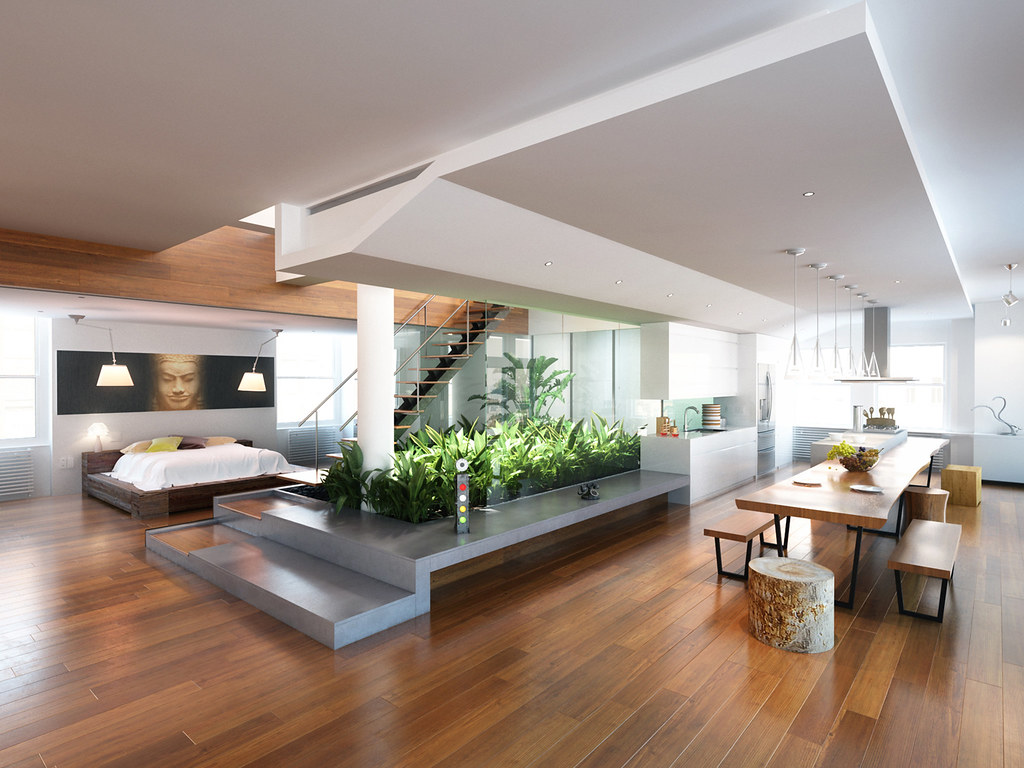 BeforeAfter
Step by step
Your photoA photograph of the room or the facade you want to test a finish on.
One surface at a time, from the studio’s own list, and what it should become in your own words. Everything else in the frame is left exactly as photographed.
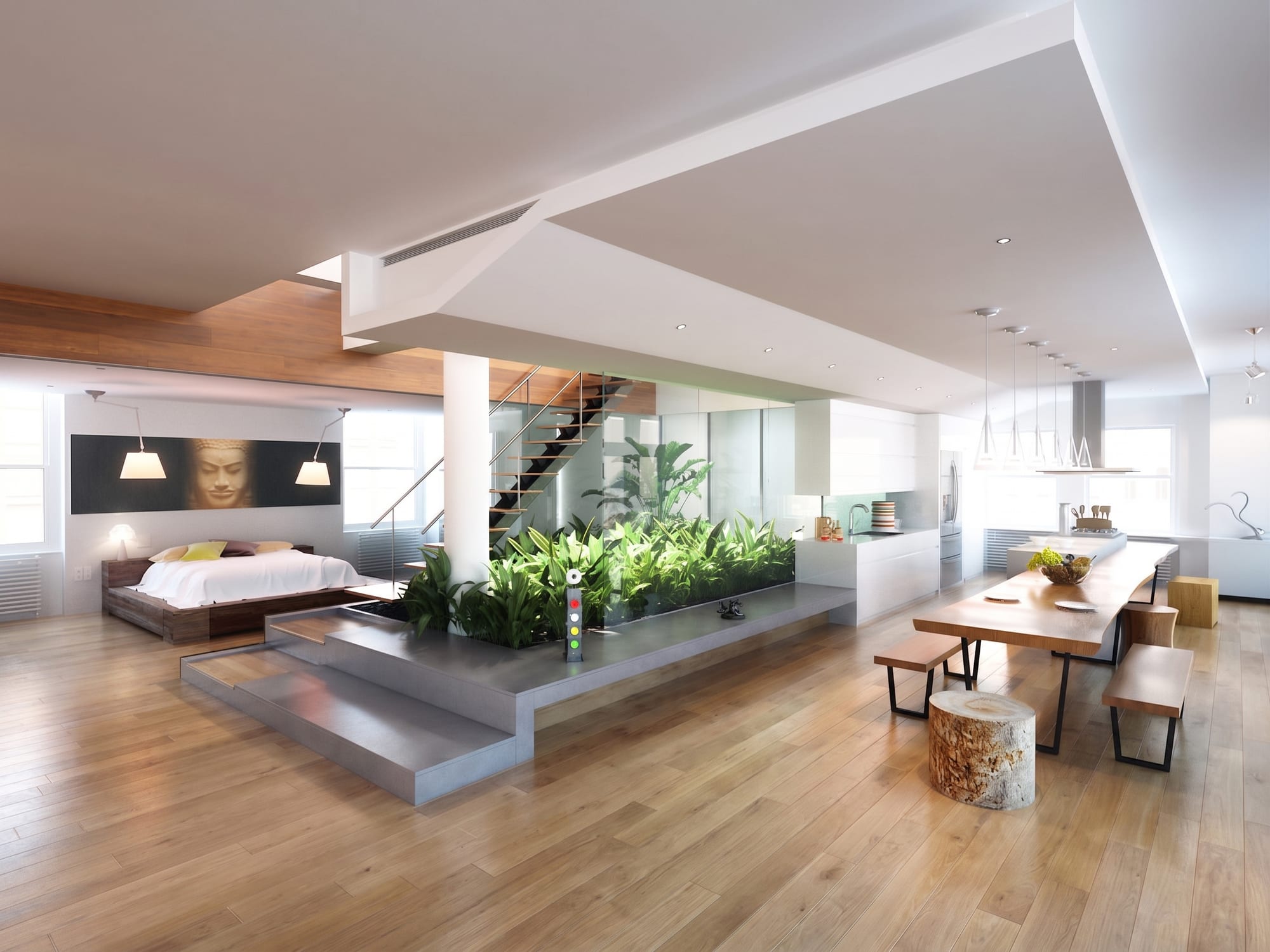 What came back
The same photograph with the new surface on it.
Every picture here is this page’s own example: the file that was uploaded, the setting that was used, and the result exactly as it came back. Nothing was retouched afterwards.
Try it now
Drop in a photo and Miravely opens straight into one thing at a time, no preset picking. About 30 seconds.
Drop in a photo
JPEG, PNG or WebP, up to 40 MB.
Settings
Settings
From 12 credits
This list comes out of the studio itself rather than being typed onto the page, so these are the engines you will be offered and the price you will be charged for each quality.
Nothing is generated until you press the button, and the cost is shown before that, never after. A new account starts with 72 free credits to try it with, and a generation that fails is refunded.
See what a credit costsPaint over the sofa, the floor or one wall and only that region is regenerated. The rest of the pixels are untouched.
Because only one thing moved, the comparison is honest. Two full redesigns differ in a hundred ways and tell you nothing.
Settle the flooring, then the walls, then the furniture, each on top of the last.
Questions
Yes -- name the one surface and Miravely regenerates only that region. Everything else in the frame, down to the shadows, is left as your camera captured it.
Yes -- Miravely applies each change on top of the last, so you settle one decision at a time instead of judging a whole new room at once.
72 free credits, enough for a couple of photos or one short clip. No card needed.