
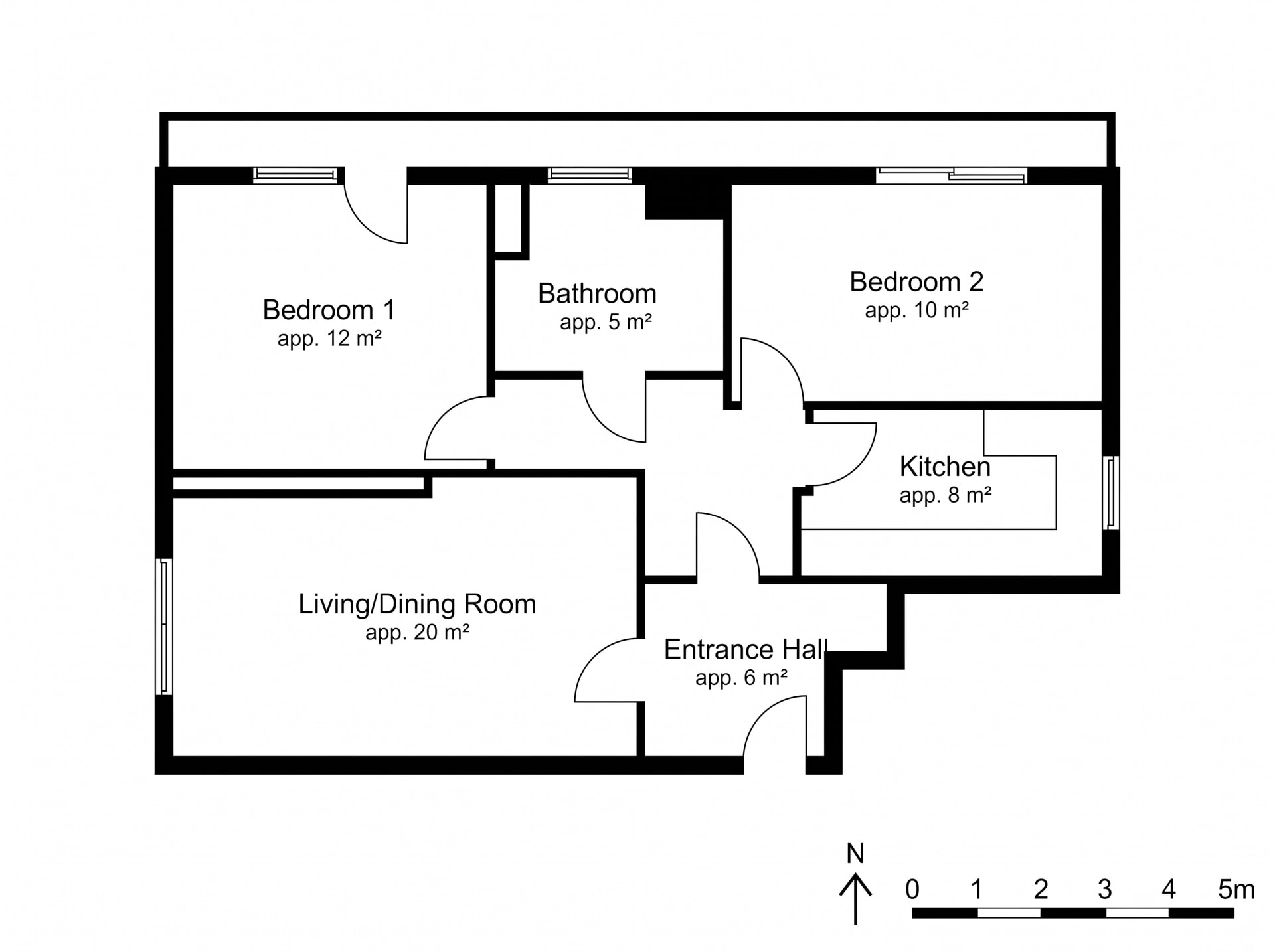
 PlanPresentation plan
Features
Tools that edit a property instead of inventing one.
Everything here works on the photograph you supply, and none of it moves the architecture unless you ask.
Sorted by the exact tool and what it locks in place, not the room. Looking for it by room or job instead? Browse Use cases.
PlanPresentation plan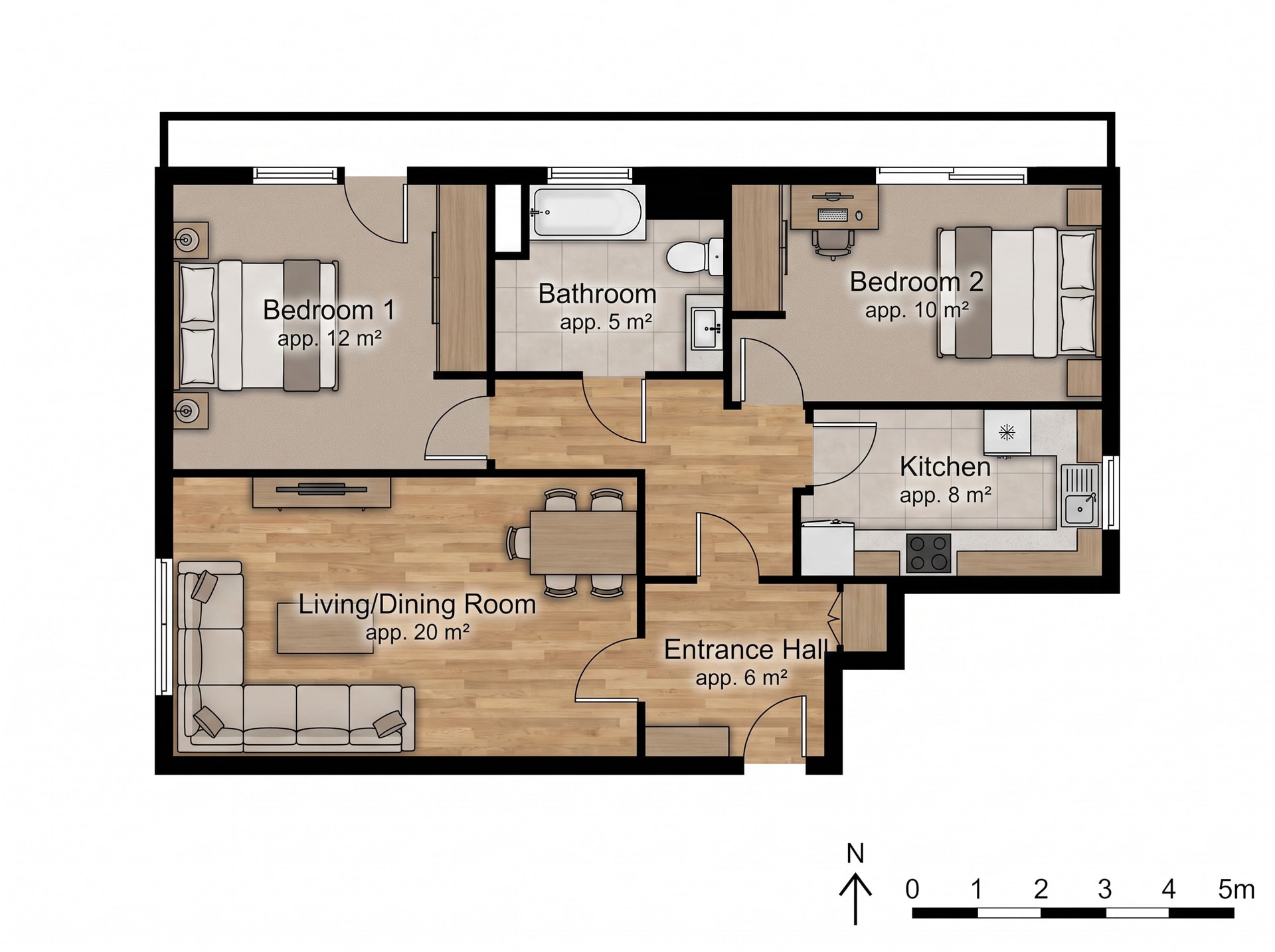
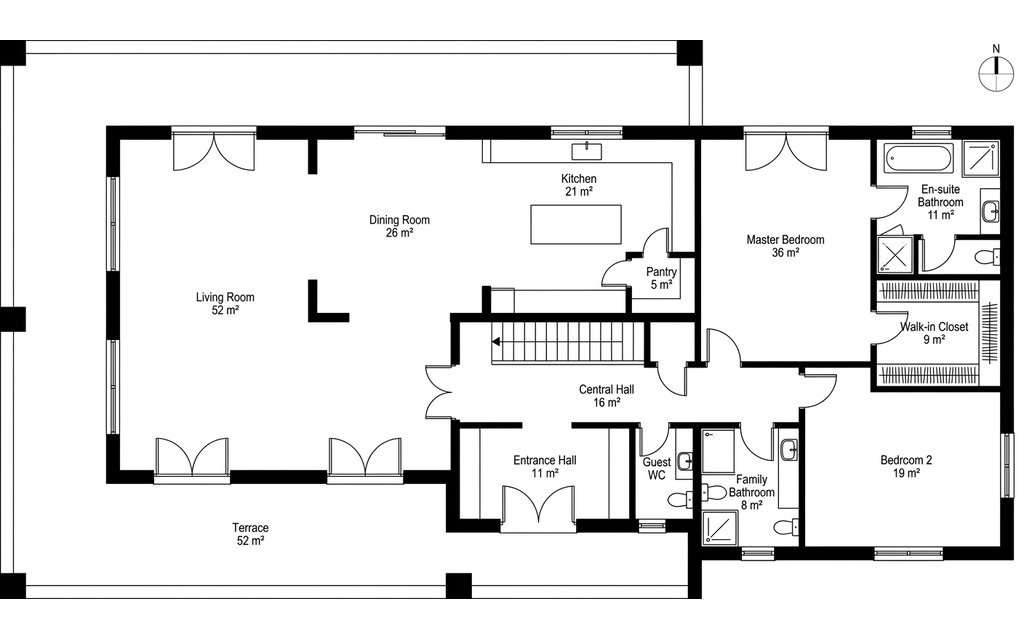 Plan3D view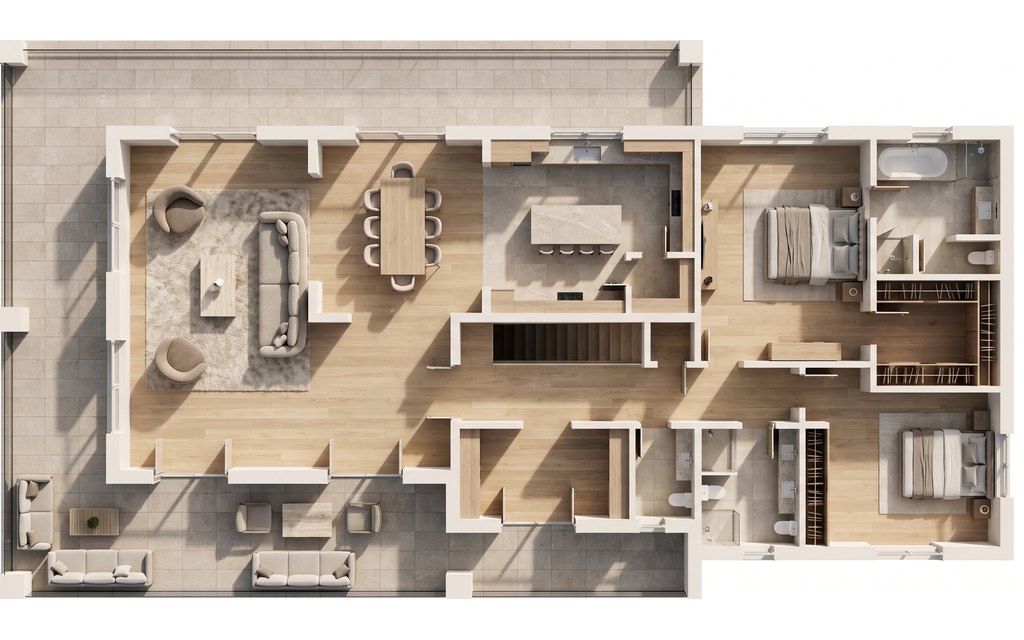
 3D viewRoom photo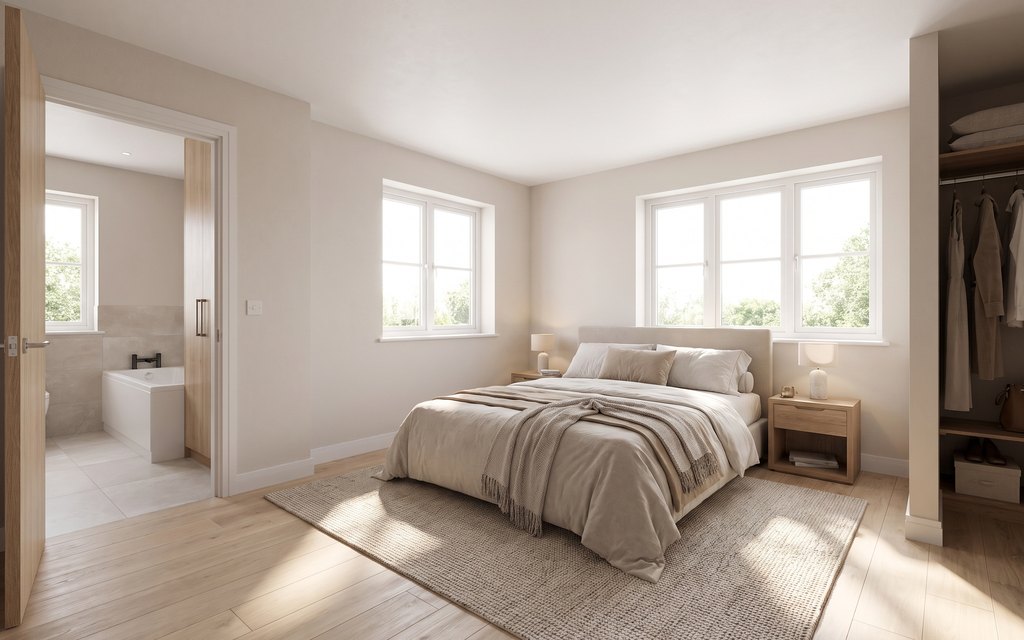
 BeforeAfter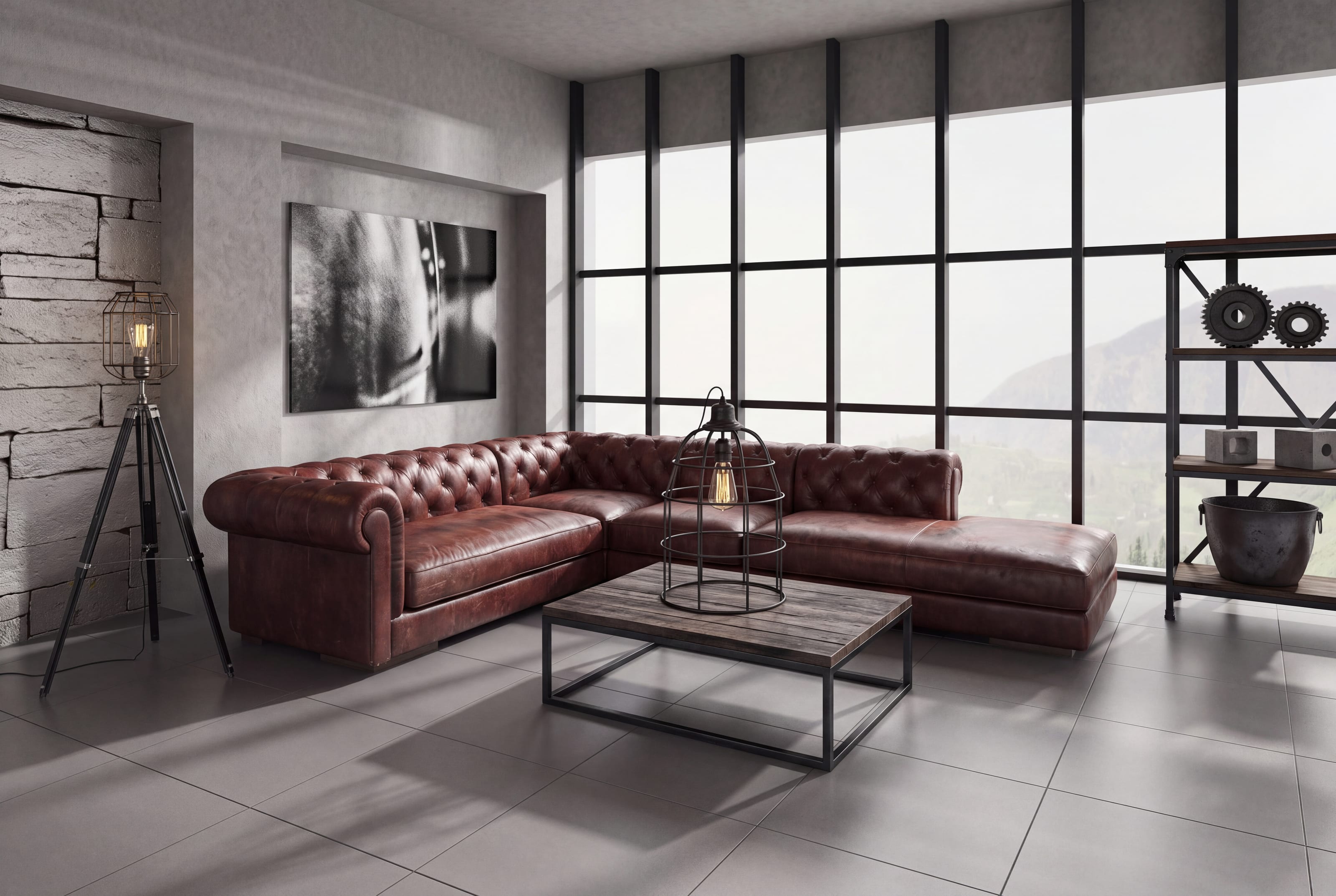
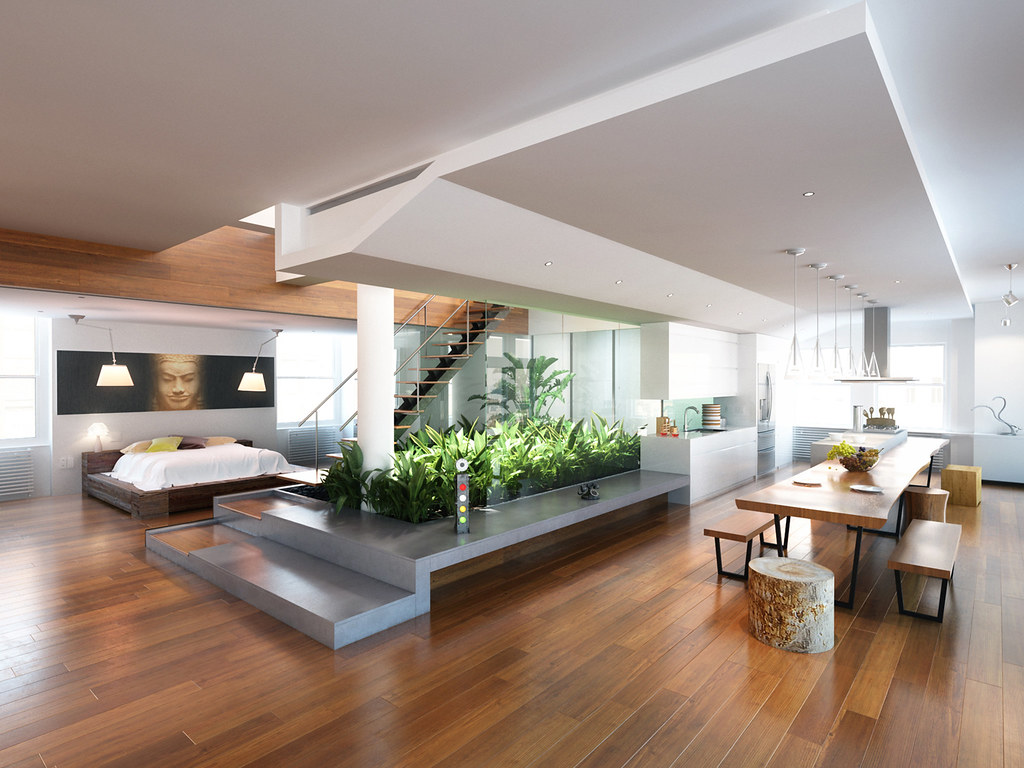 BeforeAfter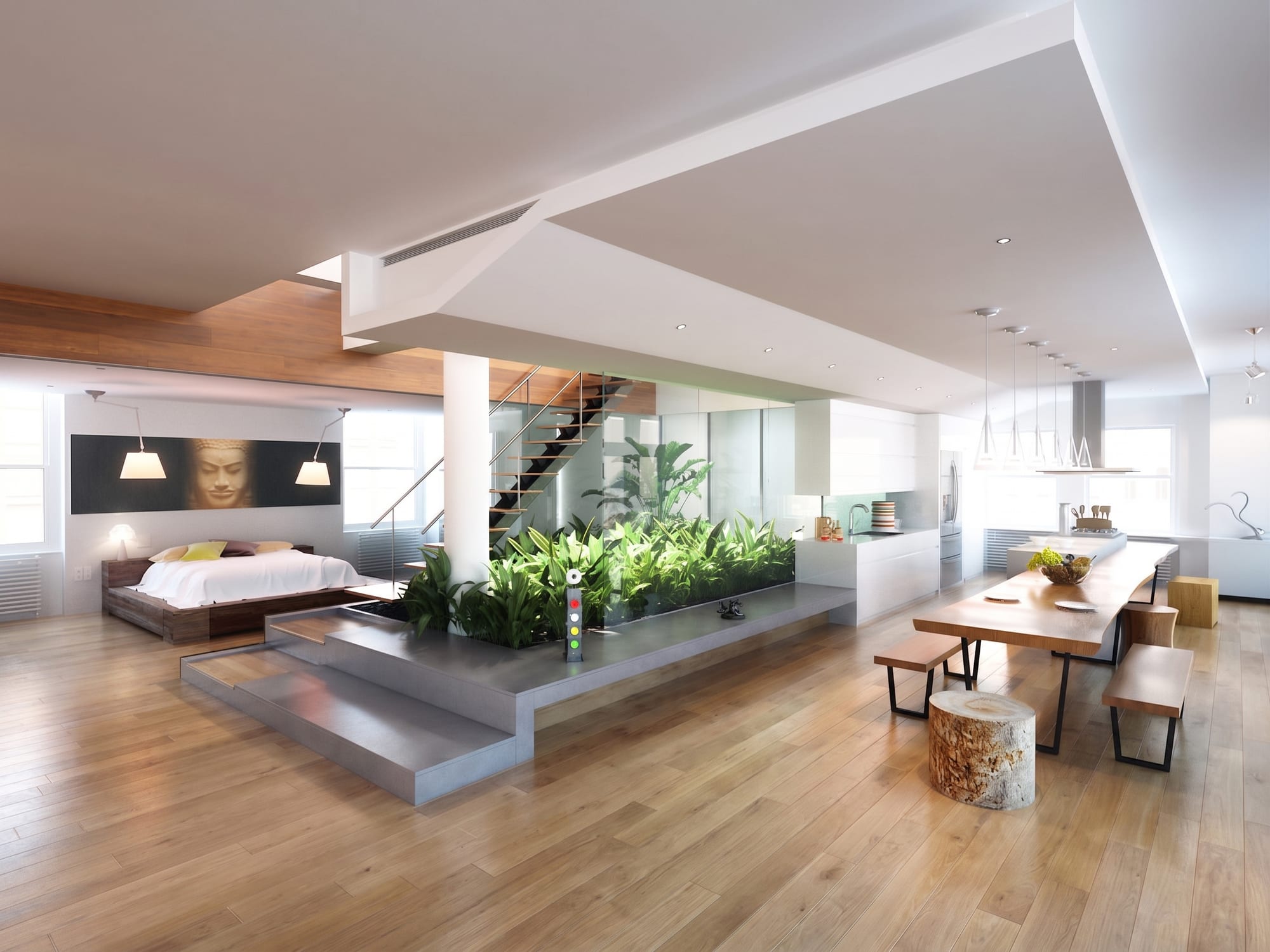
BeforeAfter
Material swapPut oak, porcelain, quartz or terrazzo onto the floor and worktops in your photograph, at the right scale for the room they are in.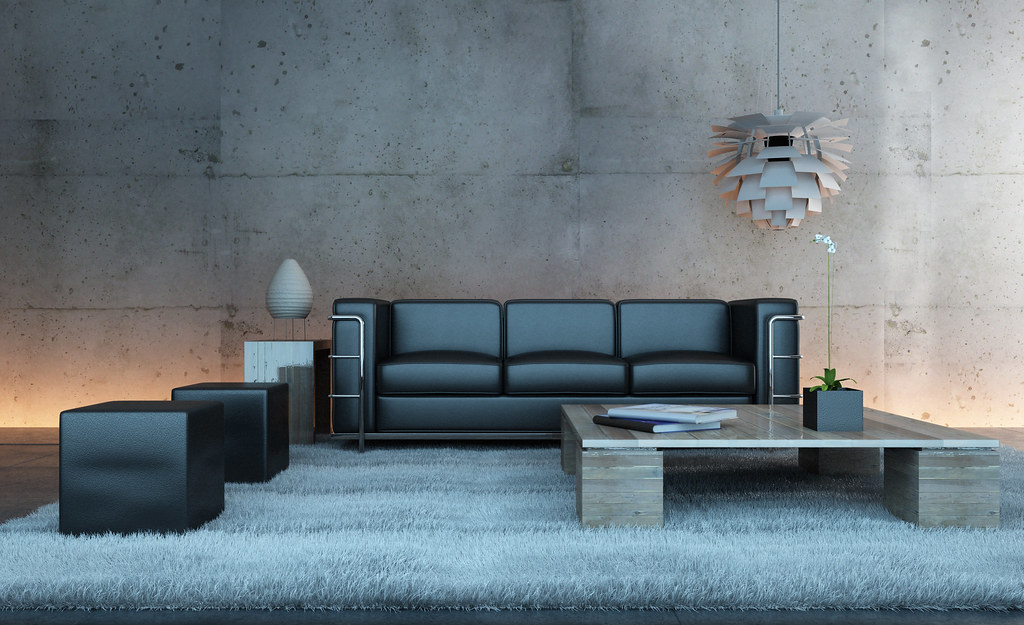 BeforeAfter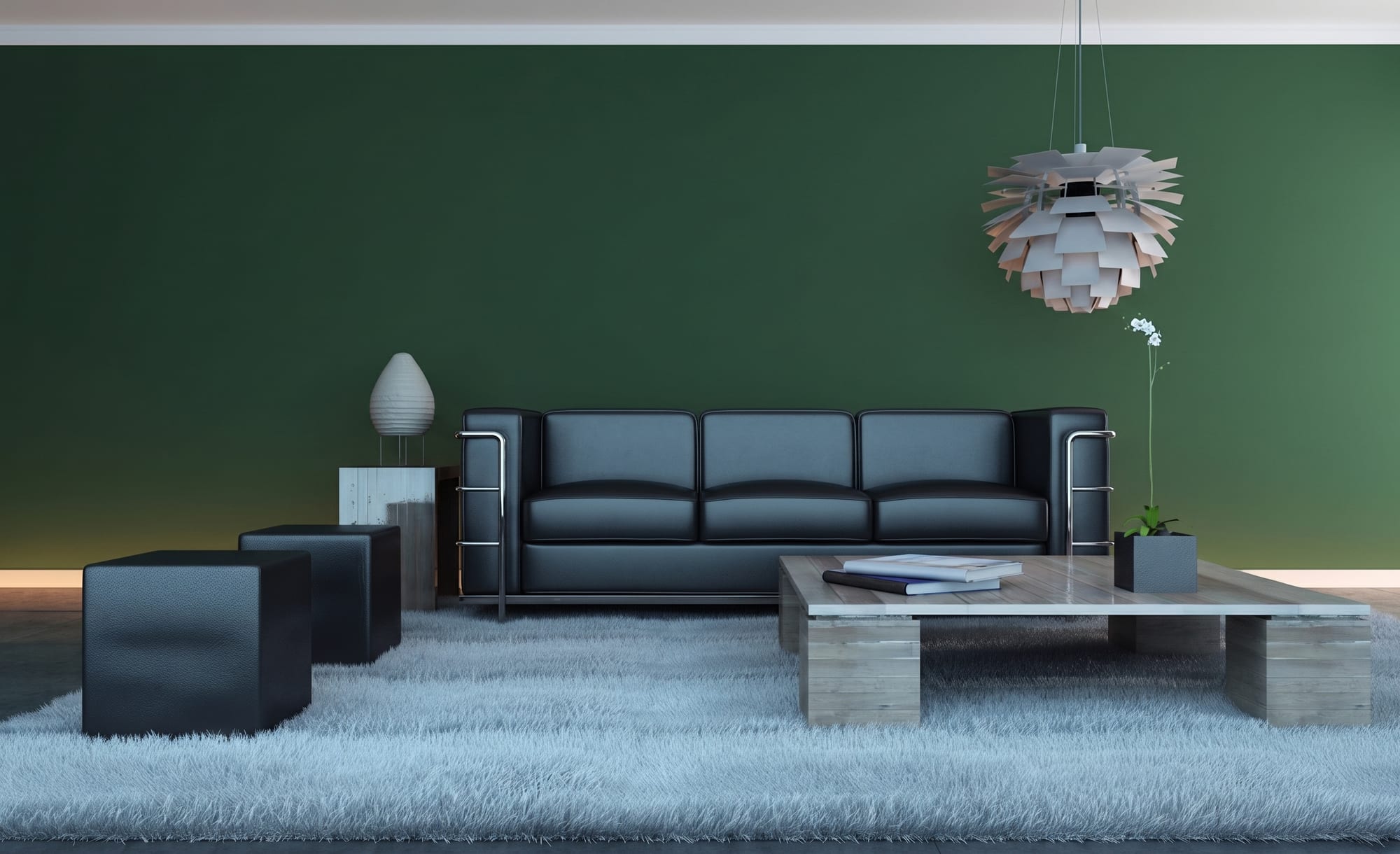
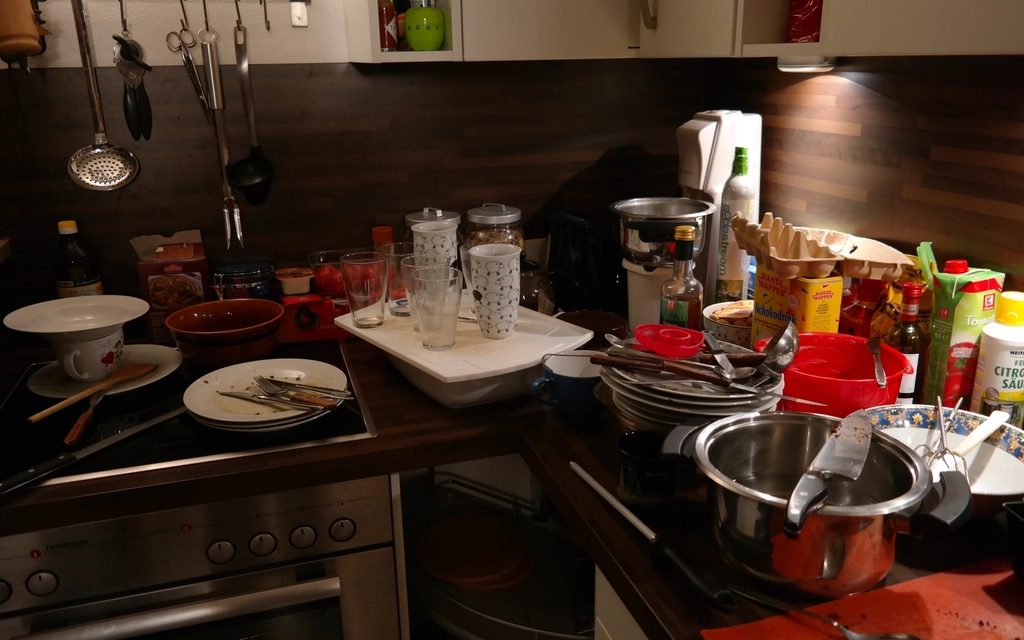 FurnishedCleared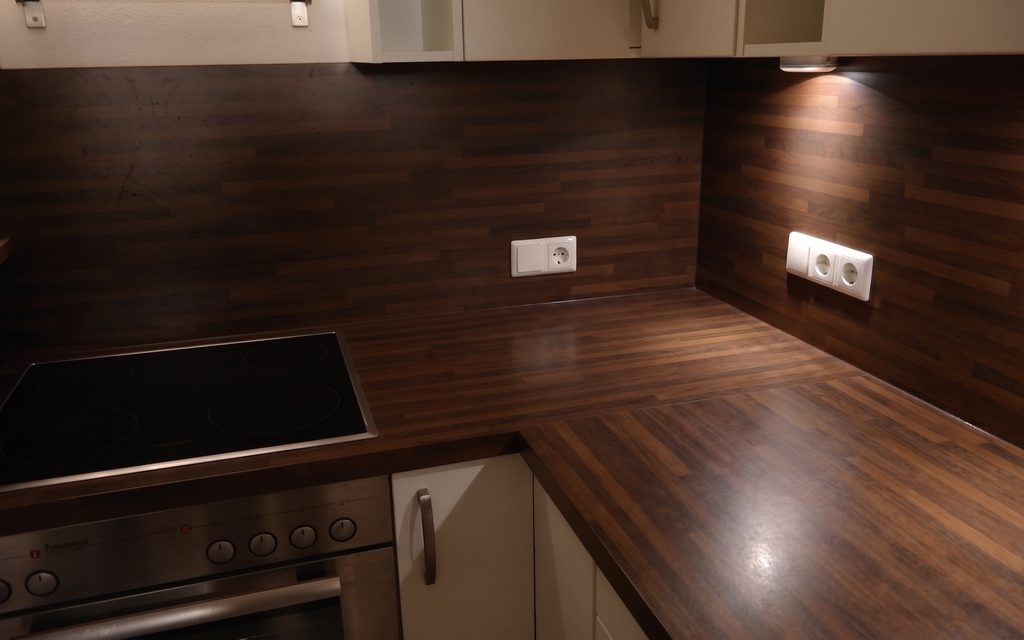
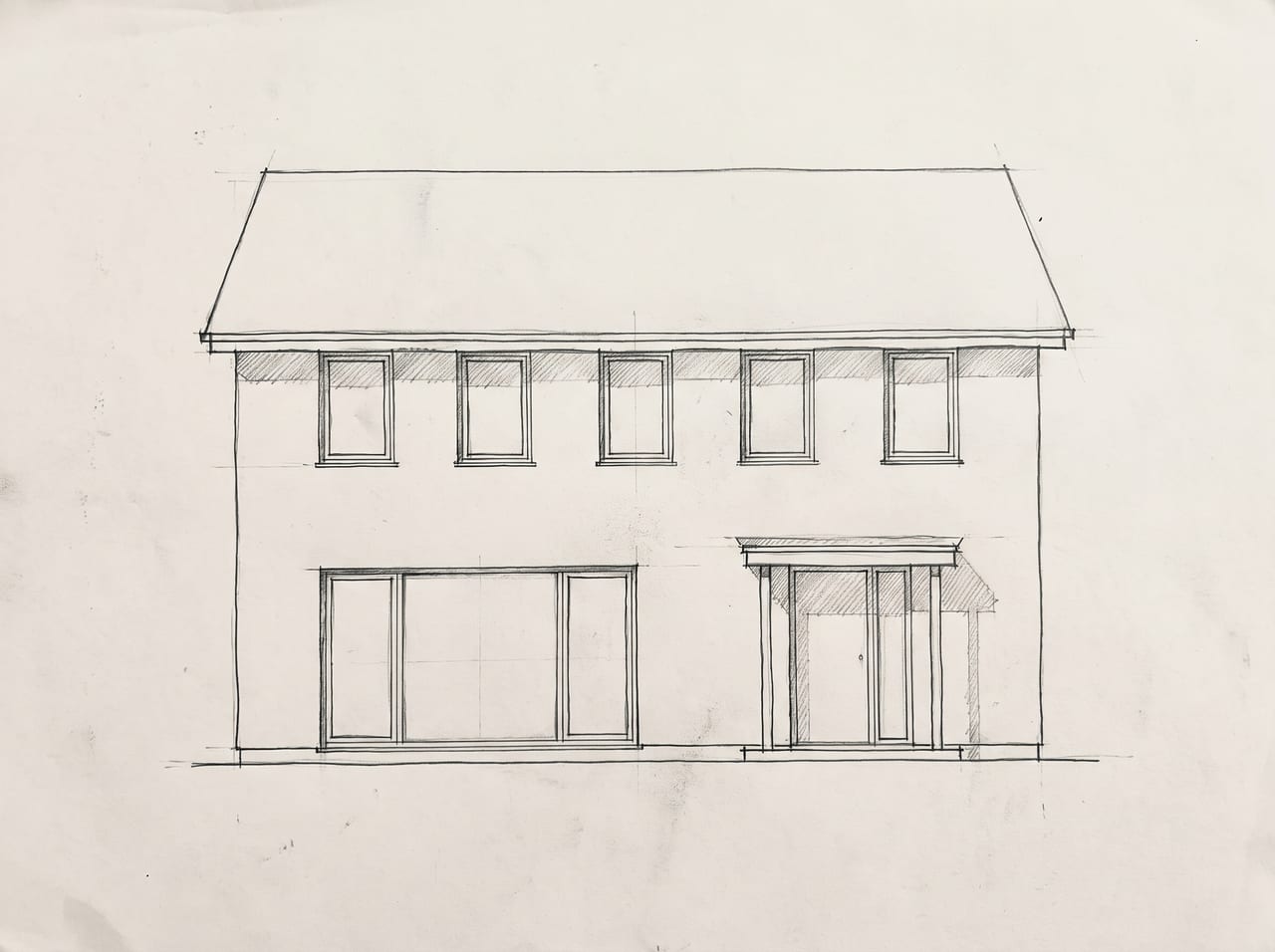 SketchRender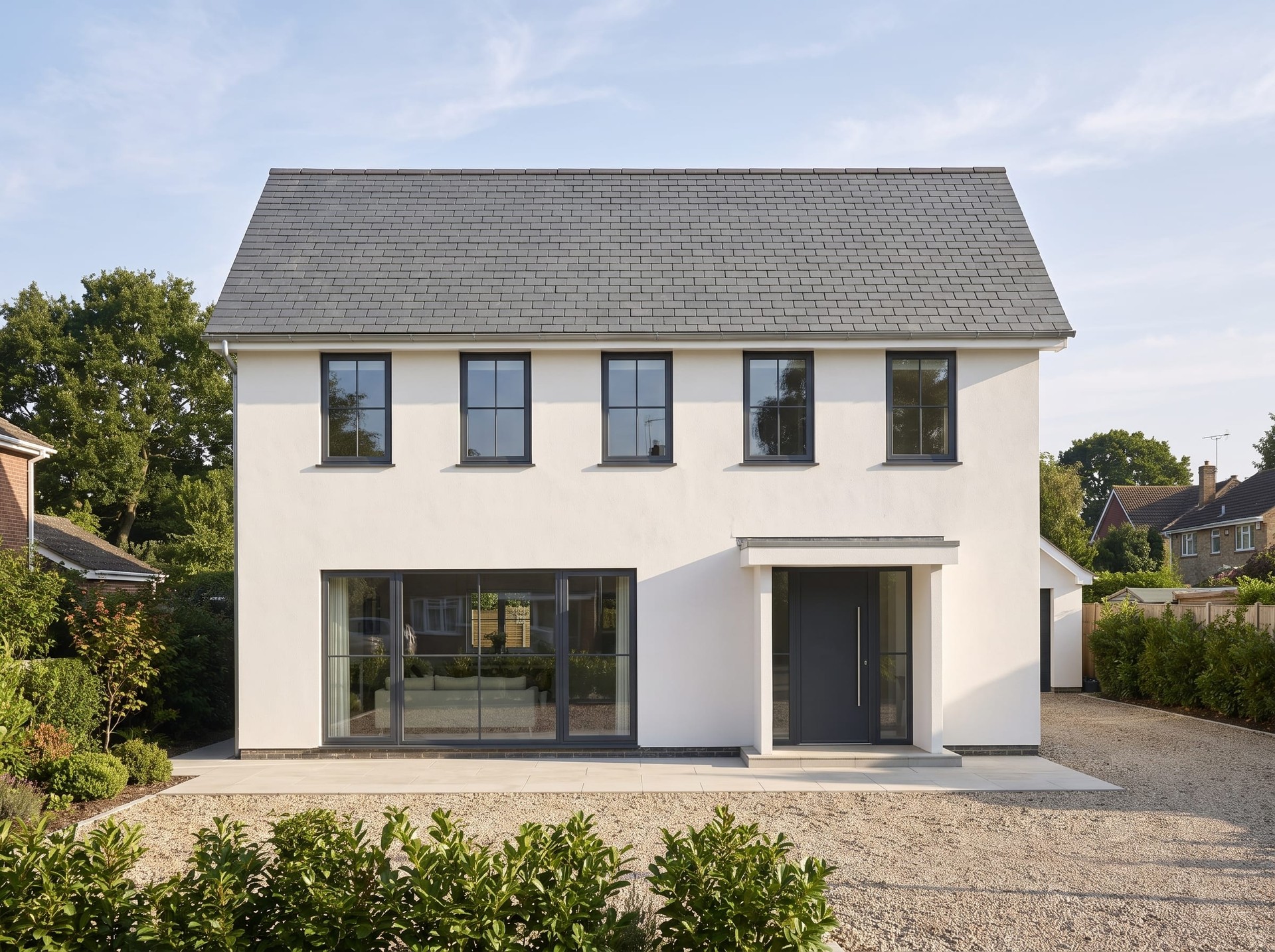
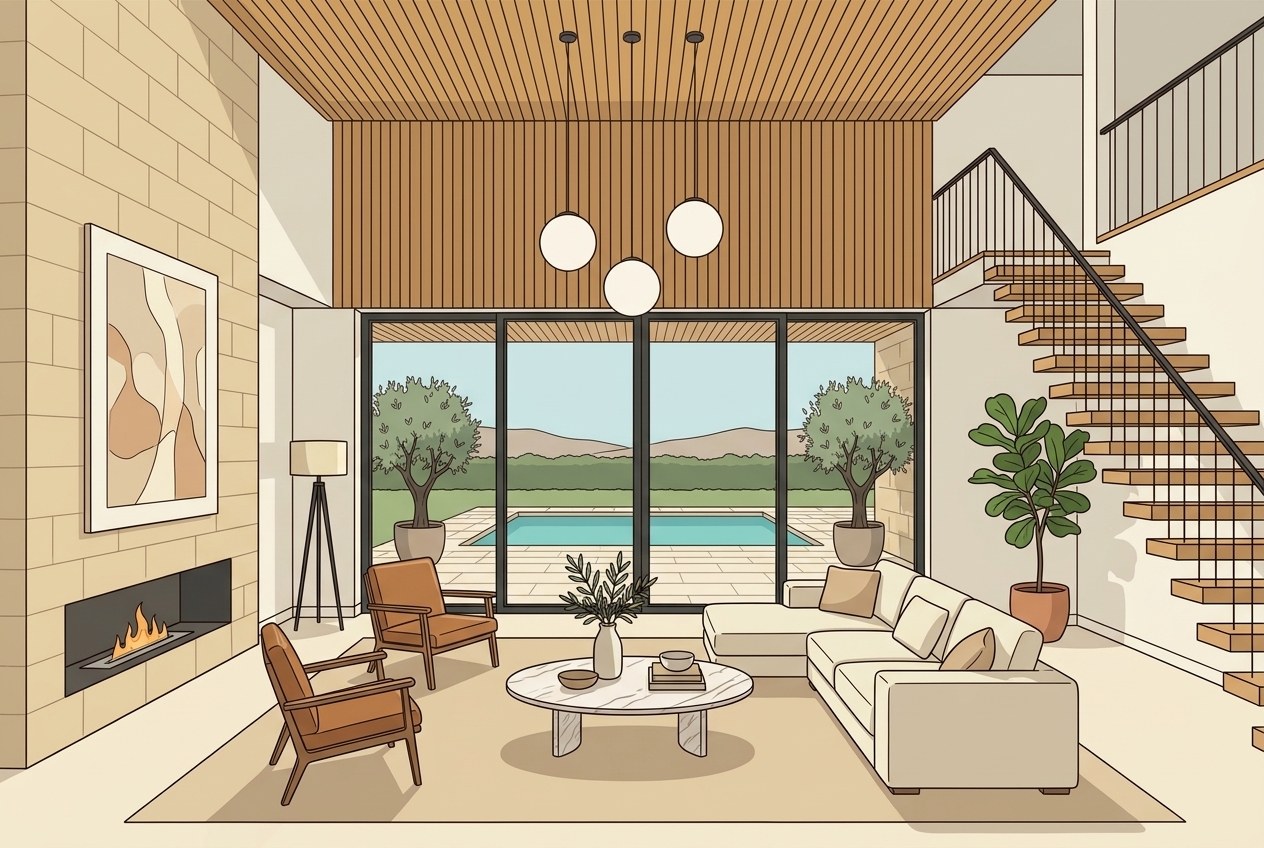 RenderPhotograph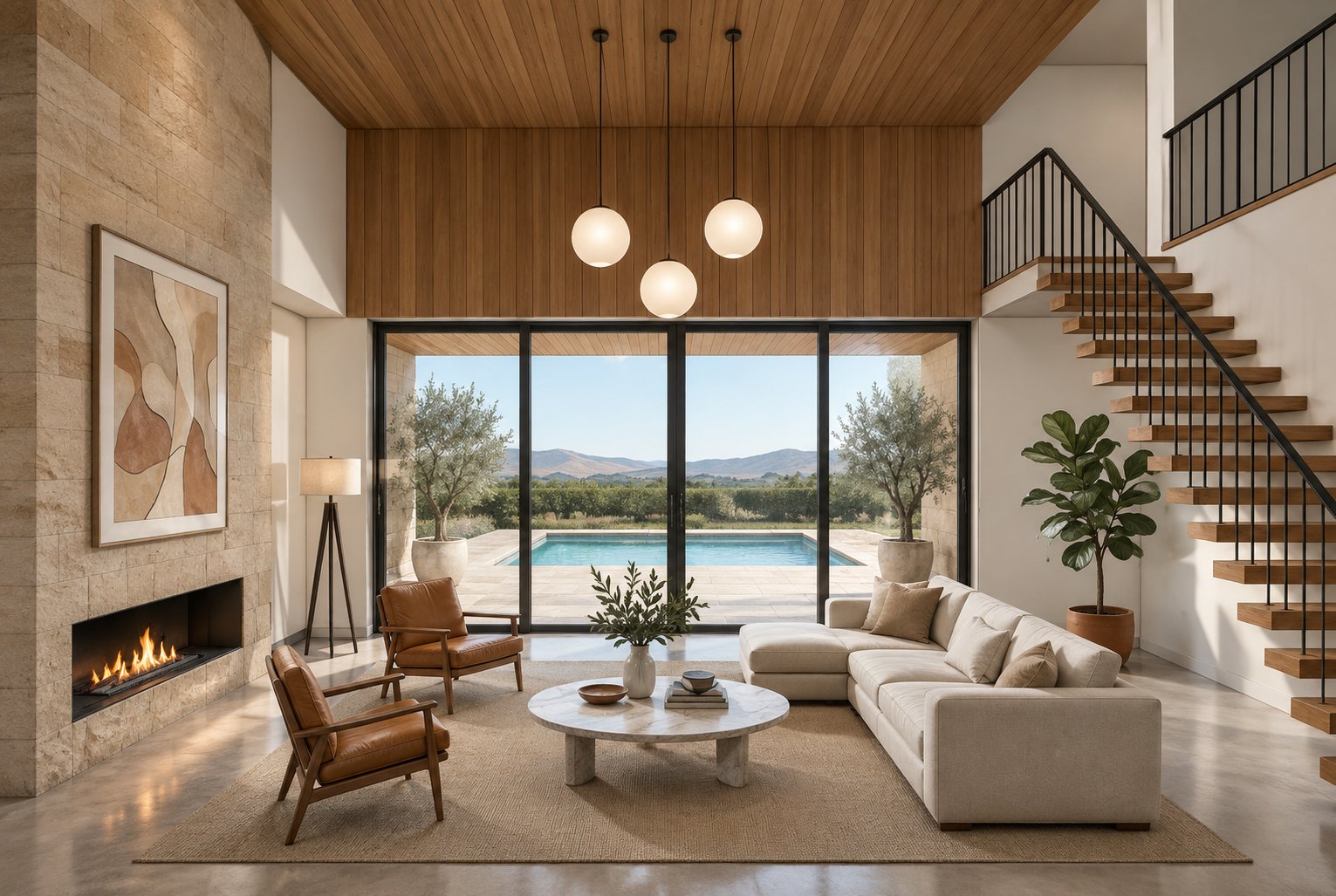
BeforeAfter
Batch and listingsUpload every photograph from a listing or a project and run them through the same treatment so the set looks like one property rather than six.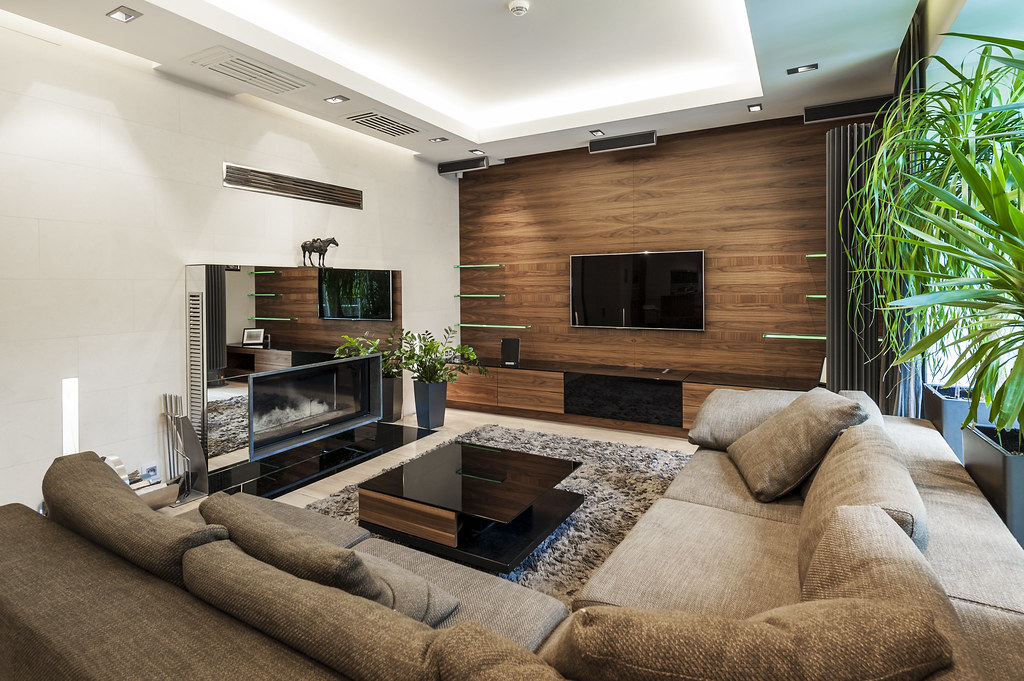 BeforeAfter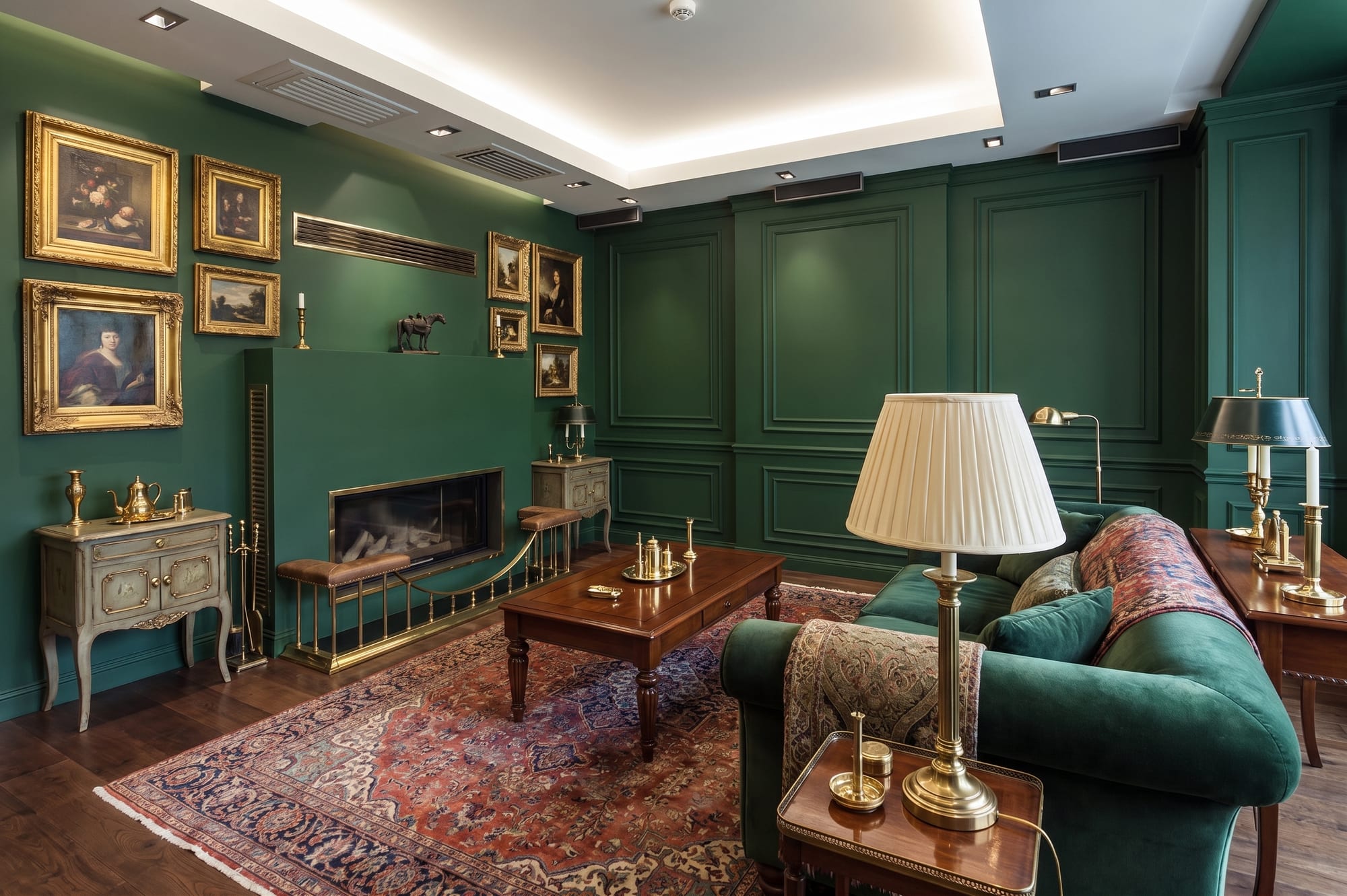
The full set
Every tool in the studio, and what each one changes.
The pages above go into the jobs agents ask for most. This is the whole list, all 18 of them, in the order the studio itself puts them in. Opening one needs an account.
- Floor Plan to RenderColours and furnishes that same plan. Every wall, door swing, window, staircase and label stays exactly where the drawing has it.
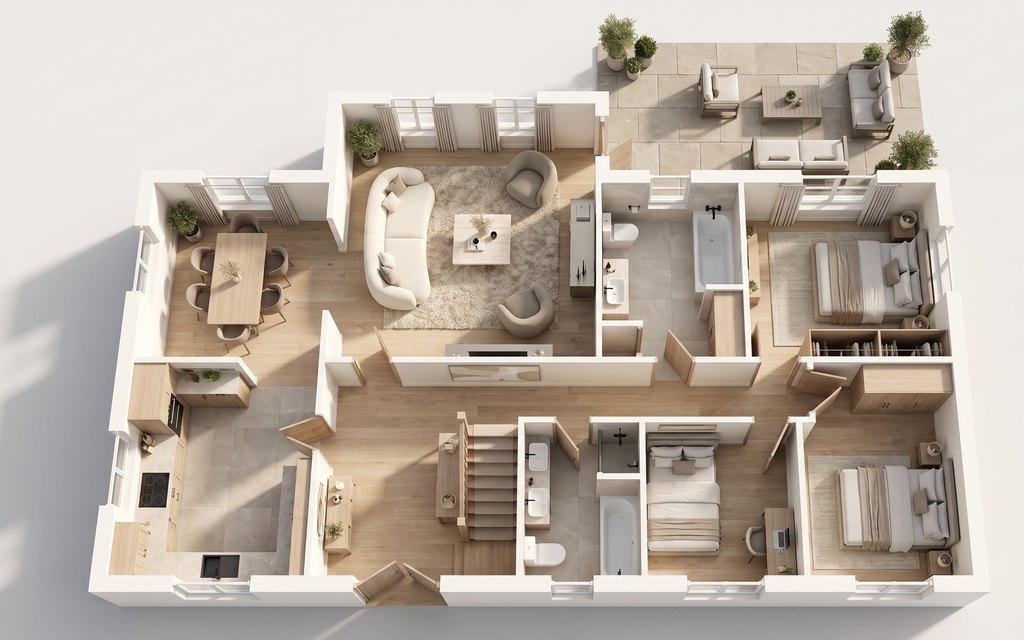
- Floor Plan to 3D ViewRaises the drawing into three dimensions and furnishes every room, with the roof and the ceilings taken off so the whole property is visible at once. You pick the style it is furnished in.
- 3D Plan to Room PhotoStands the camera inside one room of that view, at eye level. You say which room, and which one of them where the property has several.
- Render to PhotoReplaces the rendering with photography and changes nothing else. The camera, the framing, the exposure and every object stay exactly as the source has them.
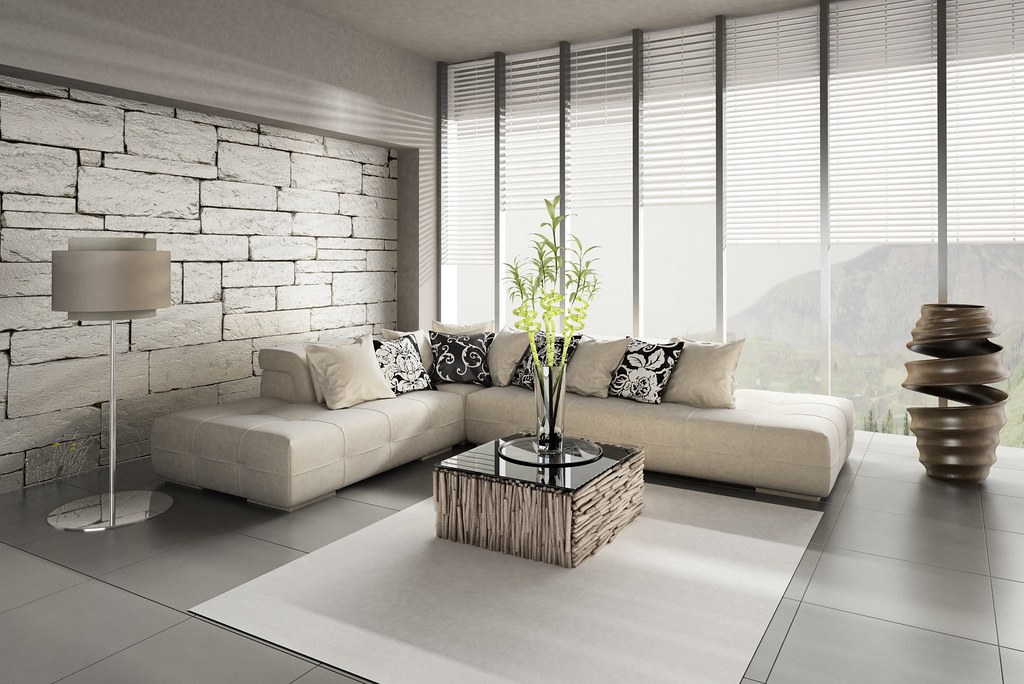
- Restyle any roomRedoes the furniture, the lighting and the finishes in the style you pick. The walls, the windows and the doors stay where the photograph has them.
- Stage empty roomsFurnishes it for the room type and the style you pick, with every piece sized against the room rather than dropped into it.
- Empty the roomTakes the furniture and the belongings out, and rebuilds the floor, the walls and the skirting that were behind them.
- Redesign exteriorsRe-clads, re-roofs and re-dresses the same building. The footprint, the number of storeys and every opening stay where they are.
- Reimagine outdoor spacesLays the space out and plants it: paving, a patio, planting, a fire pit. The building and the boundary stay put.
- Sketch to photorealBuilds and photographs what the lines describe, in the finish you name.
- Swap colours and materialsChanges the one surface you name, to the one finish you name. Nothing else in the frame moves.
- Remove somethingTakes out the thing you name and rebuilds what was behind it. Everything else is left exactly as photographed.
- Fix the photoCorrects the exposure, the colour, a grey sky, tired grass and leaning verticals. Nothing is added and nothing is taken away.
- Match a staged angleFurnishes the second angle with the same furniture, in the same places, read off the first photograph.
- Upscaler & EnhancerRebuilds it larger, with the detail sharpened rather than smoothed.
- Background RemoverCuts the subject out and drops the background.
- AI presenter photoMakes a headshot for the account's presenter, set once and reused on every listing video.
- AI presenter photo (from your photo)Restages that person as a presenter headshot.
Start with the room you are standing in.
72 free credits, enough for a couple of photos or one short clip. No card needed.