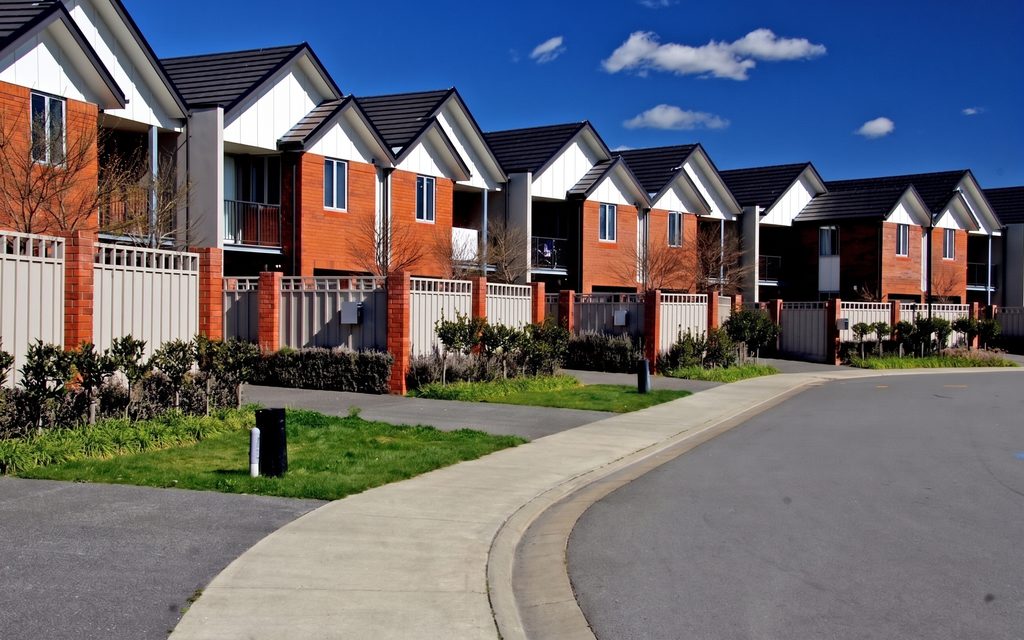
Behind the sofa
What was hidden is reconstructed from the surrounding surfaces rather than smeared over.
Clearing
Take out the furniture, the clutter or one particular object, and get back the room as it would look bare, with the floor and skirting filled in behind it.
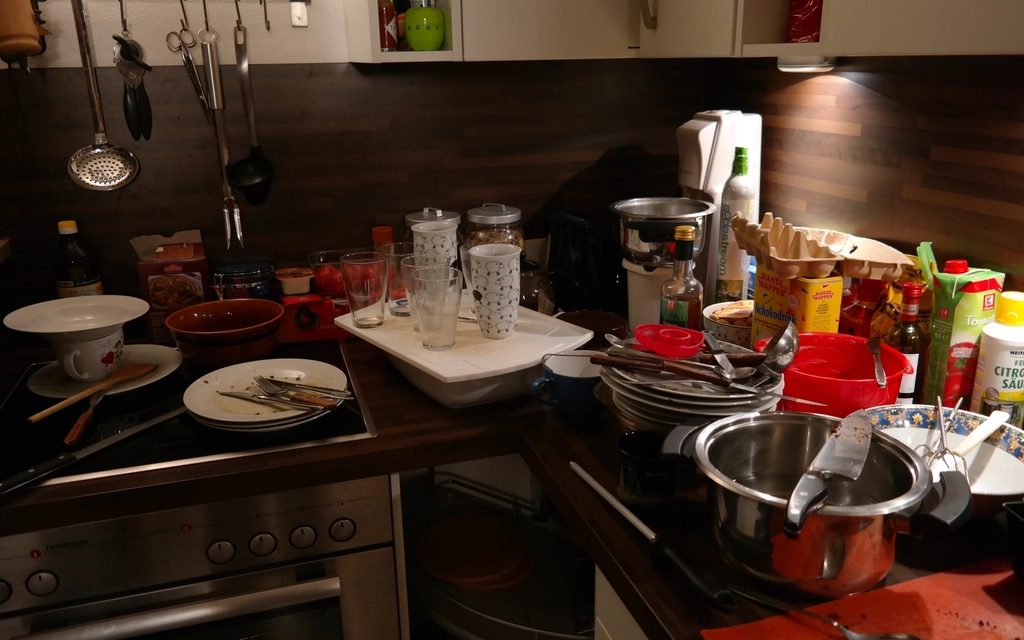 FurnishedCleared
Step by step
FurnishedA photograph of a furnished or a cluttered room.
No style, no picks. Naming the room is optional and only sharpens what counts as fitted.
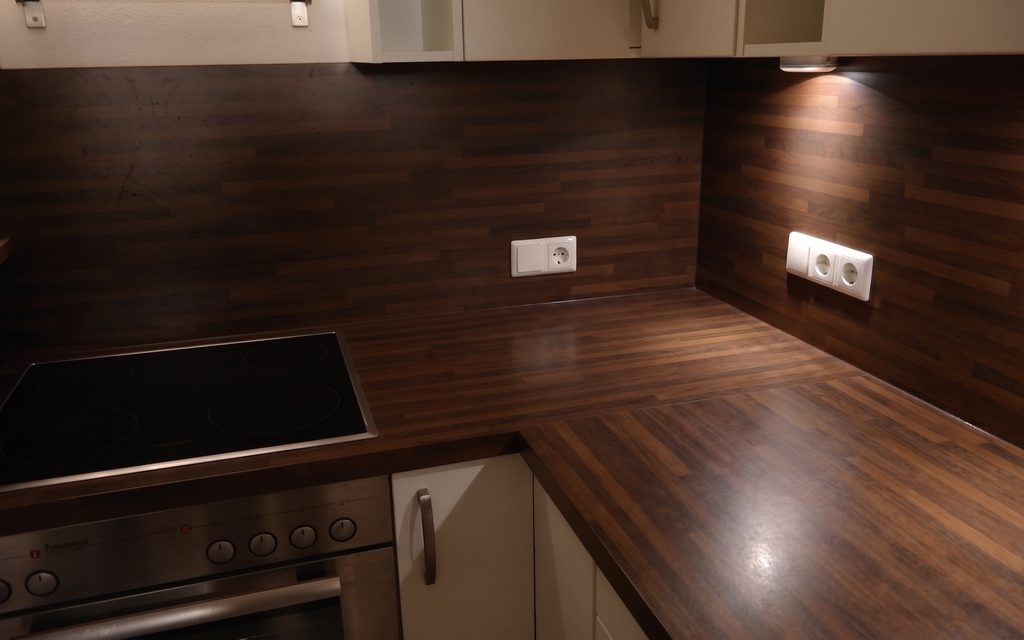 Cleared
The same room, empty, ready to be staged or shown as it is.
Every picture here is this page’s own example: the file that was uploaded, the setting that was used, and the result exactly as it came back. Nothing was retouched afterwards.
Try it now
Drop in a photo and Miravely opens straight into furniture removal, no preset picking. About 30 seconds.
Drop in a photo
JPEG, PNG or WebP, up to 40 MB.
Settings
Settings
From 12 credits
This one changes what is physically in the property. Listing rules in the US and the UK expect that to be disclosed, so the studio writes that line onto the image when you download it. You can turn it off there.
This list comes out of the studio itself rather than being typed onto the page, so these are the engines you will be offered and the price you will be charged for each quality.
Nothing is generated until you press the button, and the cost is shown before that, never after. A new account starts with 72 free credits to try it with, and a generation that fails is refunded.
See what a credit costsWhat was hidden is reconstructed from the surrounding surfaces rather than smeared over.
Clearing first and staging second usually beats restyling a room that is already full.
Take out the previous owner’s wardrobe and leave everything else exactly as photographed.
Or one object at a time
 With itWithout
Questions
Miravely reconstructs it from the surrounding surfaces -- the same board direction, the same wear, the same colour variation -- rather than smearing over it or replacing it with something newer.
Yes -- a Miravely clear-out changes what is physically in the room, so it falls under the same rule as staging: label it as digitally altered when you publish it.
72 free credits, enough for a couple of photos or one short clip. No card needed.