
Your lines are the law
The drawing is read as the structure layer. Nothing is straightened, shifted or improved on your behalf.
Drawings
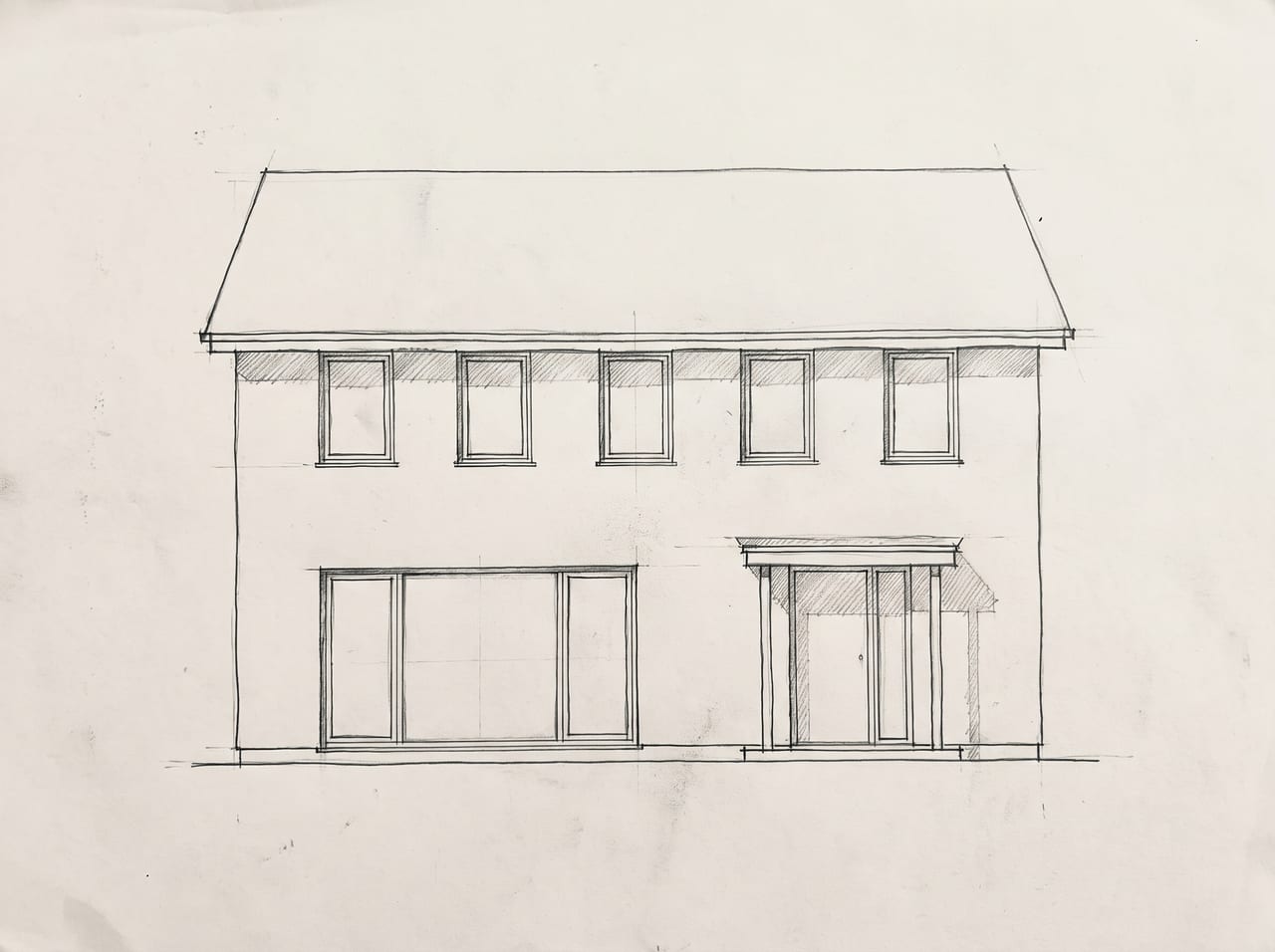
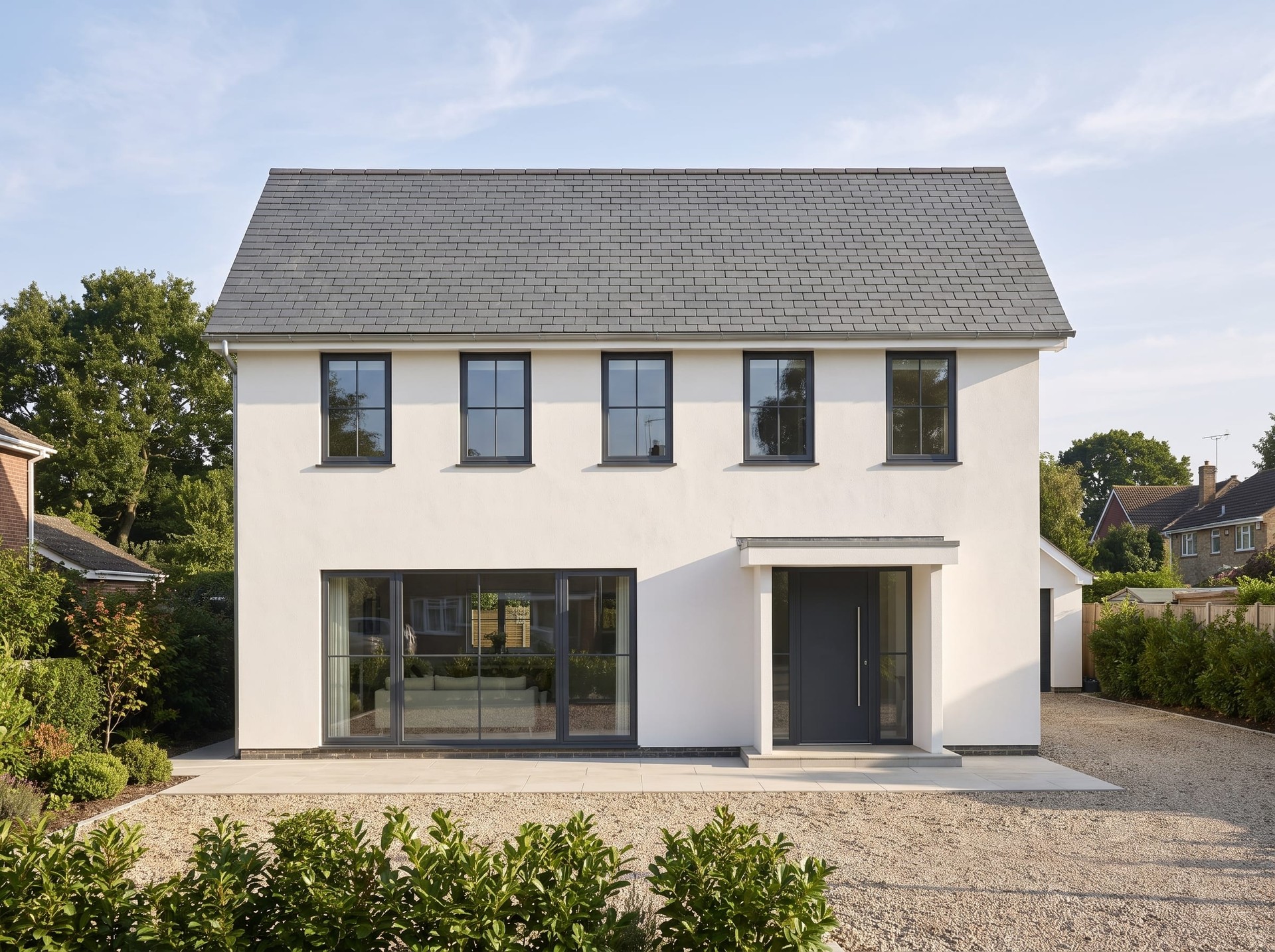
Hand sketches, elevations and bare CAD views come back as photographic images with the lines you drew treated as the structure.
 SketchRender
Step by step
SketchA line drawing or an elevation, with nothing decided about colour or material.
The drawing decides the shape, you decide the materials. A sentence is enough, and the example’s is on the card.
 Render
A client-ready render of your drawing.
Every picture here is this page’s own example: the file that was uploaded, the setting that was used, and the result exactly as it came back. Nothing was retouched afterwards.
Try it now
Drop in a photo and Miravely opens straight into sketch to render, no preset picking. About 30 seconds.
Drop in a photo
JPEG, PNG or WebP, up to 40 MB.
Settings
Settings
From 12 credits
This list comes out of the studio itself rather than being typed onto the page, so these are the engines you will be offered and the price you will be charged for each quality.
Nothing is generated until you press the button, and the cost is shown before that, never after. A new account starts with 72 free credits to try it with, and a generation that fails is refunded.
See what a credit costsThe drawing is read as the structure layer. Nothing is straightened, shifted or improved on your behalf.
A photograph of a sketch on paper works. It does not need to be a clean export.
Show a client the same scheme in three material palettes without redrawing anything.
Questions
No -- Miravely reads the drawing as the structure layer and treats it as correct. It turns a drawing into a photograph; it does not check your design.
Yes -- run the same sketch through Miravely again with a different finish, without redrawing anything.
72 free credits, enough for a couple of photos or one short clip. No card needed.