
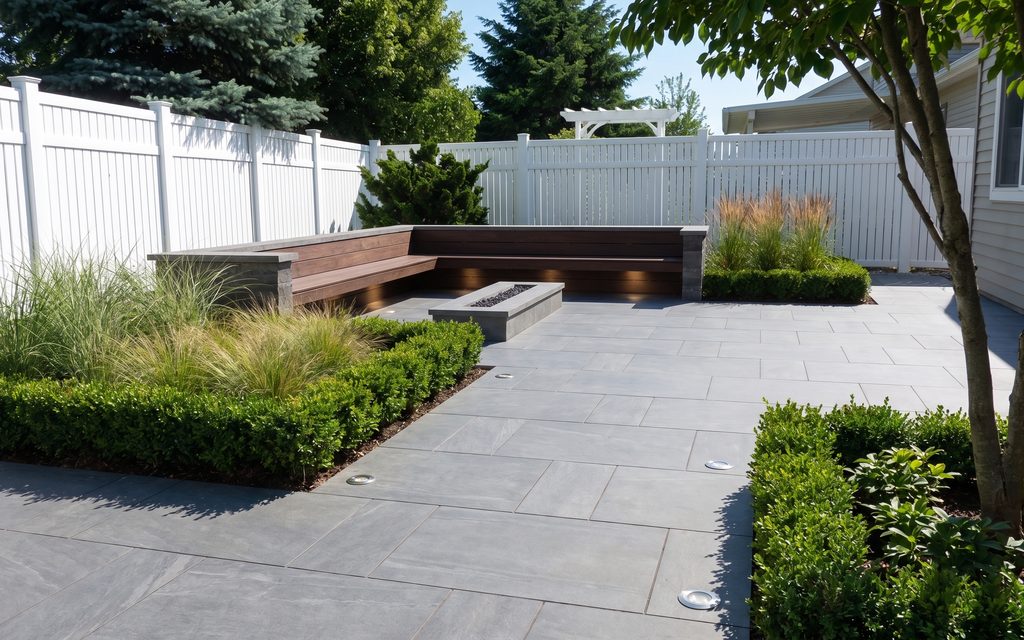
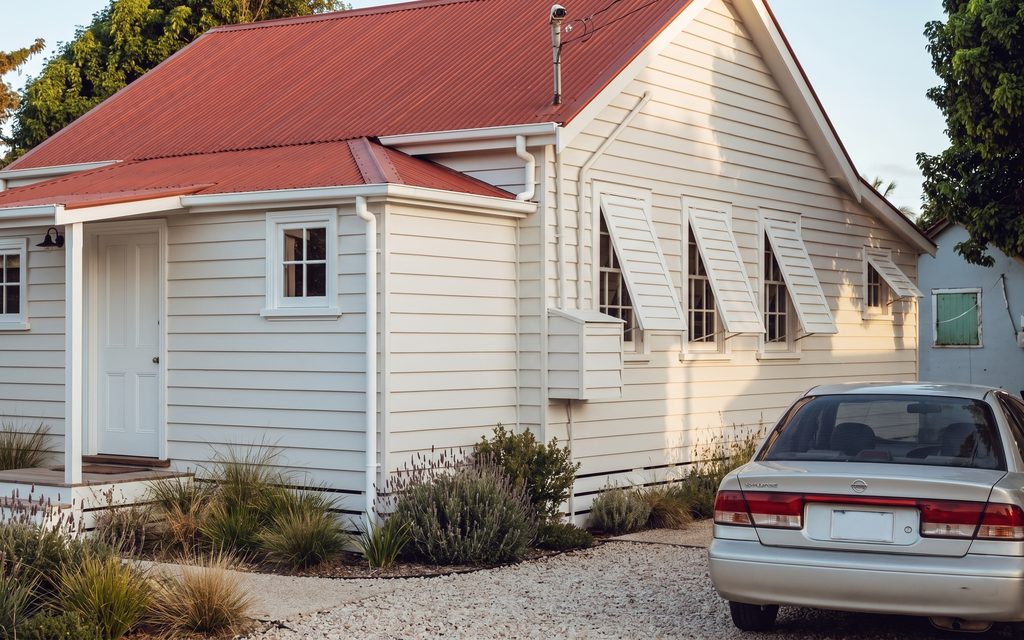
One style across the set
The same palette and furniture language is applied to every room, which is what makes a listing look professionally shot.
At volume
Upload every photograph from a listing or a project and run them through the same treatment so the set looks like one property rather than six.
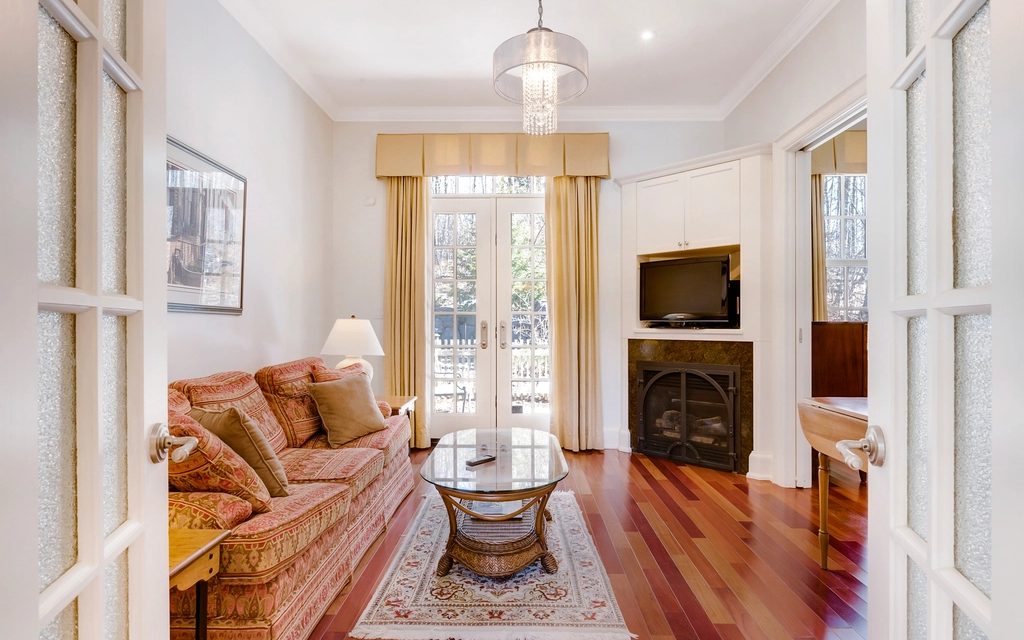 BeforeAfter
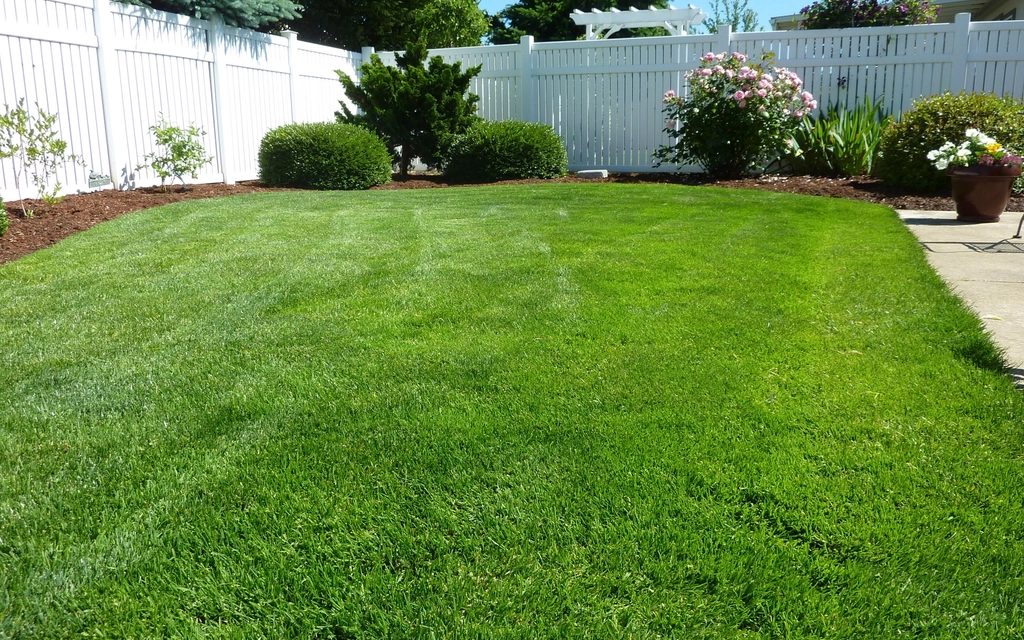 BeforeAfter
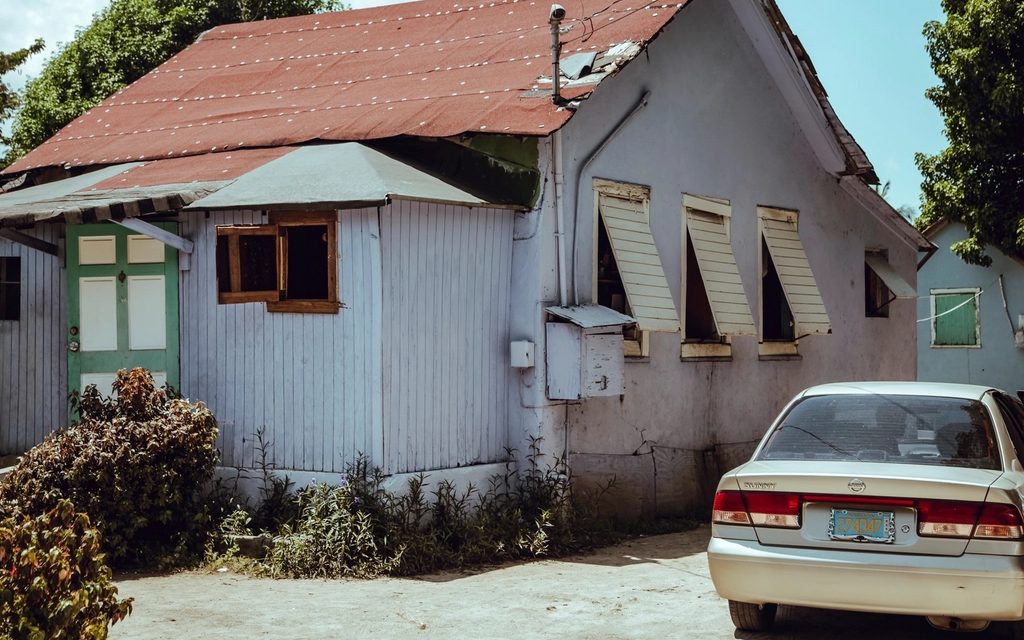 BeforeAfter
Step by step
One of the photosEvery photograph from the listing, rather than one at a time. Each is still its own job underneath, which is what keeps one failure from taking the set with it.
One style across the set, so the rooms read as one property rather than six separately decorated ones.
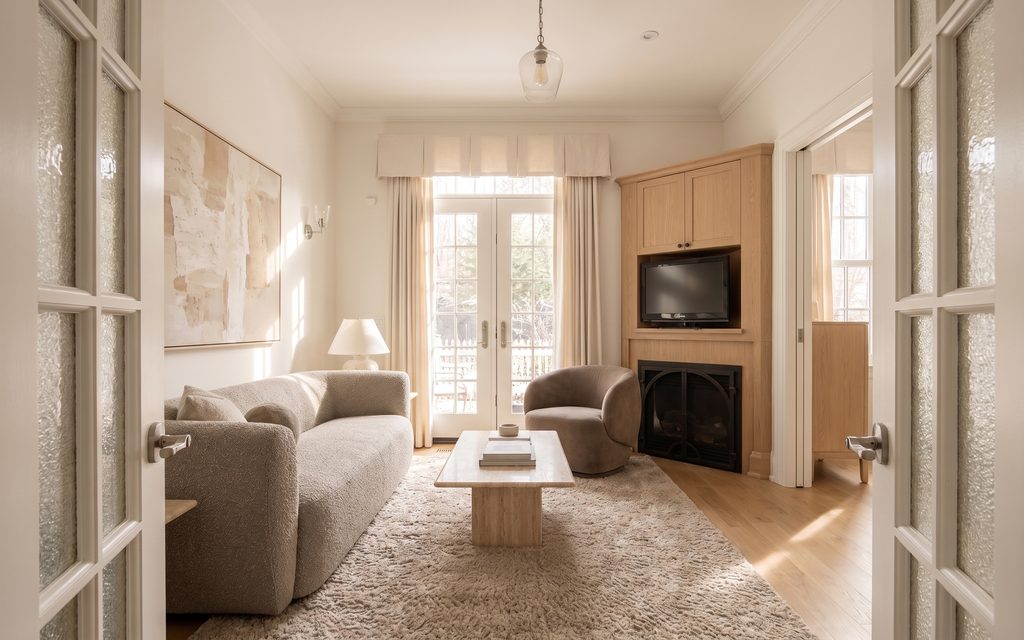 That one, back
Every photo downloads the moment it is ready, at full resolution. You do not wait on the slowest one to use the first.
Every picture here is this page’s own example: the file that was uploaded, the setting that was used, and the result exactly as it came back. Nothing was retouched afterwards.
Try it now
Drop in a photo to get started. You will pick what happens to it once you are in the studio.
Drop in a photo
JPEG, PNG or WebP, up to 40 MB.
Settings
Settings
From 12 credits
This one changes what is physically in the property. Listing rules in the US and the UK expect that to be disclosed, so the studio writes that line onto the image when you download it. You can turn it off there.
This list comes out of the studio itself rather than being typed onto the page, so these are the engines you will be offered and the price you will be charged for each quality.
These are the settings for Restyle any room, the job the example on this page was run with. Every photo job is priced the same way, and the engines on offer change a little from one to the next.
Nothing is generated until you press the button, and the cost is shown before that, never after. A new account starts with 72 free credits to try it with, and a generation that fails is refunded.
See what a credit costsThe same palette and furniture language is applied to every room, which is what makes a listing look professionally shot.
Every photo downloads the moment it is ready, full resolution -- no waiting on the rest of the set before you can use the first one.
A failed image in a batch of forty does not lose the other thirty-nine.
Questions
No -- a failed image in a set of forty does not affect the other thirty-nine. Miravely picks up exactly where it stopped.
No -- upload a whole property’s photo set and Miravely applies the same style across rooms, facades and gardens alike, in one pass.
72 free credits, enough for a couple of photos or one short clip. No card needed.