
Room Build
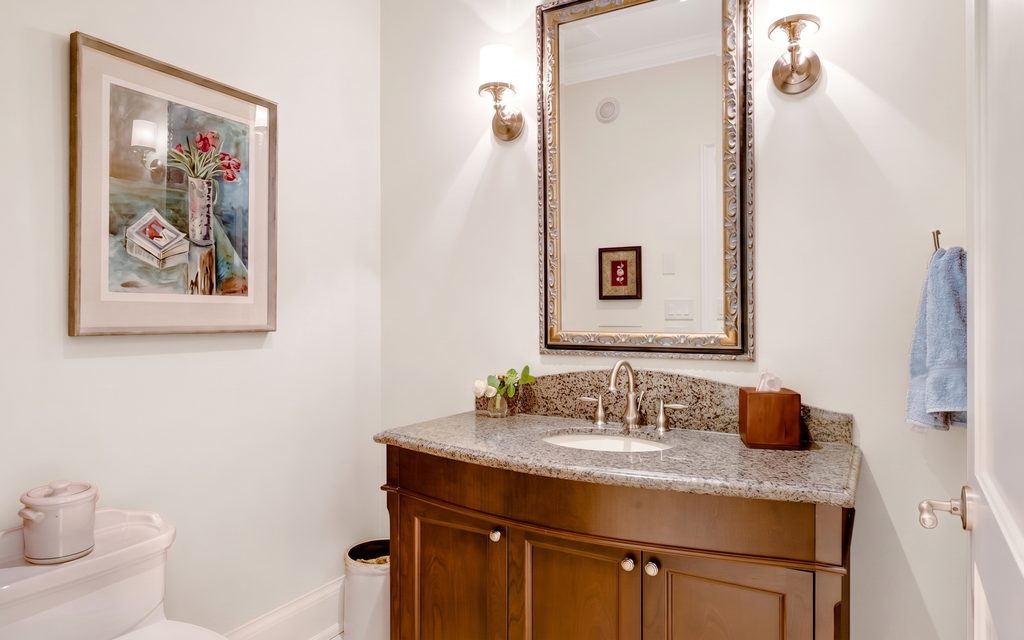
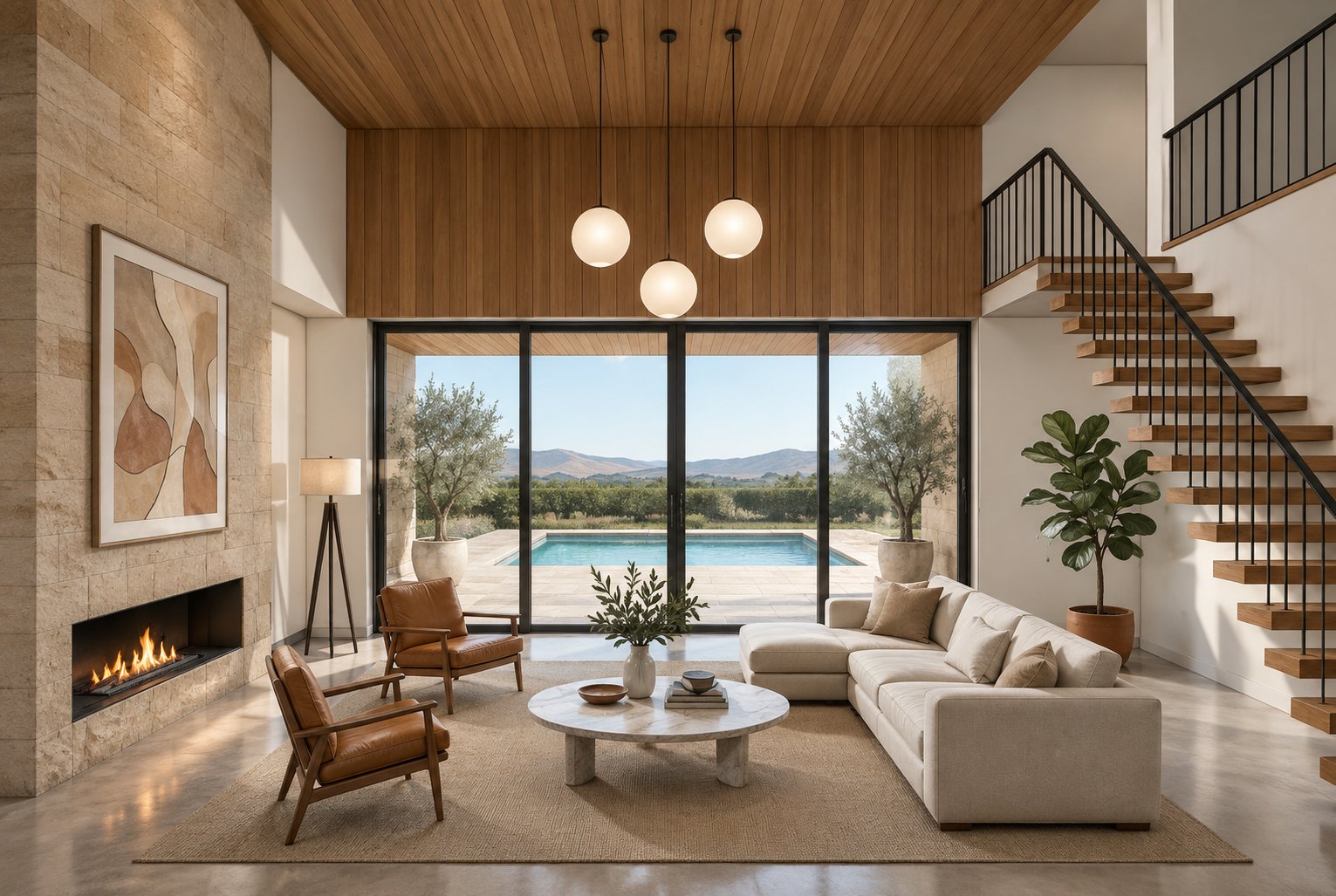
Eight seconds that open on a bare plaster shell and put the room back, element by element, until it is furnished and lit. Landscape, because it goes on the listing page rather than in a feed.
Open Room BuildSix things a listing needs, from photographs you already took. Miravely keeps the walls, windows and doors exactly where they were.
Every tile is a real run. Pick one to see it full size.
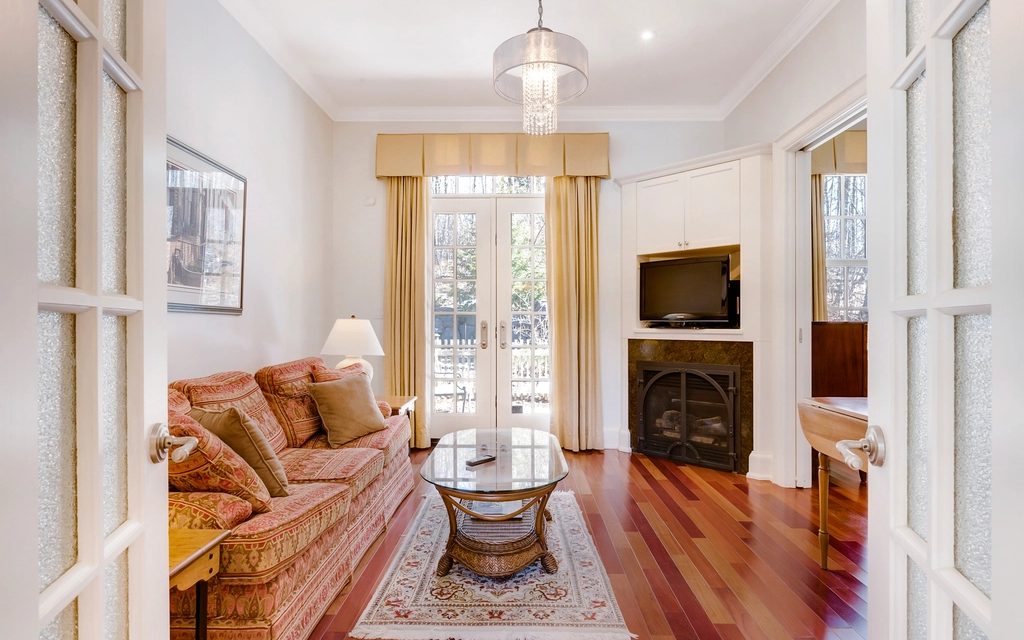
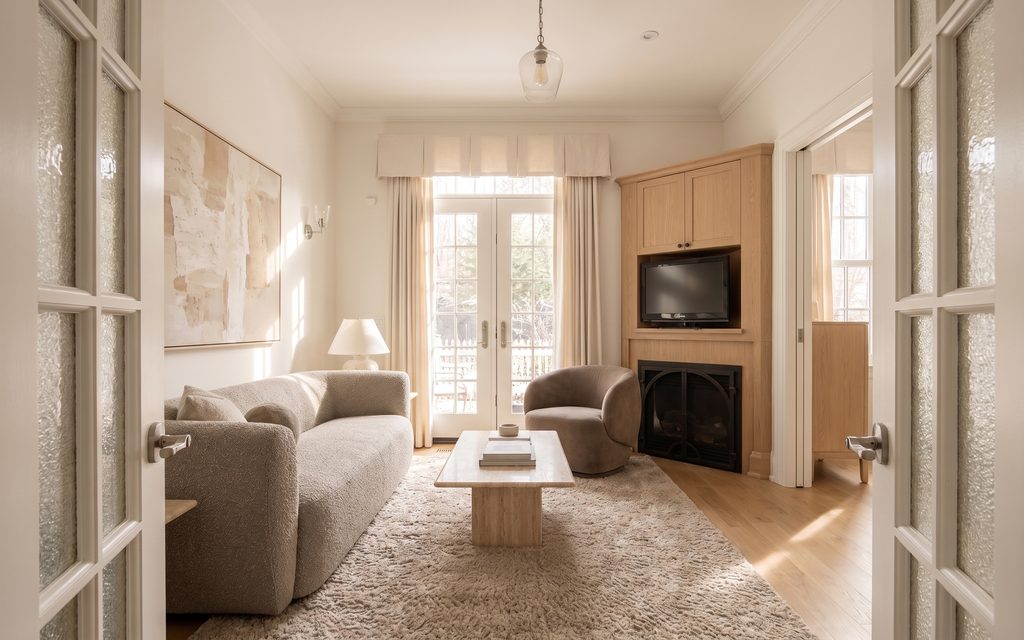
A real result, not an illustration. Same window, same shelving, same lamp, only the style moved.
How restyle a room worksMost tools wrap a single model. Miravely runs 27 of them, picks the one that suits the job, and shows you its price before it runs.
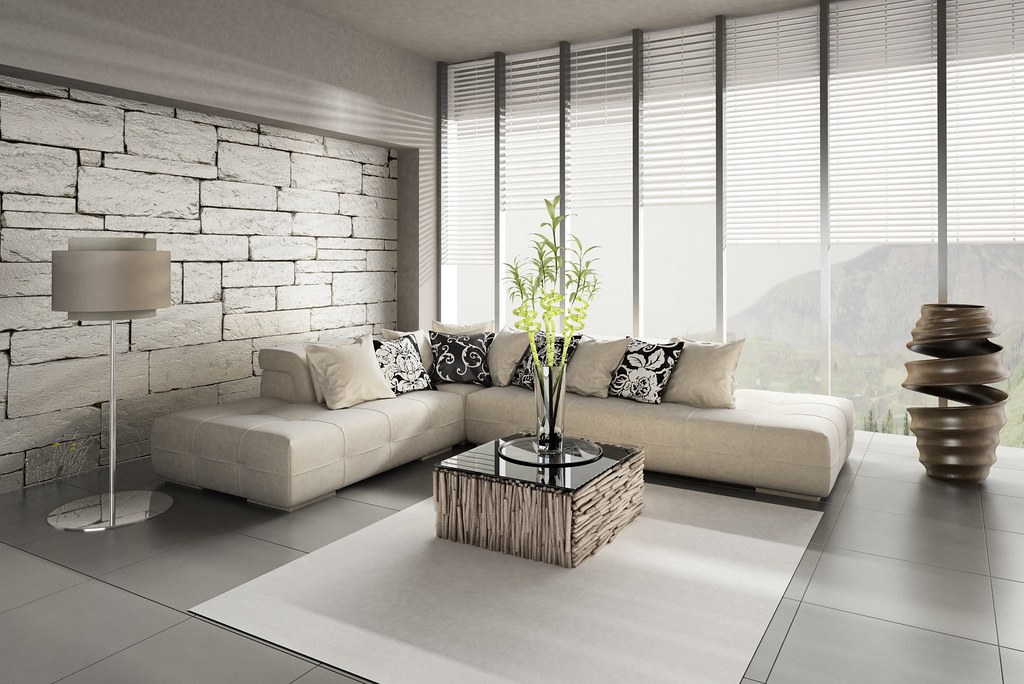 BeforeAfter
Ask most image models to restyle a photograph and they paint a new room that resembles it: the window slides along the wall, a door disappears, the ceiling gains a beam. Miravely reads the wall junctions, window openings and door positions out of your photograph first and holds them fixed while the style changes, and holds the light the same way, so a north-facing room does not come back sunlit. That is what decides whether a staged photo is usable: a buyer standing in the doorway should recognise the room from the listing.
How structure lock worksPhotoRestyled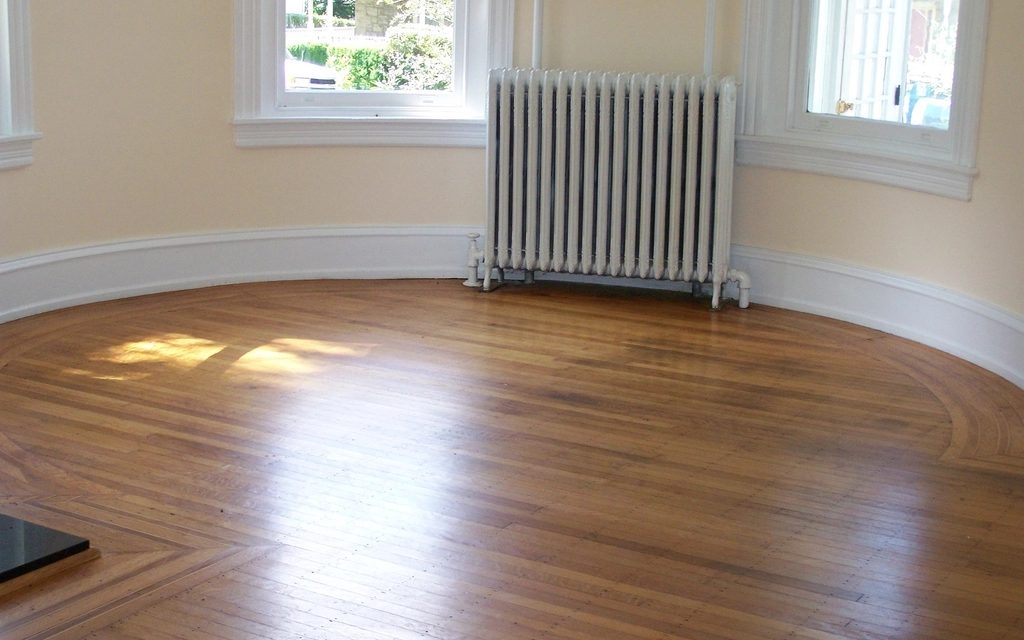 EmptyStaged
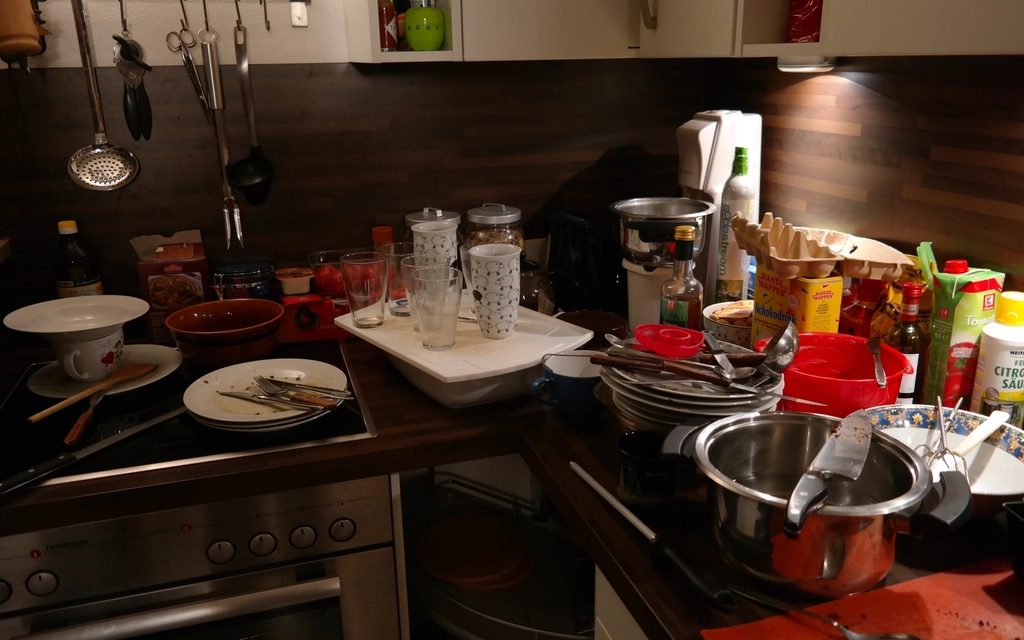 FurnishedCleared
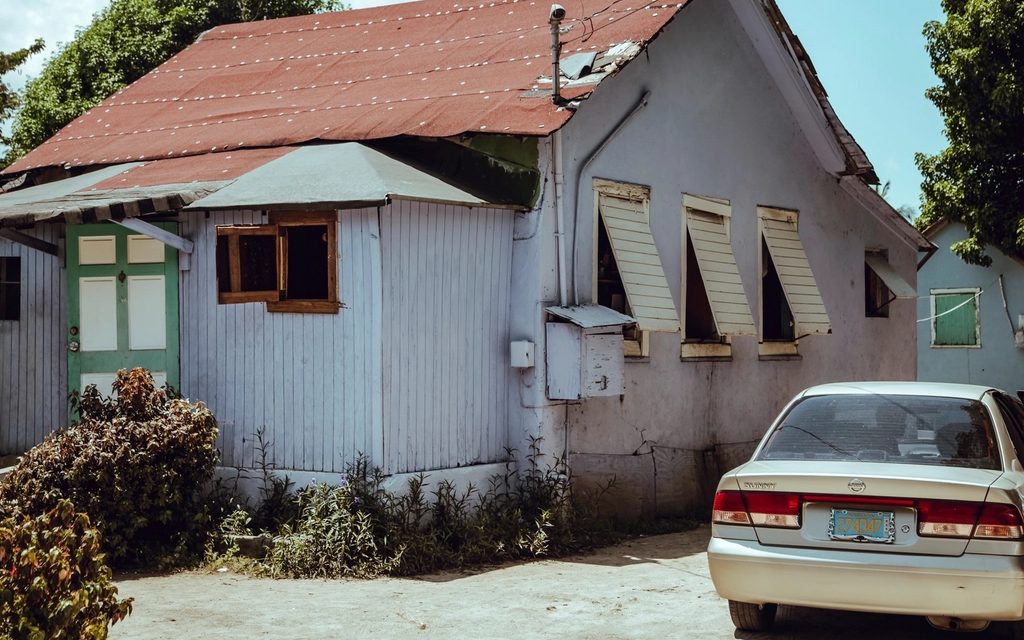 PhotoRedesigned
 BarePlanted
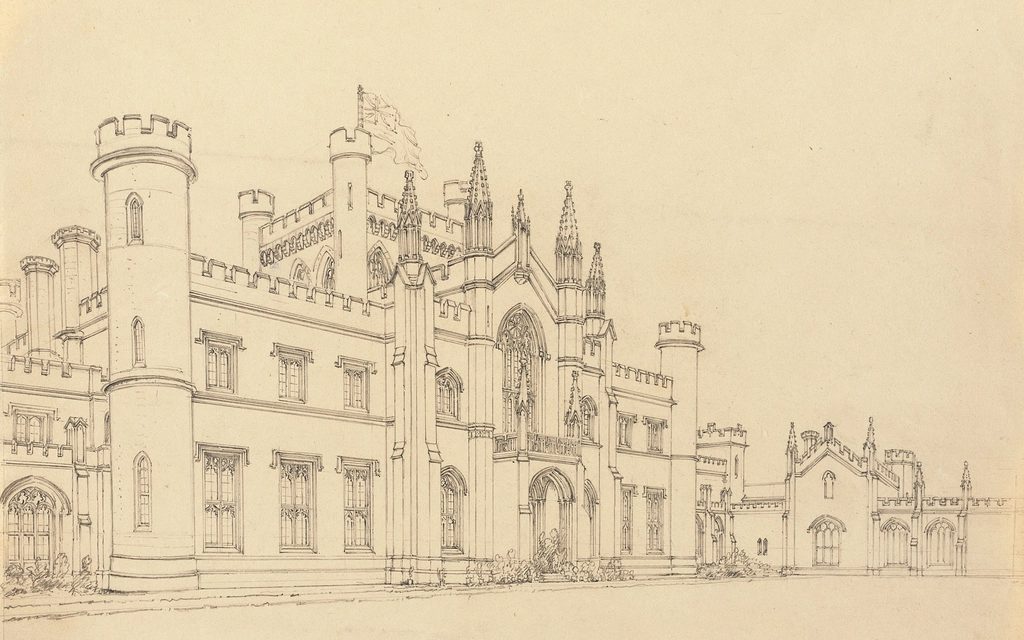 SketchRender
72 credits land in your account the moment you sign up, once, with no card. That is enough for two images or one 720p clip, which is enough to find out whether this works on your rooms.
JPEG, PNG or WebP, up to 40 MB. One phone photograph taken from a corner, so two walls are in frame, is enough.
Write one sentence, or choose a template and write nothing. Everything you have no opinion about is decided for you.
The photograph, restyled. Or the clip, cut and stitched. The price shows before anything runs, and no job runs half-paid.
Rightmove, Zoopla or Zillow dimensions, with the disclosure line written onto the pixels rather than sitting under the photo. The photograph you uploaded downloads beside the result, so you can publish the staged room and the empty one together.
The camera walks in at chest height and stops short of the far wall. One interior photo, and the room stays the room.
Every example here is real Miravely output. Your clip is made from your own photo.
A new account gets 72 free credits, which covers your first clip. No card. Photos up to 40 MB.
Miravely cuts one clip per room from your photographs and joins them with plain dissolves. The camera move is chosen for you, and nothing between two rooms is invented, because there is nothing between two rooms to invent from.
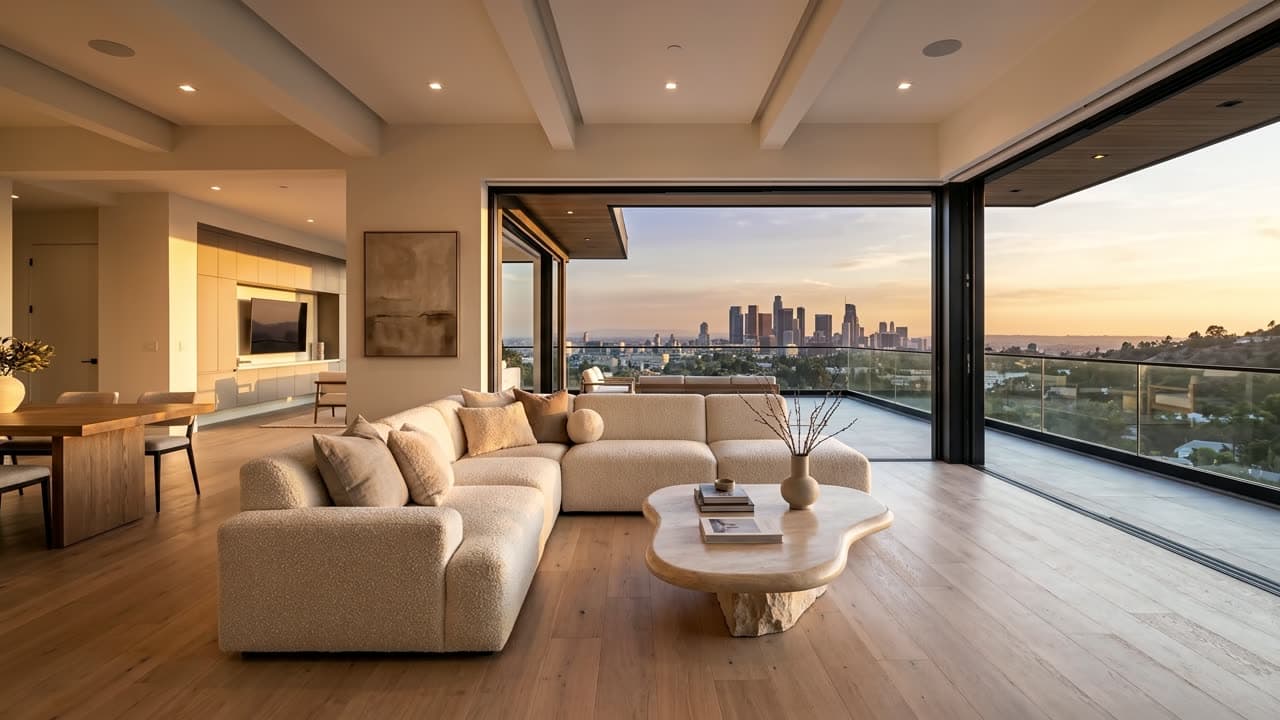
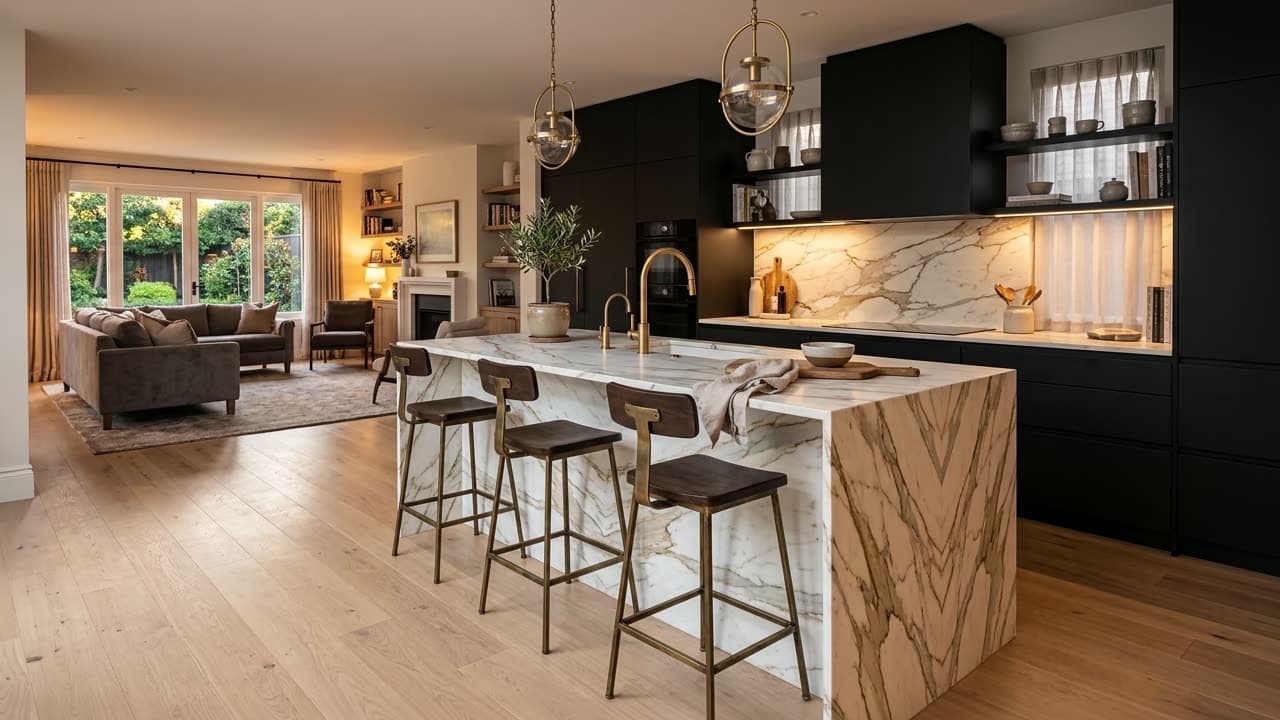
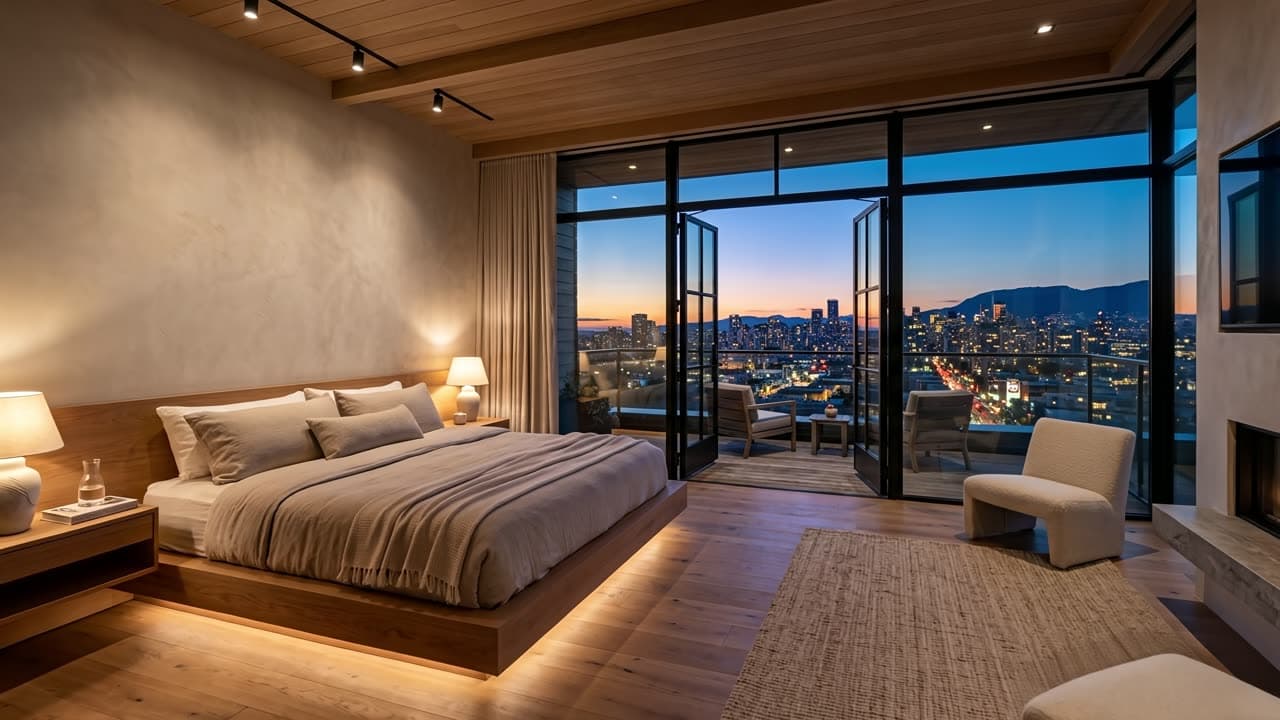
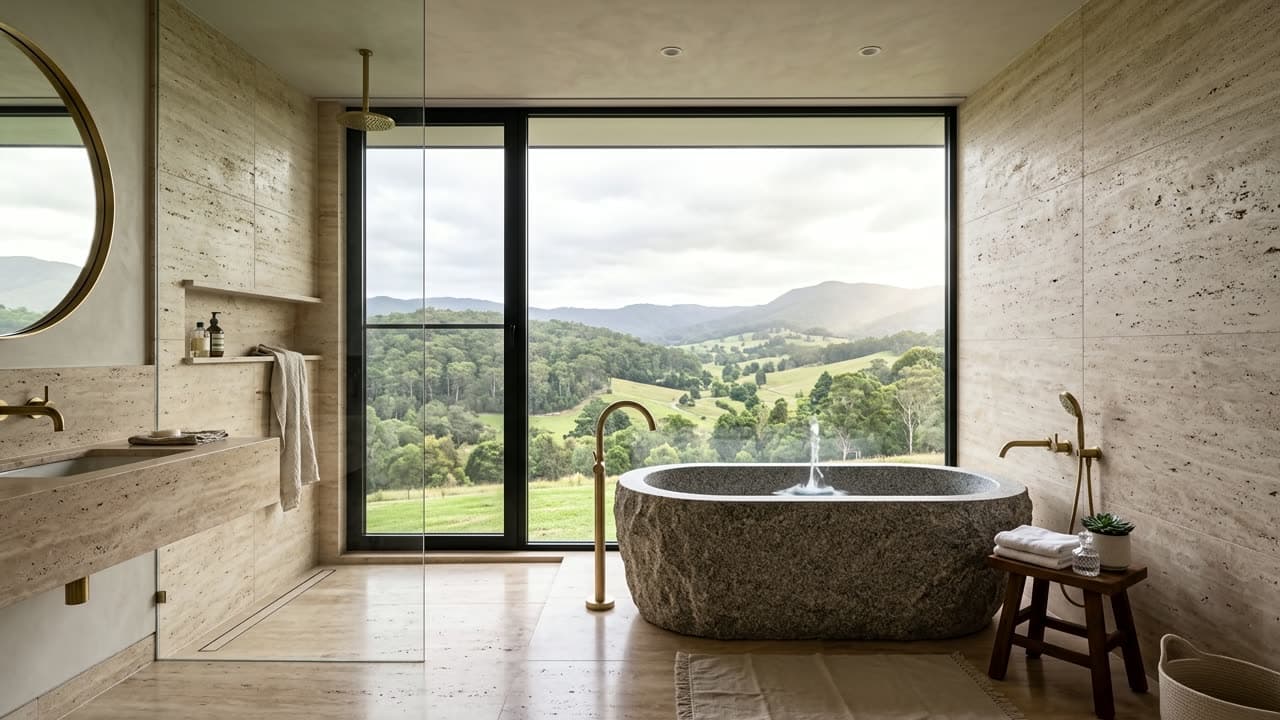
One clip per room, 5 seconds each at 1080p.
Press play on any of them. These are the real files, at the length they run.
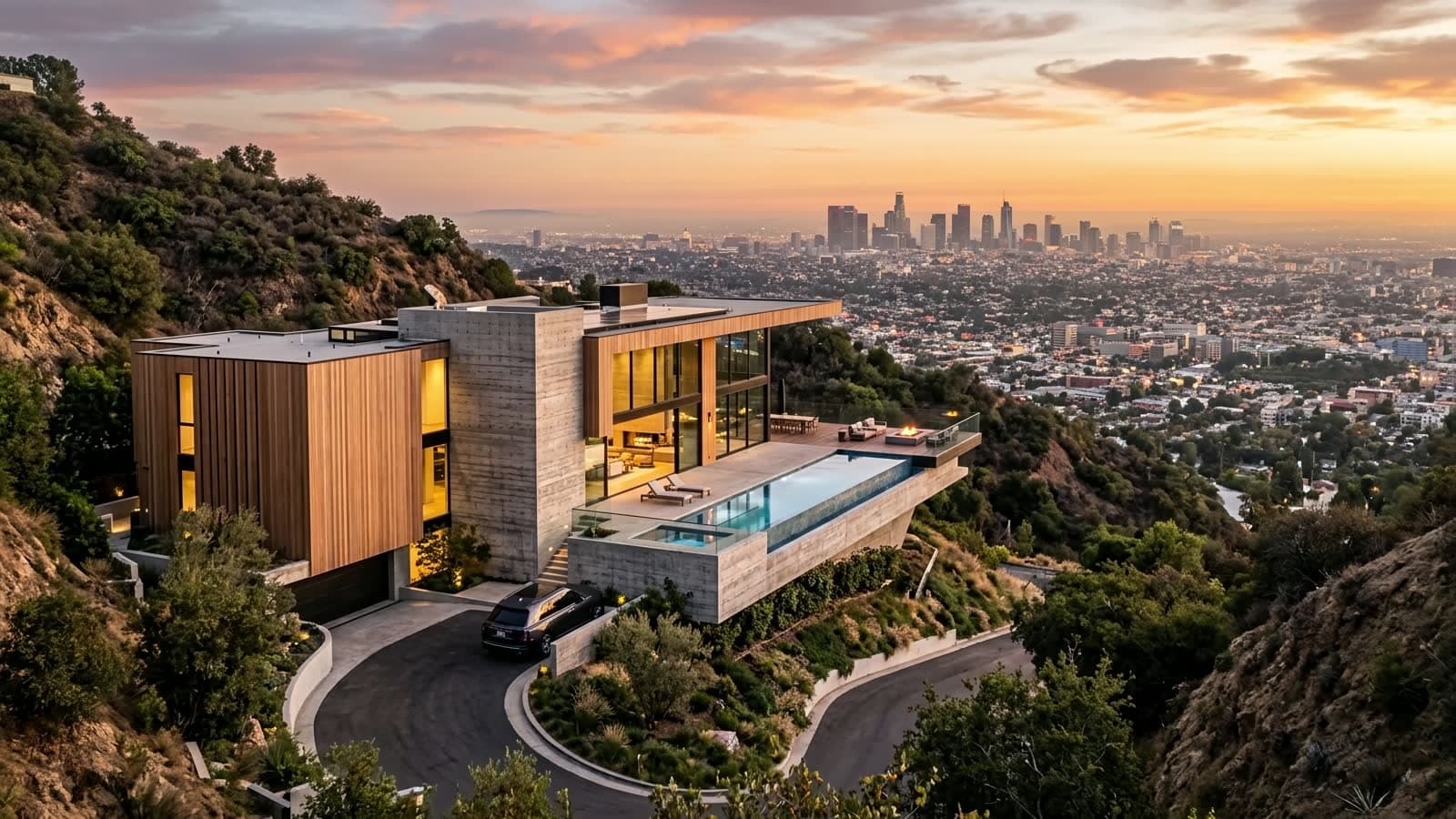
Eight seconds from cloud level down to the building, arriving where your photograph was taken.
How it worksSix seconds of the light falling. Only fittings already in the photo are allowed to light up.
How it worksSeven seconds: your own card, out of a helicopter door and over the neighbourhood.
Open Card DropOne lands on the page as a clip, the other prints.
Eight seconds that open on a bare plaster shell and put the room back, element by element, until it is furnished and lit. Landscape, because it goes on the listing page rather than in a feed.
Open Room Build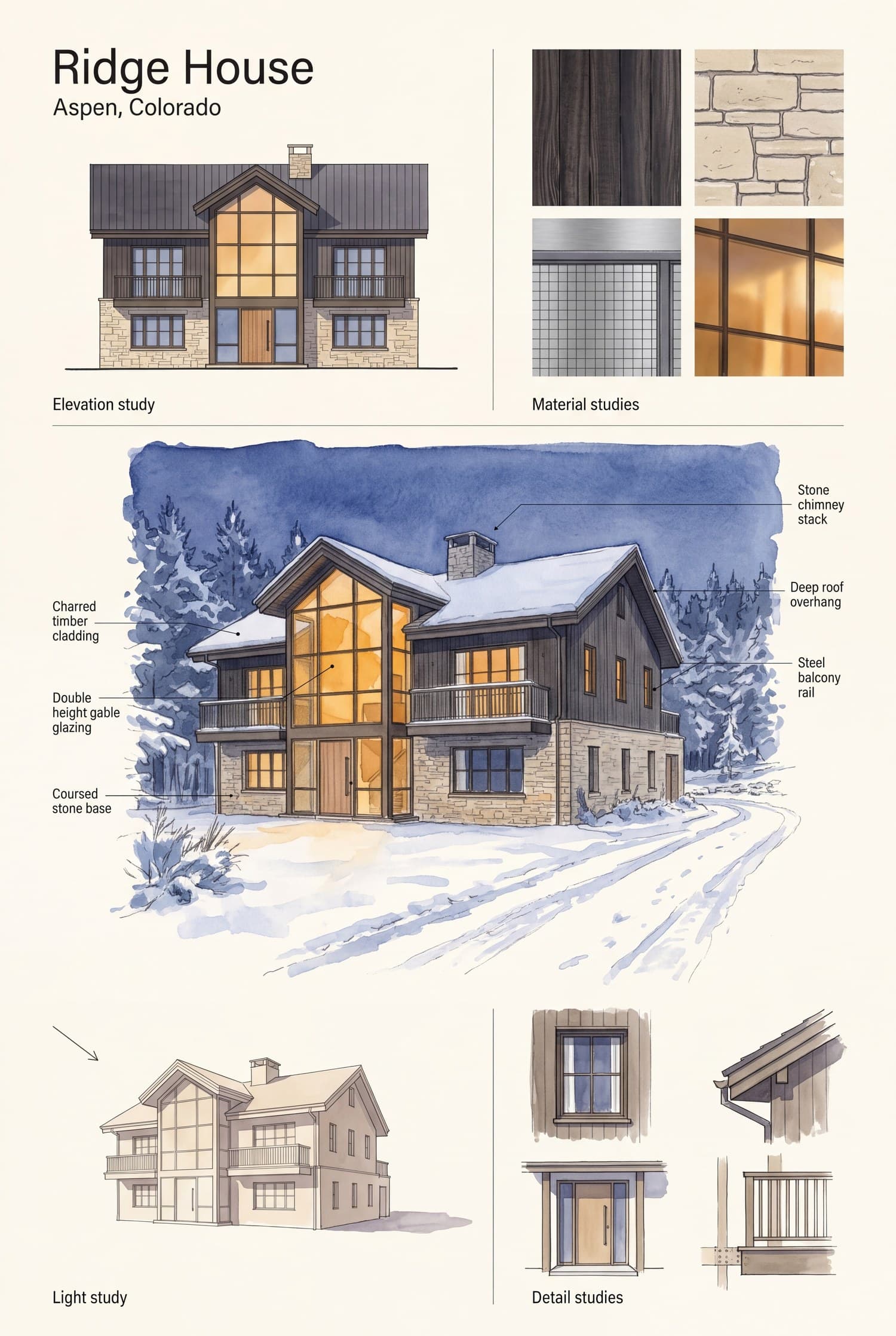
One printable page at 3392 by 5056: elevation, material studies, callouts. Every word on it is a word you typed.
Open Design BoardGetting one listing ready used to begin with booking a photographer, waiting for the slot and waiting again for the edit. Five more suppliers came after that. Now it begins with the photographs already on your phone.
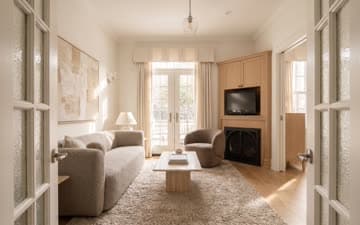
Rent furniture by the month to make an empty flat sellable.
Furnish and restyle the room in about 30 seconds.

Pay for a videographer, and a second visit, to get a walk-through.
Cut the tour from the photographs you already have.
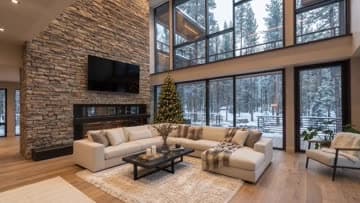
Commission a 3D artist to show the bare shell furnished.
Watch the room build itself back, in eight seconds.
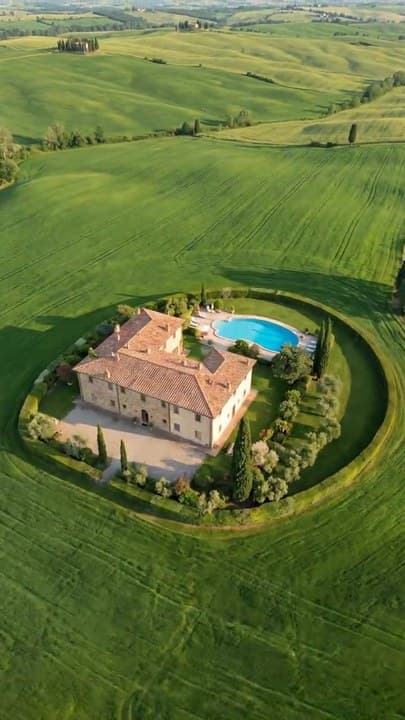
Book a drone pilot, then wait for a weather window.
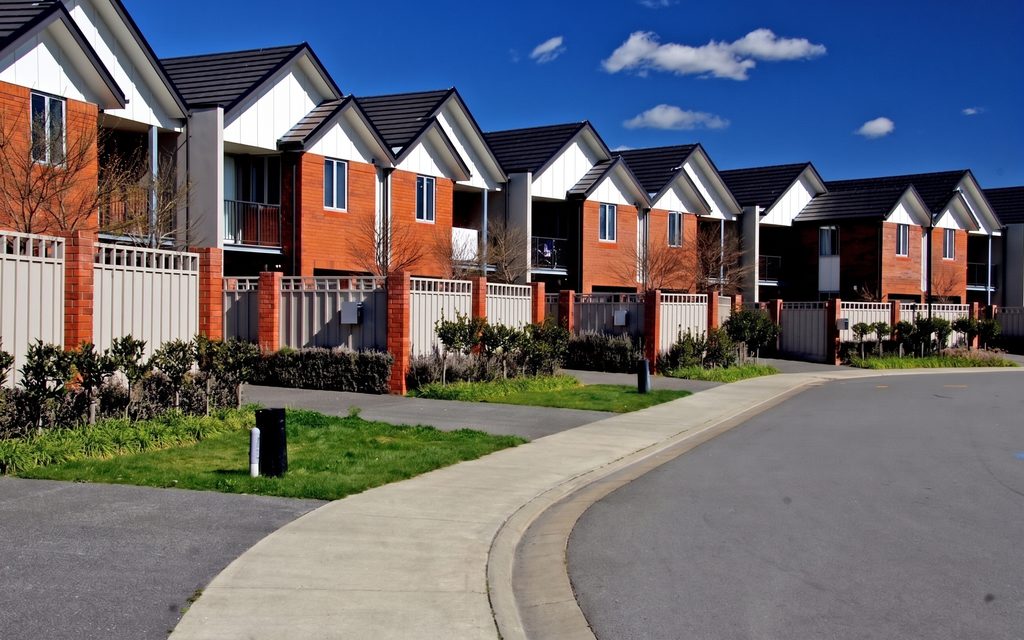
Descend from cloud level to the building in the photograph.
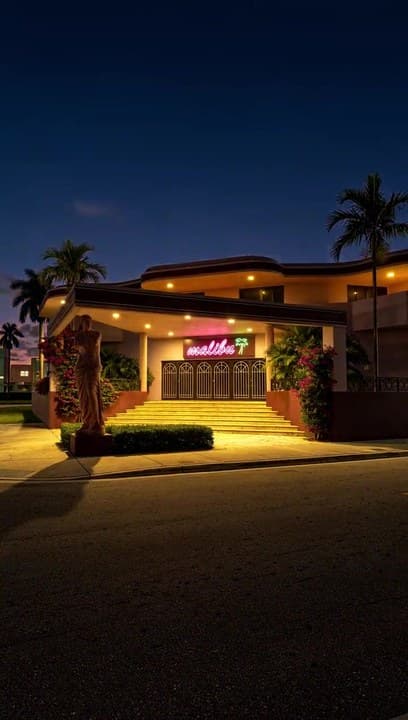
Go back at golden hour for the evening shot of the facade.
Move the same facade to dusk without going back.
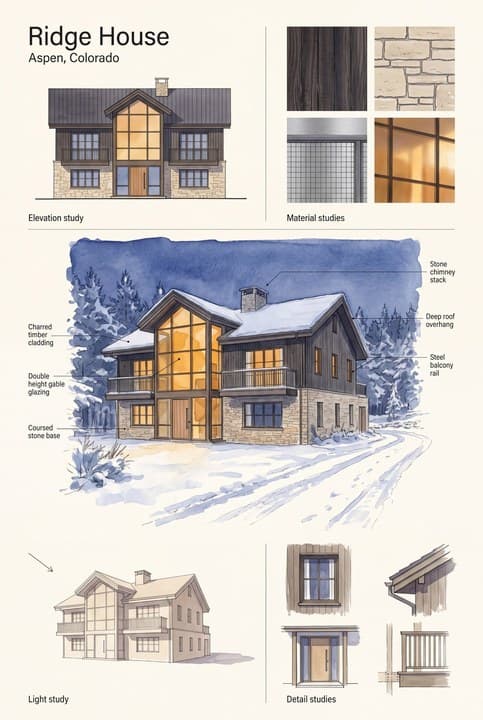
Brief a designer and wait a week for one presentation board.
Get a printable board back from one photograph.
Every picture in the margin is a real run of the line beside it.
Real work. No actors.
Nothing on this rail was picked out of a hundred tries. Each card carries what was asked for, who the job is for, which model ran it, what it cost and which attempt you are looking at. 9 jobs, 11 attempts, 186 credits, all of it written down in the open. Where a job took more than one go, the card says so and says what went wrong.
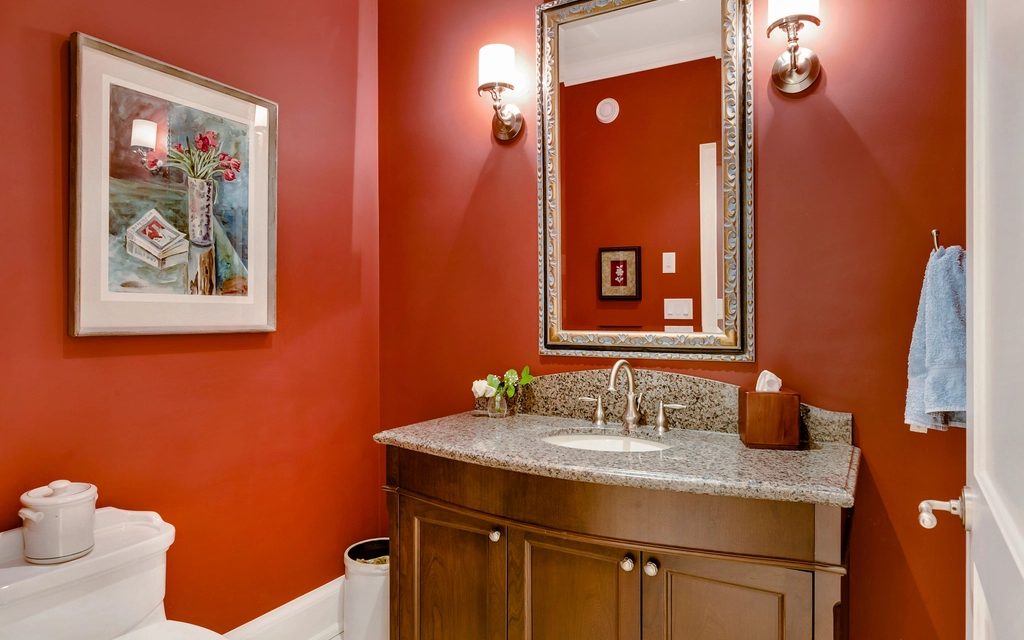 BeforeAfter
Change one surface: the wall paint, to a soft warm white, matt.
One surface changes and you can check on the handle that nothing else did.
Owners deciding between two finishes
nano-banana-pro at 2K · 18 credits · first attempt · 19 August 2026
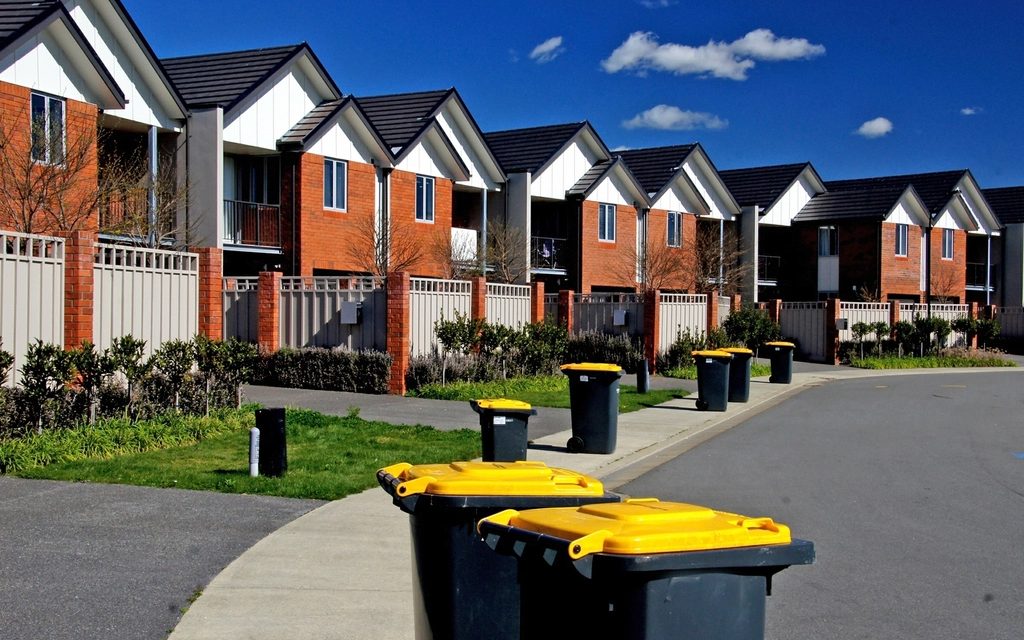 With itWithout
Remove the wheelie bins standing on the pavement and in the front gardens.
A shot lost to bin day is usable again without going back to the property.
Listing photographers
nano-banana-pro at 2K · 18 credits · first attempt · 19 August 2026
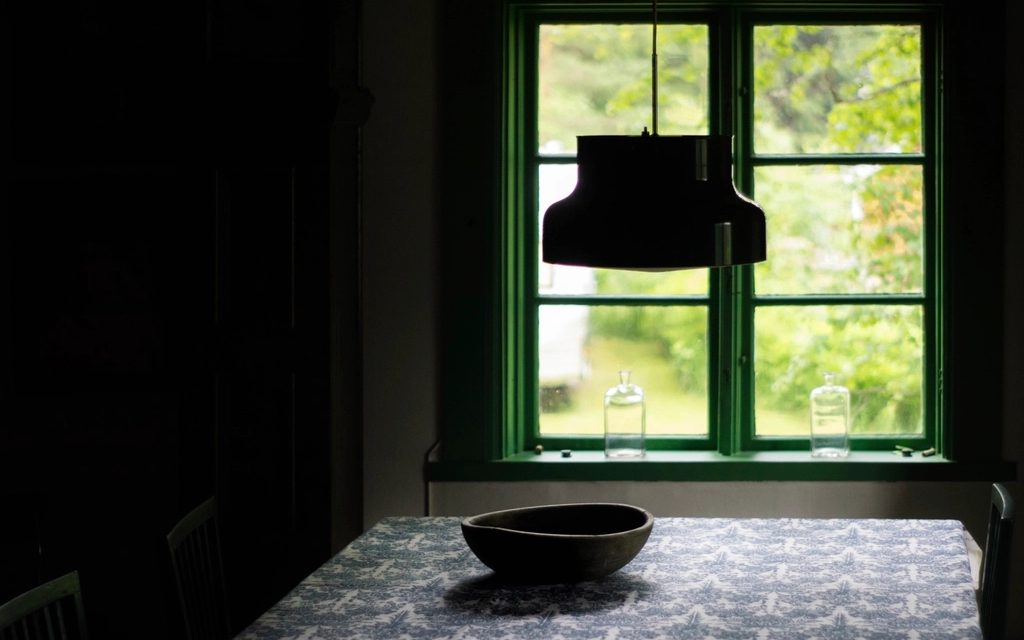 As shotCorrected
Expose this properly. No redesign, nothing moved.
An underexposed room becomes readable, with nothing moved and nothing added.
Anyone shooting interiors on a phone
nano-banana-pro at 2K · 18 credits · 3 attempts · 19 August 2026
Two faults in our own template, found by measuring the result rather than looking at it: the first lift was half a stop on a frame that needed two.
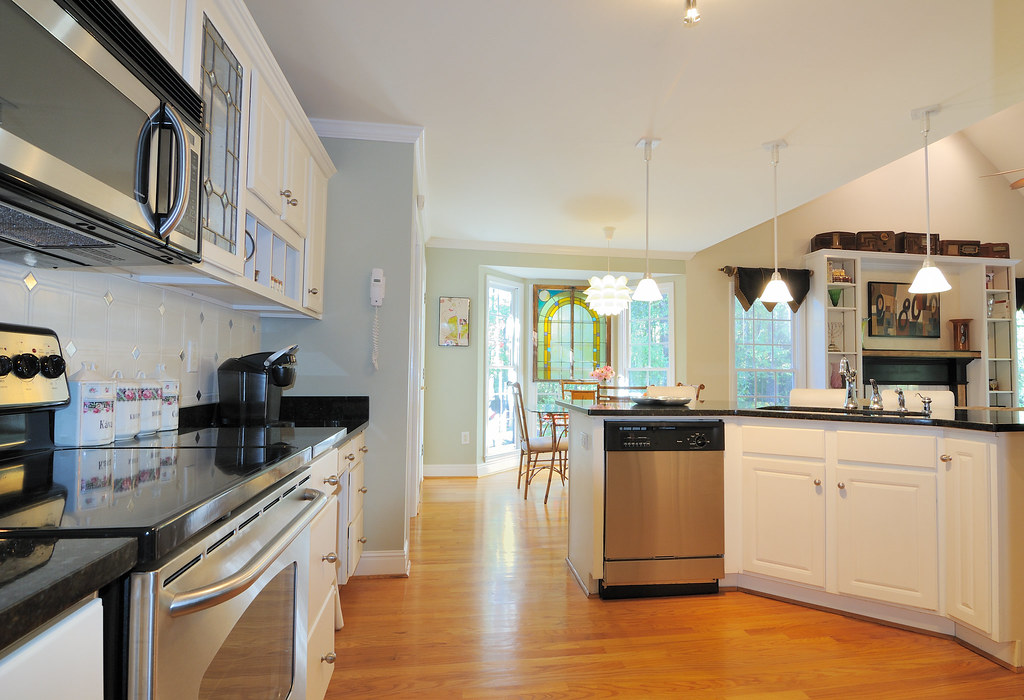 BeforeAfter
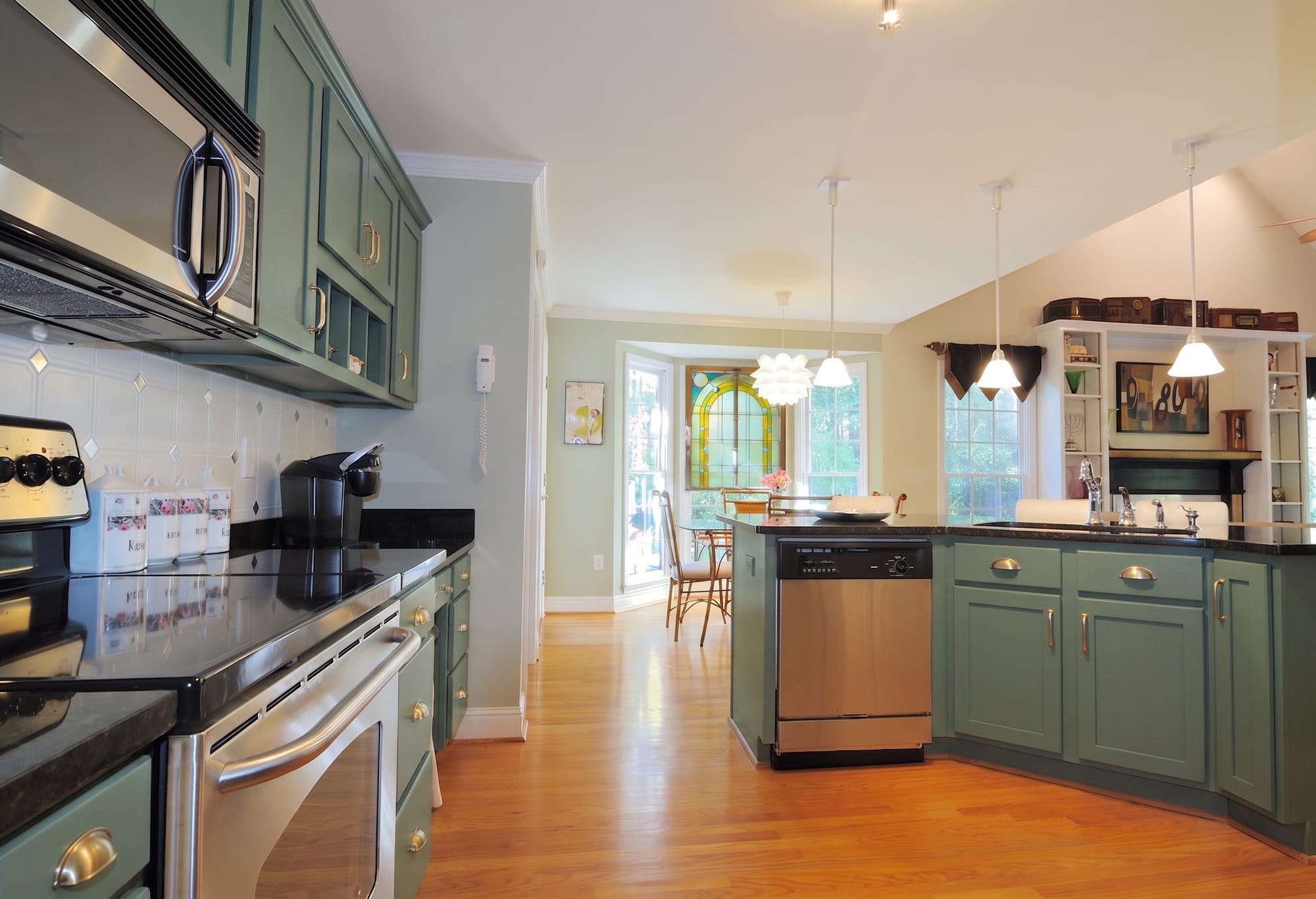
Change the cabinet fronts: deep sage green shaker, brushed brass handles. Leave the worktop.
Shows what new doors and handles do, with the worktop and the layout left alone.
Owners pricing a kitchen refresh
nano-banana-pro at 2K · 18 credits · first attempt · 28 August 2026
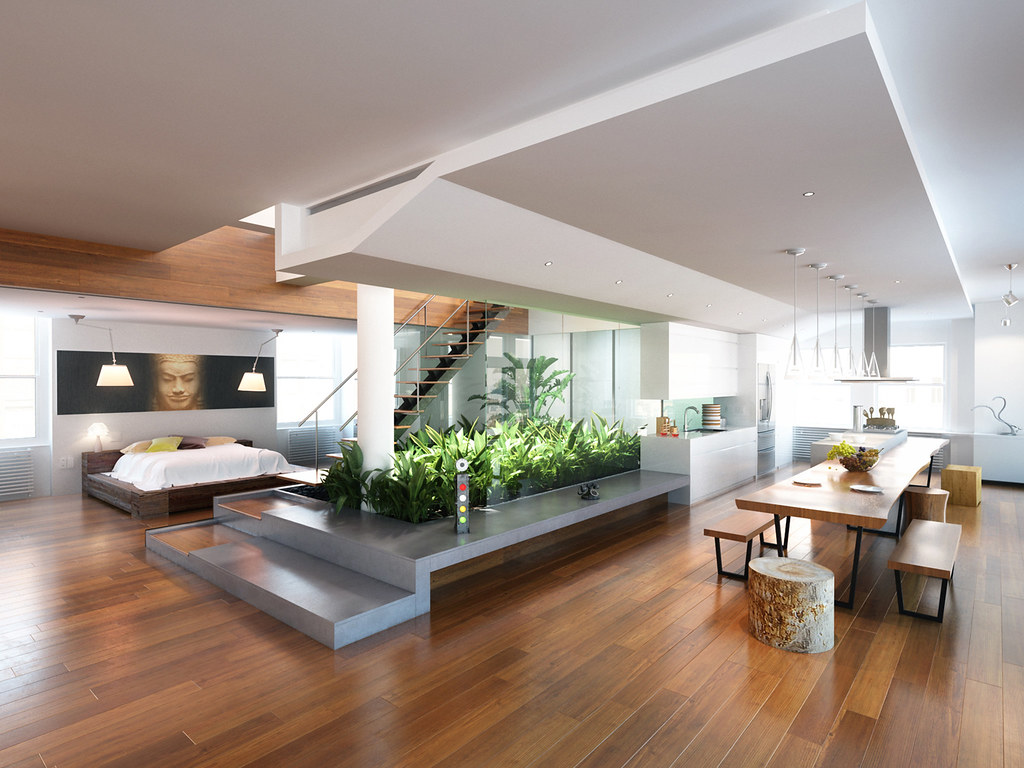 BeforeAfter
Change the floor: wide European oak boards, matt, laid in a single direction.
A floor you can check against the original, board by board, on the handle.
Owners choosing flooring
nano-banana-pro at 2K · 18 credits · first attempt · 28 August 2026
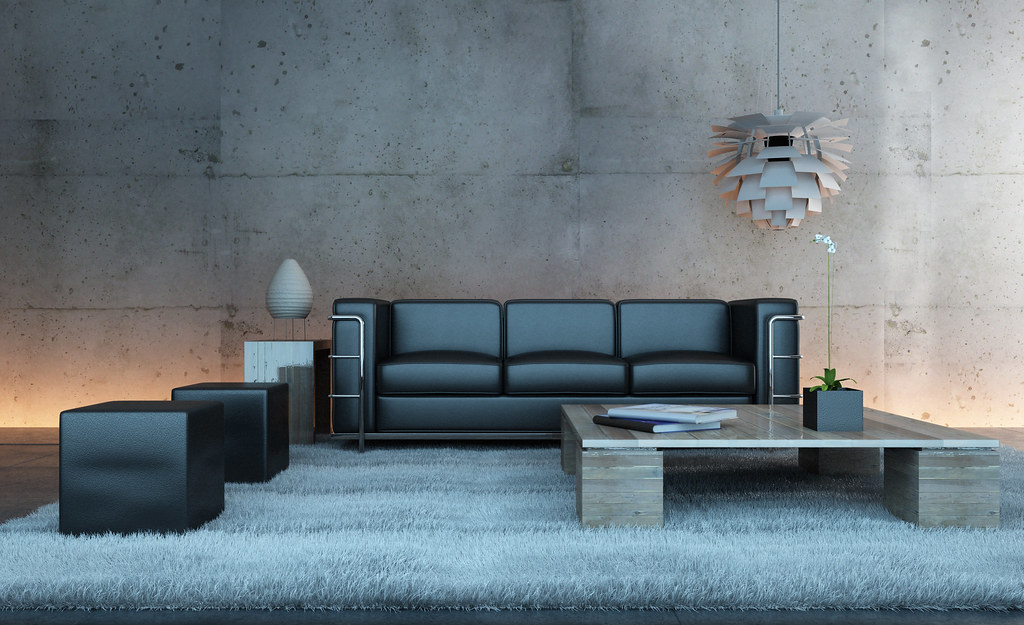 BeforeAfter
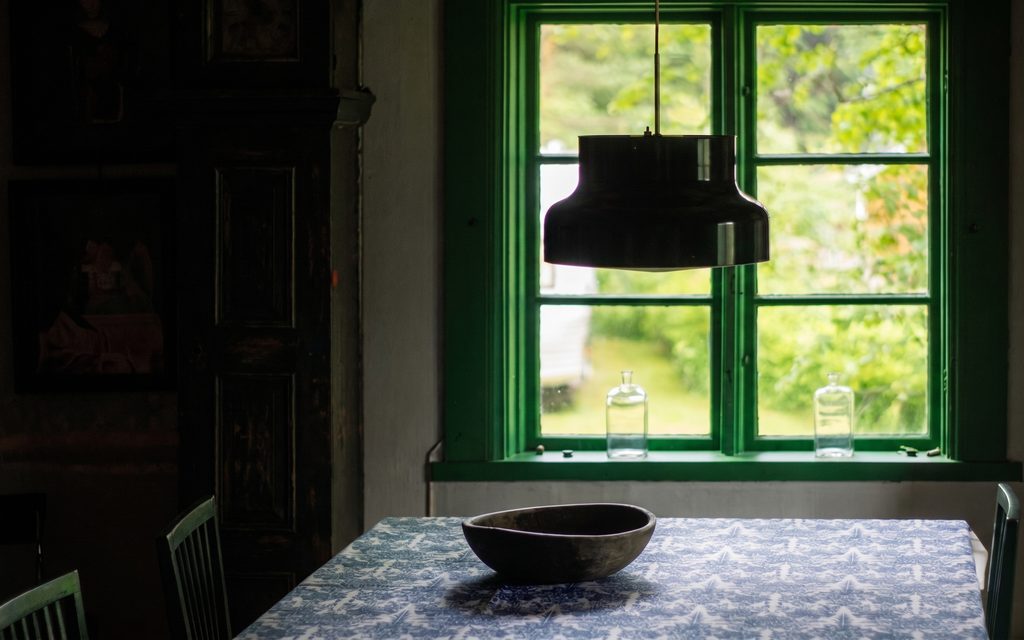
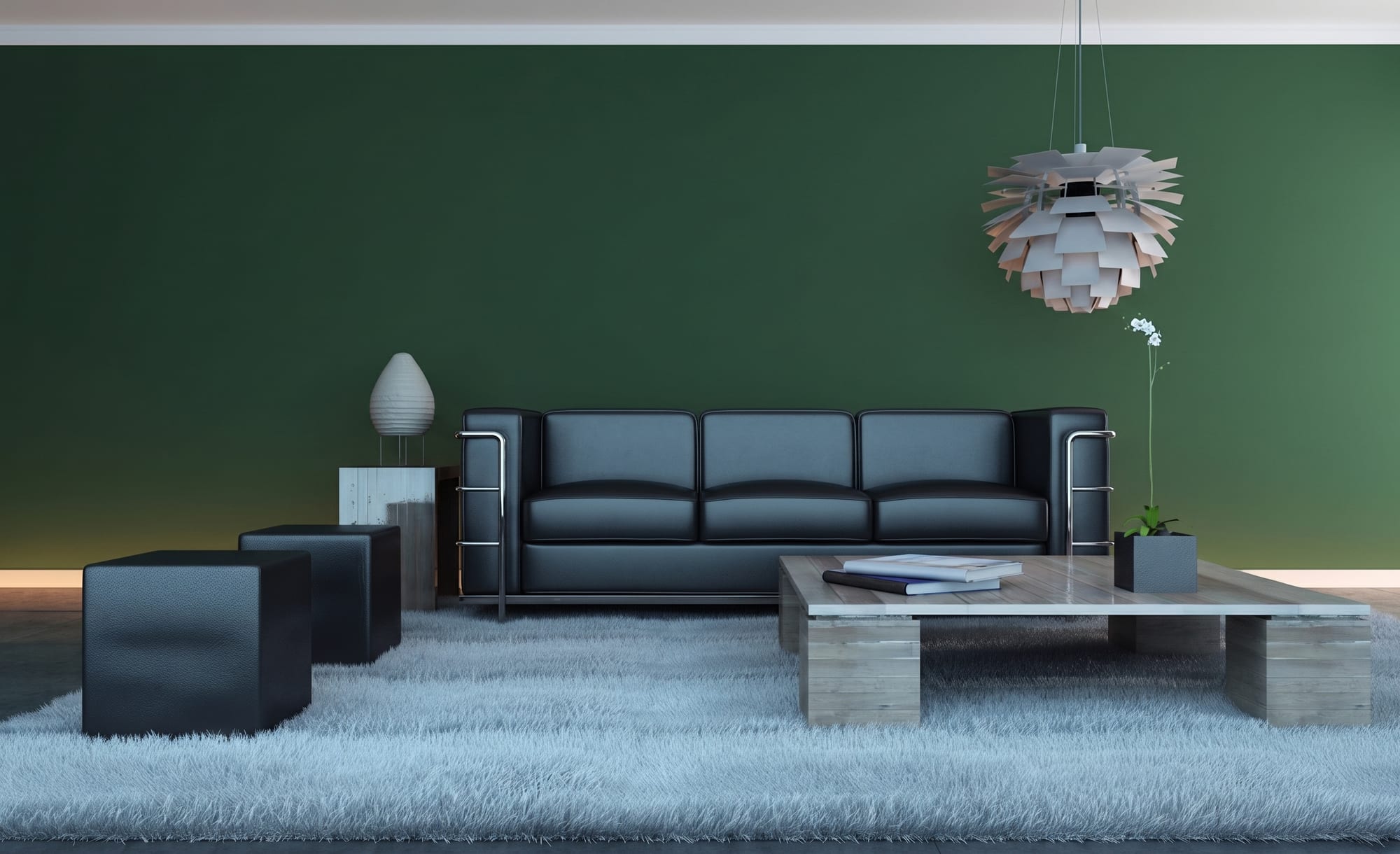
Paint the walls deep forest green, matt emulsion. White trim and ceiling.
A colour tried on the actual wall, in the actual light, instead of a tester patch.
Owners choosing paint
nano-banana-pro at 2K · 18 credits · first attempt · 28 August 2026
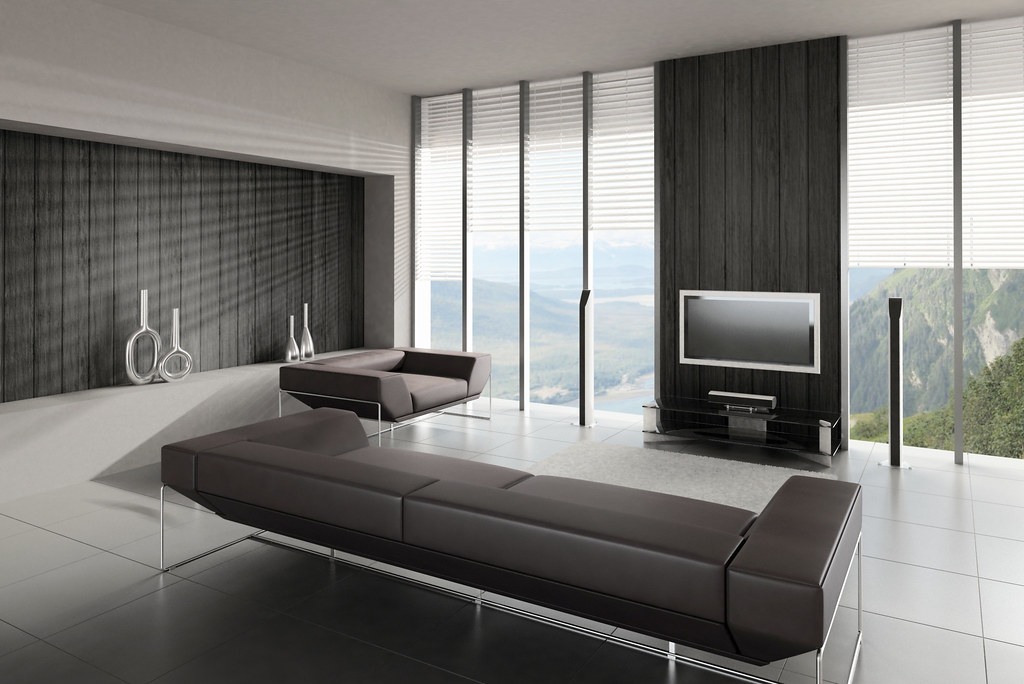 Mid-worksFinished
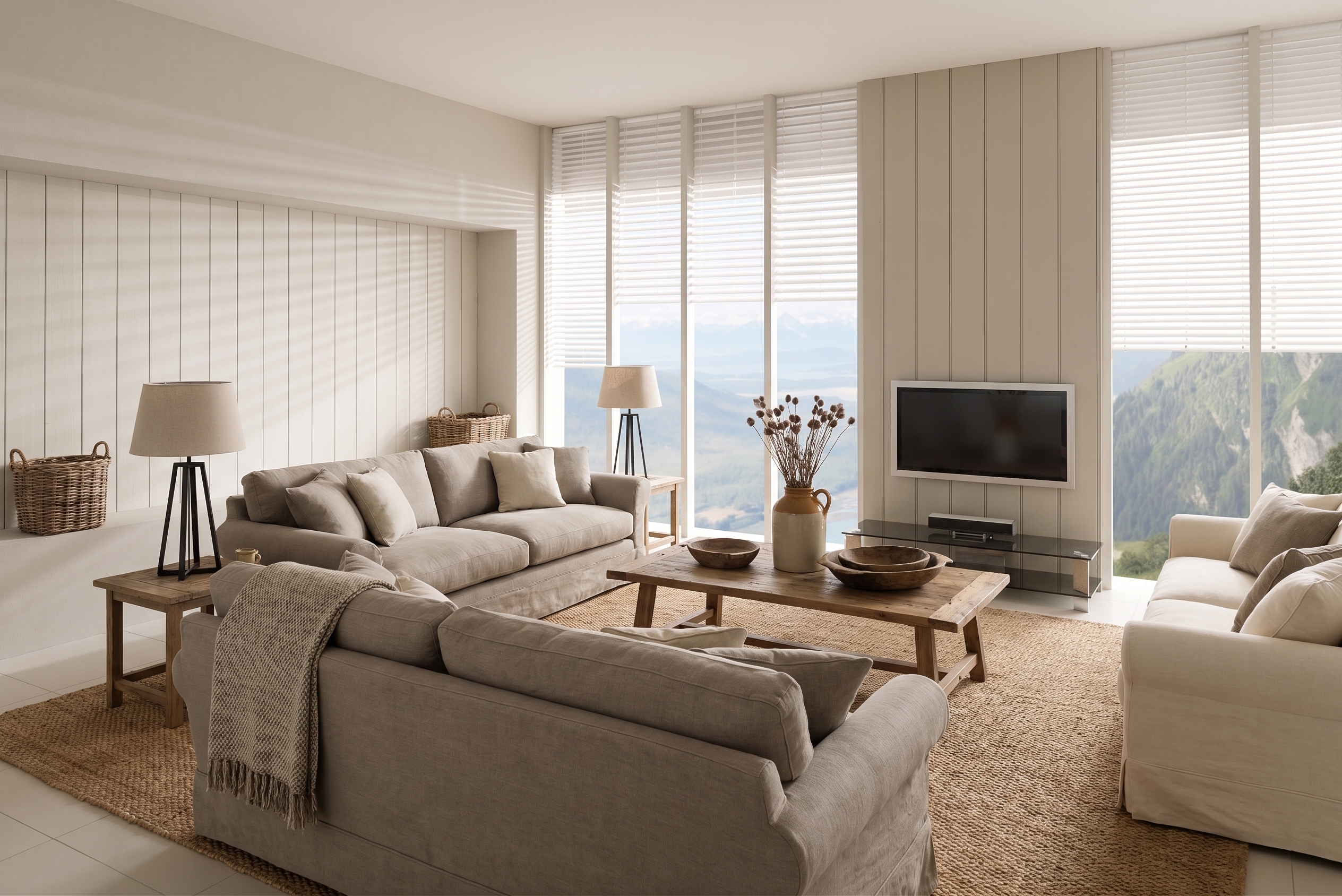
Restyle this living room as modern farmhouse.
A half-finished room shown finished, so a buyer can see the end of the works.
Agents selling mid-renovation
nano-banana-pro at 2K · 18 credits · first attempt · 28 August 2026
 BeforeAfter
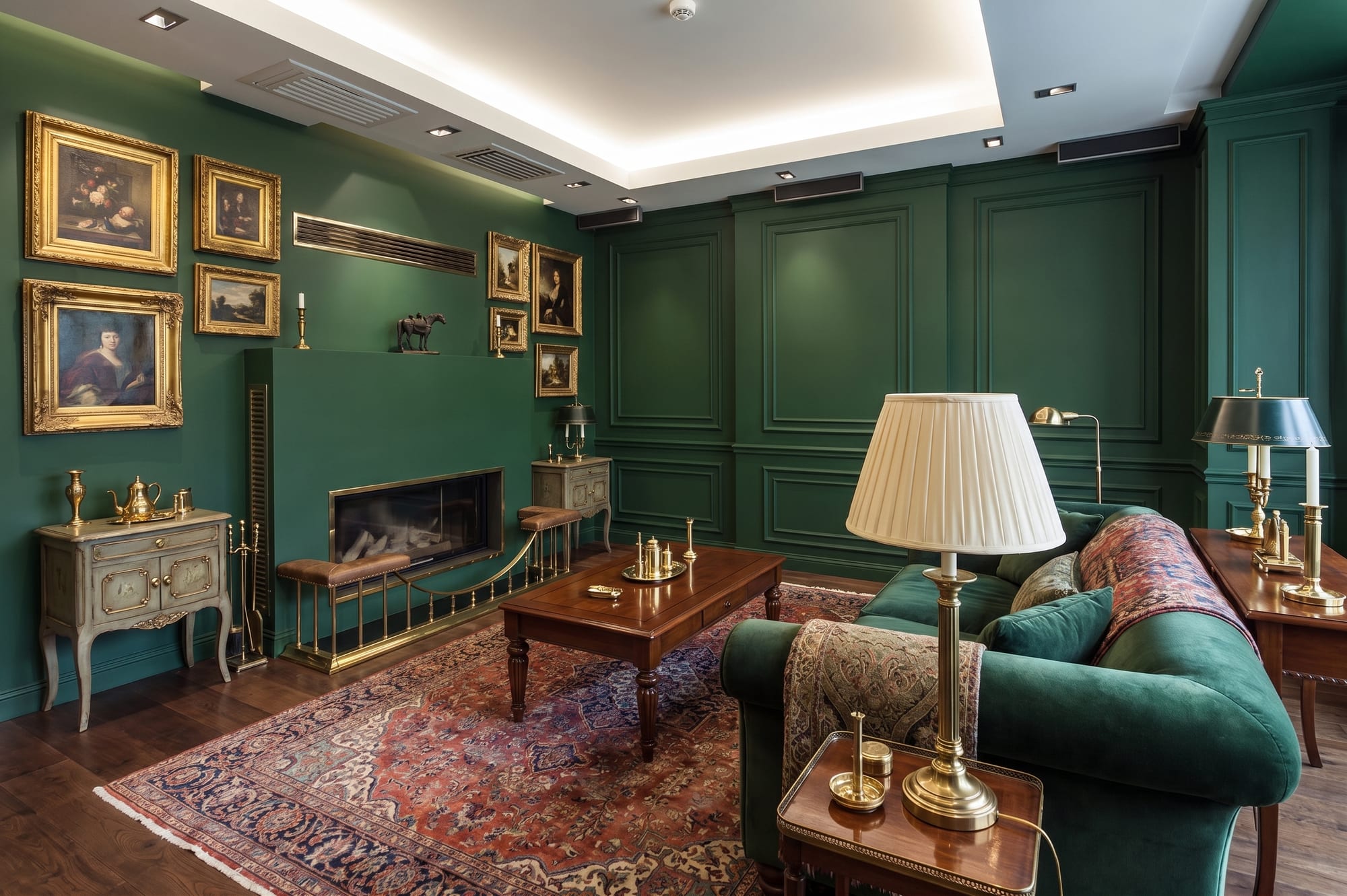
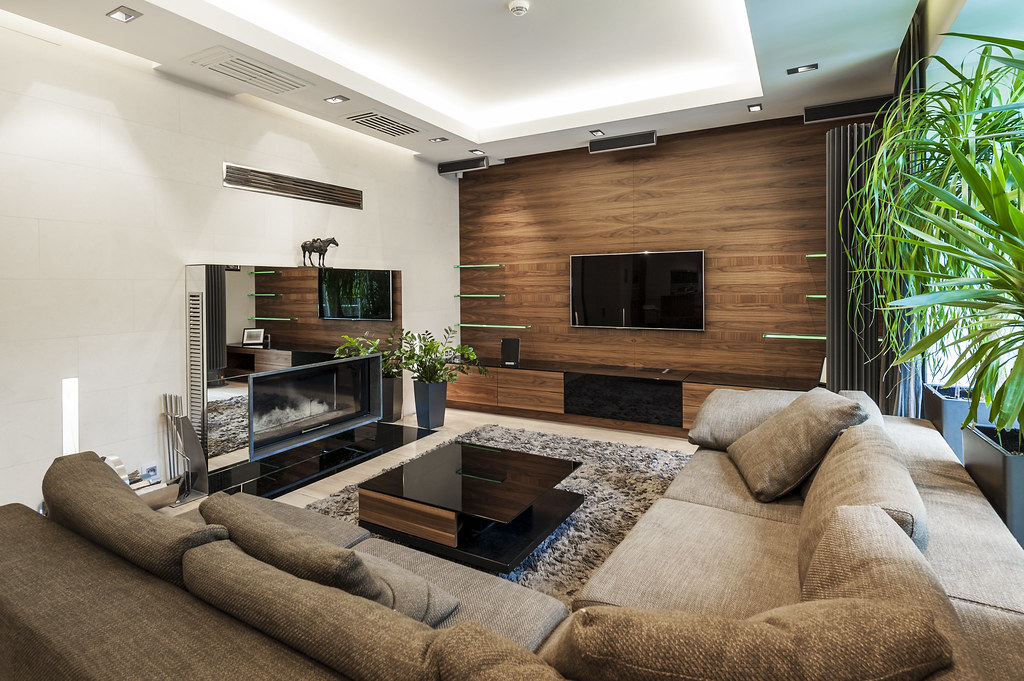
Traditional English. Keep the fireplace, lose the carpet, dark green walls, brass fittings.
Four things asked for in one sentence, four things done, nothing else touched.
People who know exactly what they want changed
nano-banana-pro at 2K · 18 credits · first attempt · 28 August 2026
 DrawingPhotograph
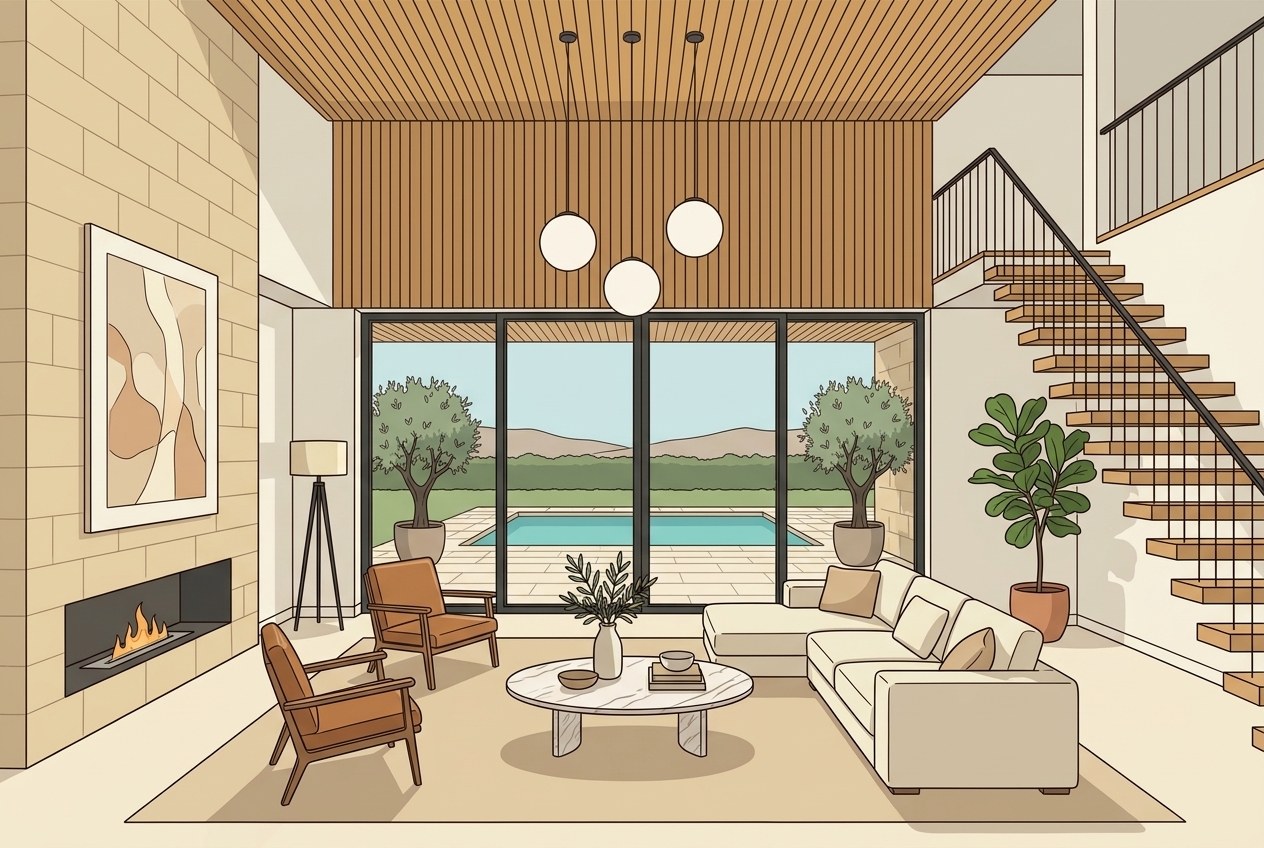
Photograph this rendering. Setting: interior.
The three pendants, the two chairs and the four glass panels the drawing put in the room are all still there, now photographed.
Architects and developers with a design that exists only as a visual
gpt-image-2-5-sunburst at 1K · 6 credits · first attempt · 17 September 2026
The drawing on the left was generated for this card, so this room does not exist anywhere. The photograph is the only attempt that was made.
Every card to the left carries a receipt, because we ran the job and paid for it. None of them carries a name, because nobody has left one yet. The usual move at this point is a row of people who do not exist. We would rather leave the space open and tell you it is open.
There is a box under every finished job in the studio. One sentence is enough. Tick the line that gives us permission and your name and role go under your own words, here, spelled the way you spelled them, and you can have the whole thing taken down whenever you want.
Run one and tell us how it wentDrag a handle to check the room did not move.
Every source photograph but one is public domain and credited, the exception being a drawing we made ourselves and label on its own card. Every result came out of the product itself, and the model, cost and attempt count for all of it is in the showcase credits file, which ships with the site.
That is the whole design. Miravely reads the wall junctions, window openings and door positions out of your photo and holds them fixed while it works. If the result is not the same room, that is a bug and we want the photo.
For anything that shows furniture or finishes which are not physically there, yes. US MLS rules and UK advertising rules both expect it. The studio marks those jobs, writes the disclosure line onto the export, and gives back the photograph you uploaded so you can publish it next to the staged one.
Miravely stores them privately against your own account. Nobody else can open them, the links Miravely hands out expire on their own, and they are never used to train a model and never sold.
Yes. Miravely cuts a walk-through video tour from a set of listing photographs, one clip per room, and the section above is the live studio rather than a preview -- upload the listing photos, the plan and price show before anything runs, and the stitched film comes back without anyone here touching it by hand.
 AI-generated
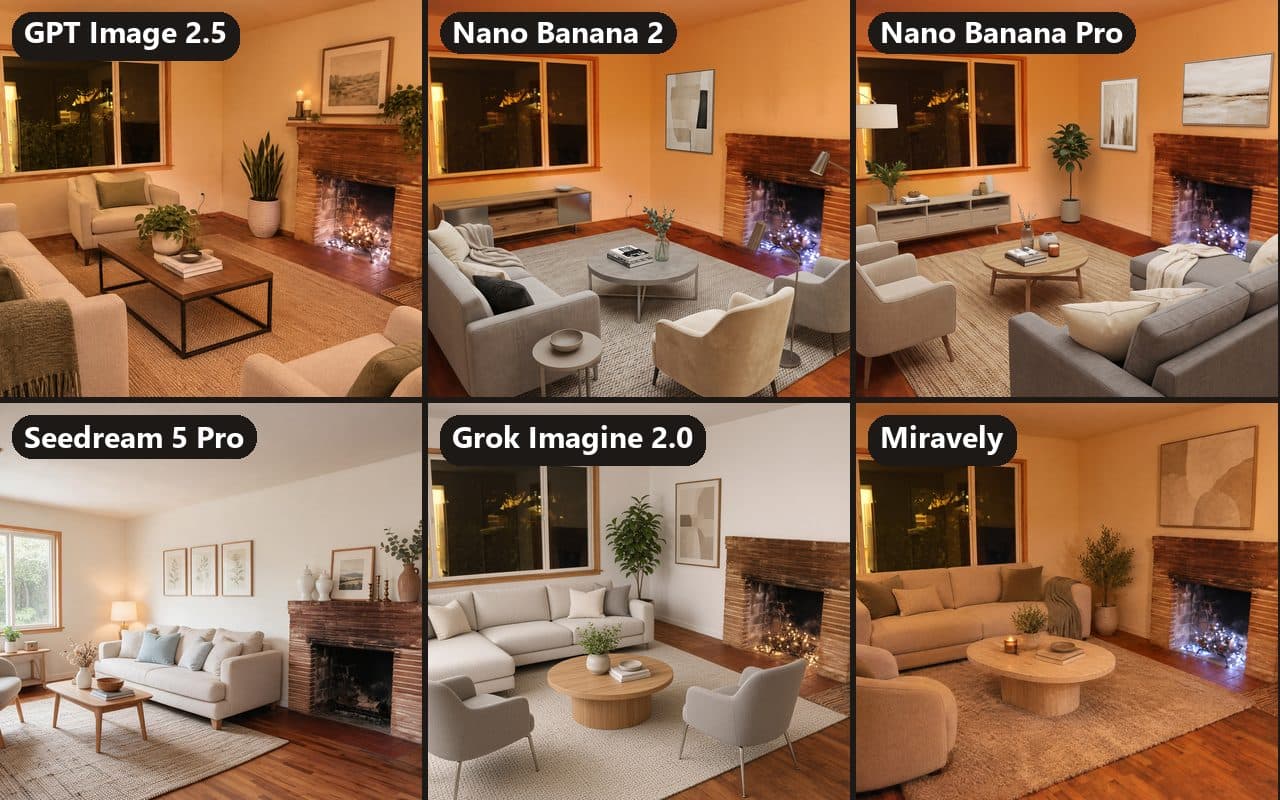
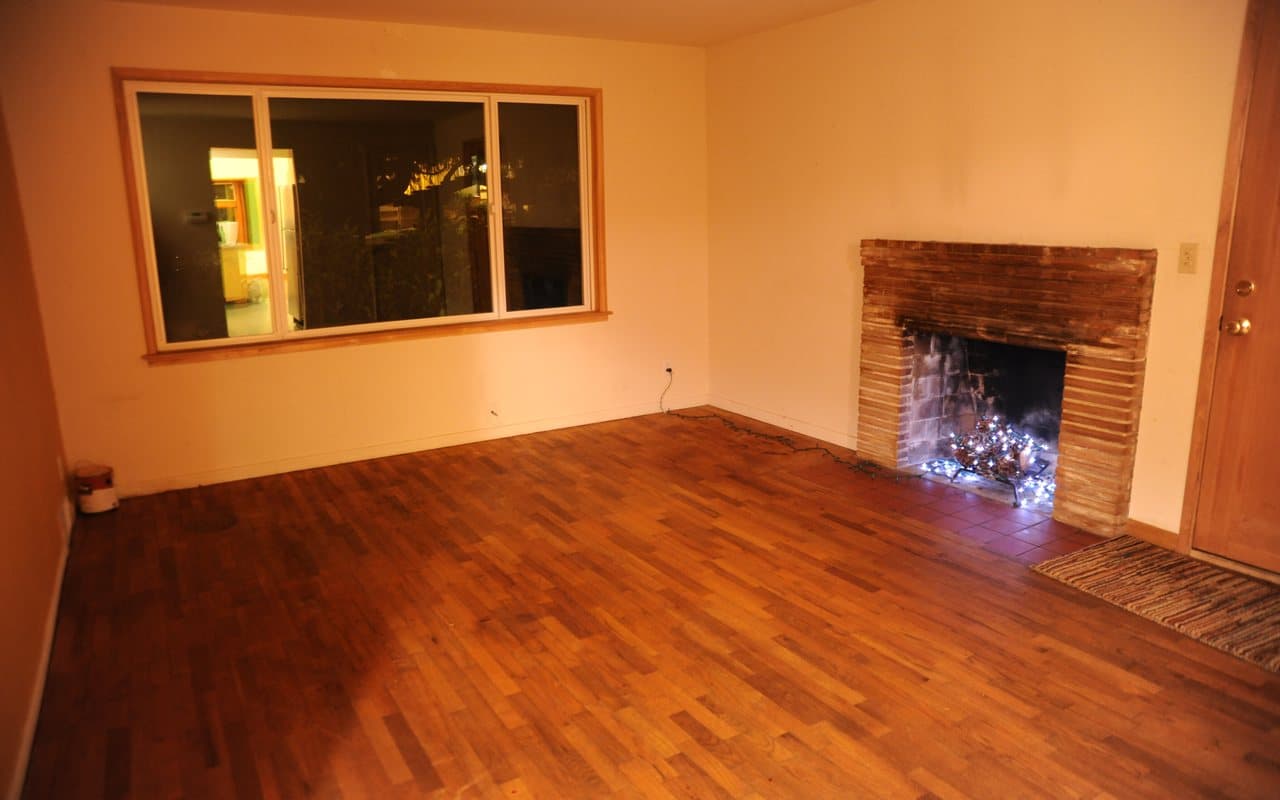
We gave six AI image tools the same three empty rooms and asked each to leave the room as it was, and four of them still changed a fixed part of one: Seedream redrew a living room, Nano Banana Pro rebuilt a bay window, Grok pulled the camera back by about a quarter and OpenAI’s GPT Image model added a shelf to a brick fireplace.
5 primary sources, linked
 AI-generated
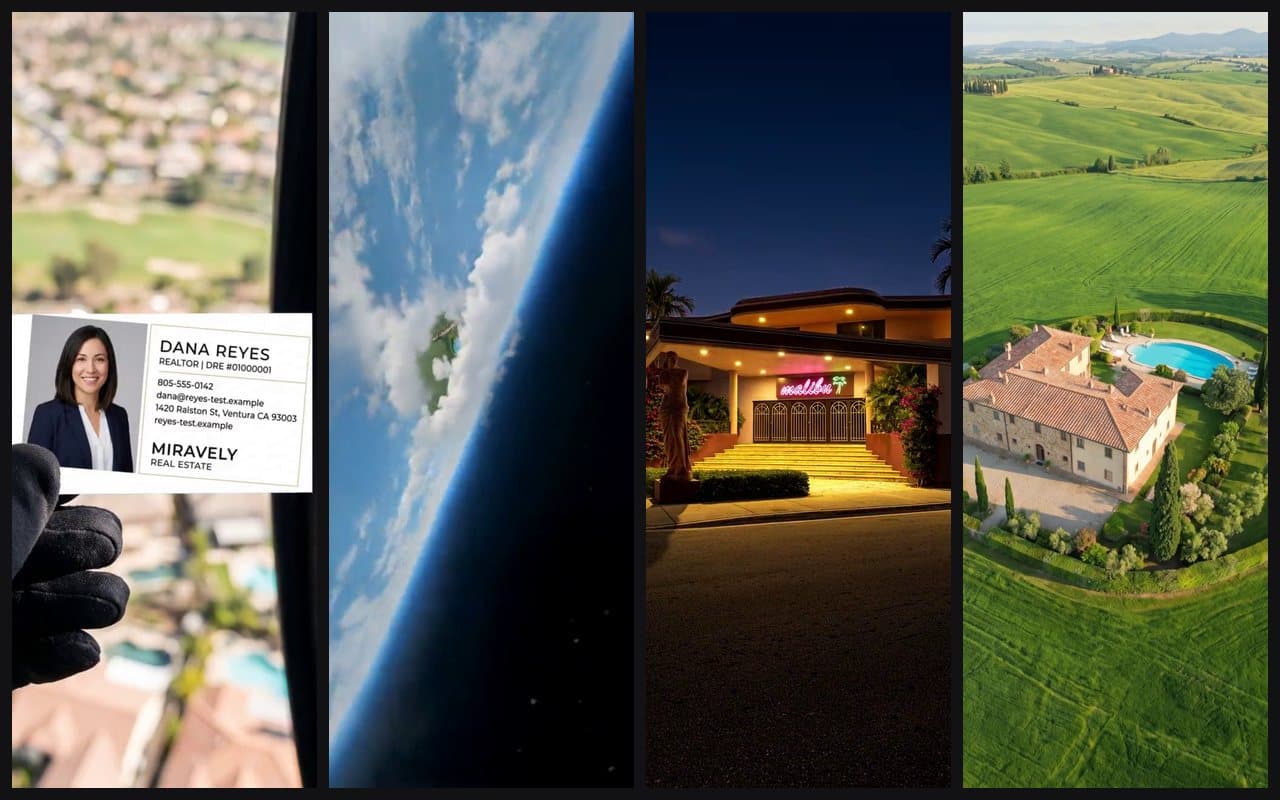
The real estate reels you can make from listing photos alone are short vertical clips built around one idea each: a day-to-dusk change, a drone approach, an arrival from orbit to the front door, an empty room staged, a floor plan raised into 3D, or a fast walk through the listing photos.
10 primary sources, linked
 AI-generated
Virtual staging is worth it for a vacant home as long as it only adds furniture at the room’s real scale, is labeled, and is shown next to the empty photo, while real staging, at a median $1,500 in NAR’s 2025 survey, is worth it when buyers will judge the home in person and the furniture has to work at the viewing too.
17 primary sources, linked
Take the photograph now. If what comes back is not the same room, you have found a bug and we want to hear about it.
72 free credits when you sign up. No card until they run out.