
Scale is not guessed
Because the room is measured, a 600 mm tile reads as a 600 mm tile rather than whatever size looks good in the frame.
Materials
Put oak, porcelain, quartz or terrazzo onto the floor and worktops in your photograph, at the right scale for the room they are in.
Eight of the finishes people ask for first
Step by step
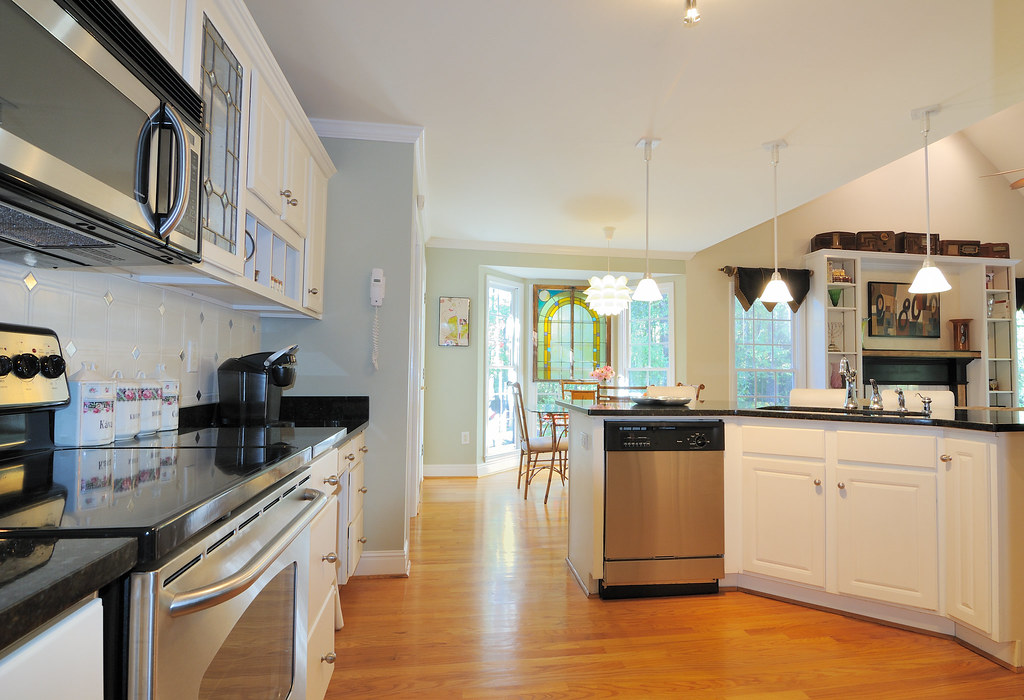 Your photo
A photograph of the room or the facade you want to test a finish on.
One surface at a time, from the studio’s own list, and what it should become in your own words. Everything else in the frame is left exactly as photographed.
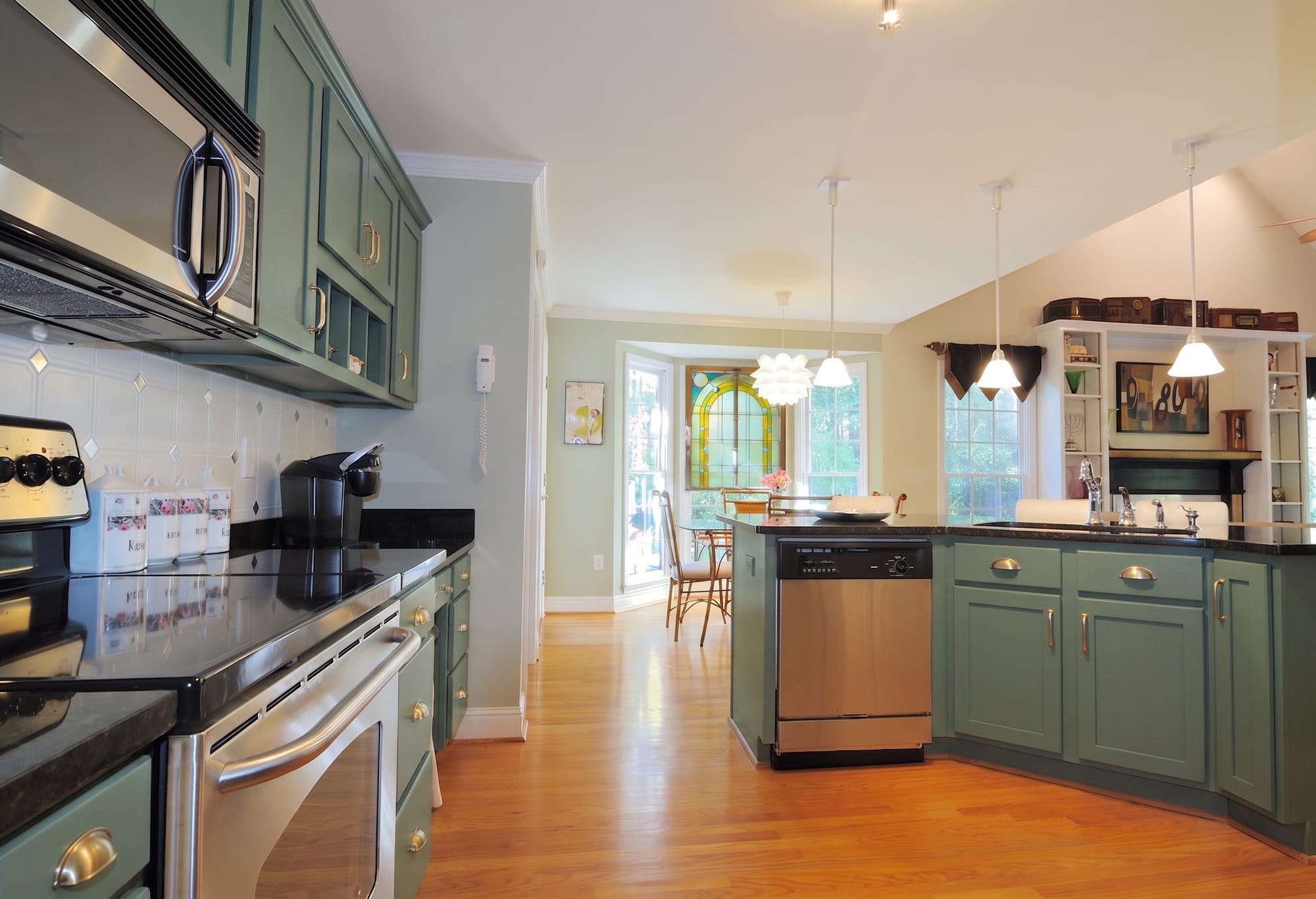 What came back
The same photograph with the new surface on it.
Every picture here is this page’s own example: the file that was uploaded, the setting that was used, and the result exactly as it came back. Nothing was retouched afterwards.
Try it now
Drop in a photo and Miravely opens straight into material swap, no preset picking. About 30 seconds.
Drop in a photo
JPEG, PNG or WebP, up to 40 MB.
Settings
Settings
From 12 credits
This list comes out of the studio itself rather than being typed onto the page, so these are the engines you will be offered and the price you will be charged for each quality.
Nothing is generated until you press the button, and the cost is shown before that, never after. A new account starts with 72 free credits to try it with, and a generation that fails is refunded.
See what a credit costsBecause the room is measured, a 600 mm tile reads as a 600 mm tile rather than whatever size looks good in the frame.
Plank direction, herringbone, grout colour and joint width, all of which change a room more than the material does.
Upload a photograph of a sample from a supplier and apply that instead of a preset.
Questions
Yes -- because Miravely measures the room, a 600 mm tile or a standard plank width reads correctly rather than whatever size looks good in the frame.
Yes -- upload a photograph of the supplier’s sample and Miravely applies it in place of one of the eight presets.
72 free credits, enough for a couple of photos or one short clip. No card needed.